> ## Documentation Index
> Fetch the complete documentation index at: https://docs.userplane.io/llms.txt
> Use this file to discover all available pages before exploring further.
# Updating Your Profile
> Change your display name and other profile settings
Your profile settings control how you appear to other workspace members and to customers who receive recording links from you.
## Changing your display name
Your display name is shown to:
* Other workspace members in the team list and activity feeds.
* Customers in recording links (the "requested by" field).
Go to [Account Settings > Profile](https://dash.userplane.io/_/account).
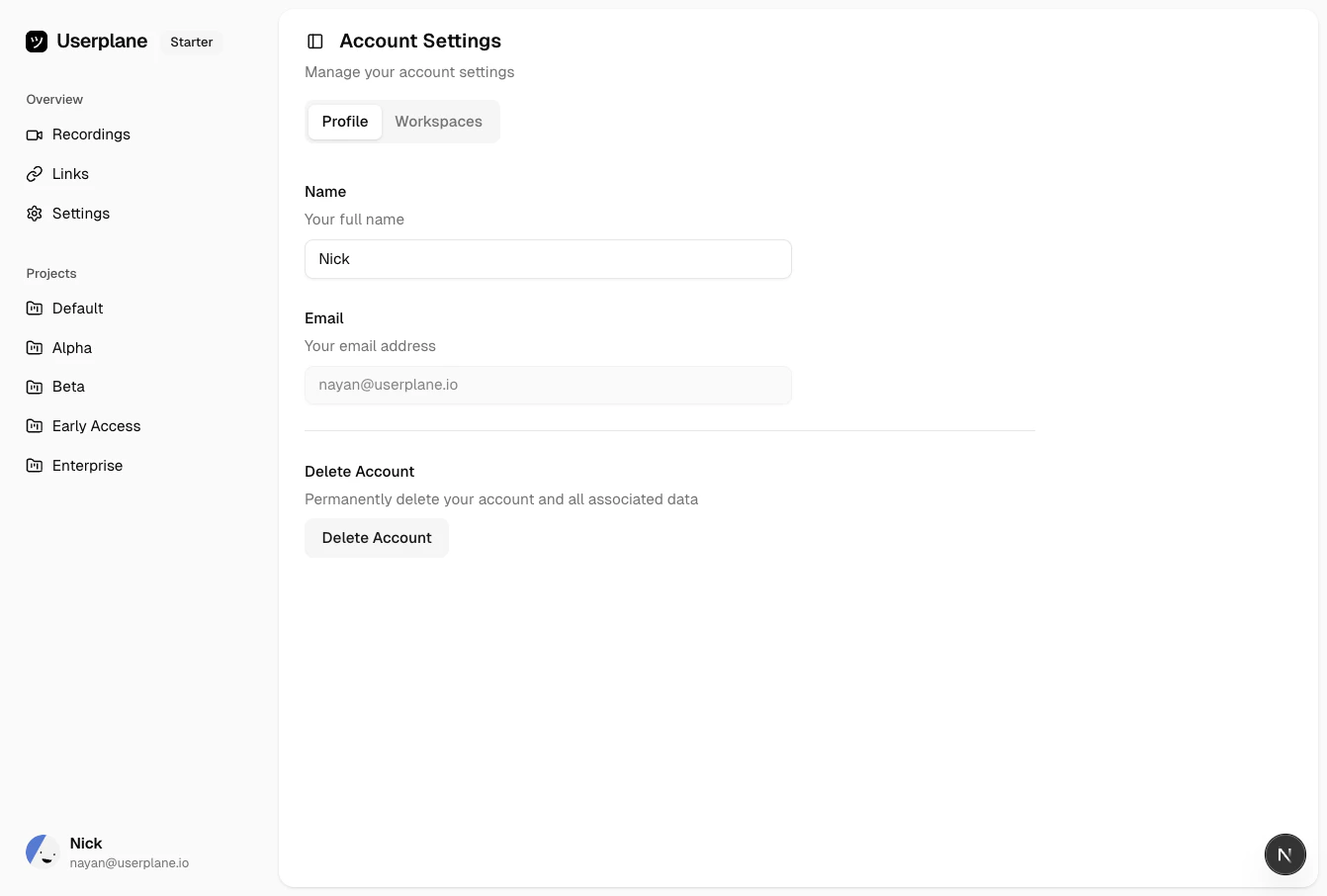 Edit the **Display name** field and save your changes.
 ## Profile settings
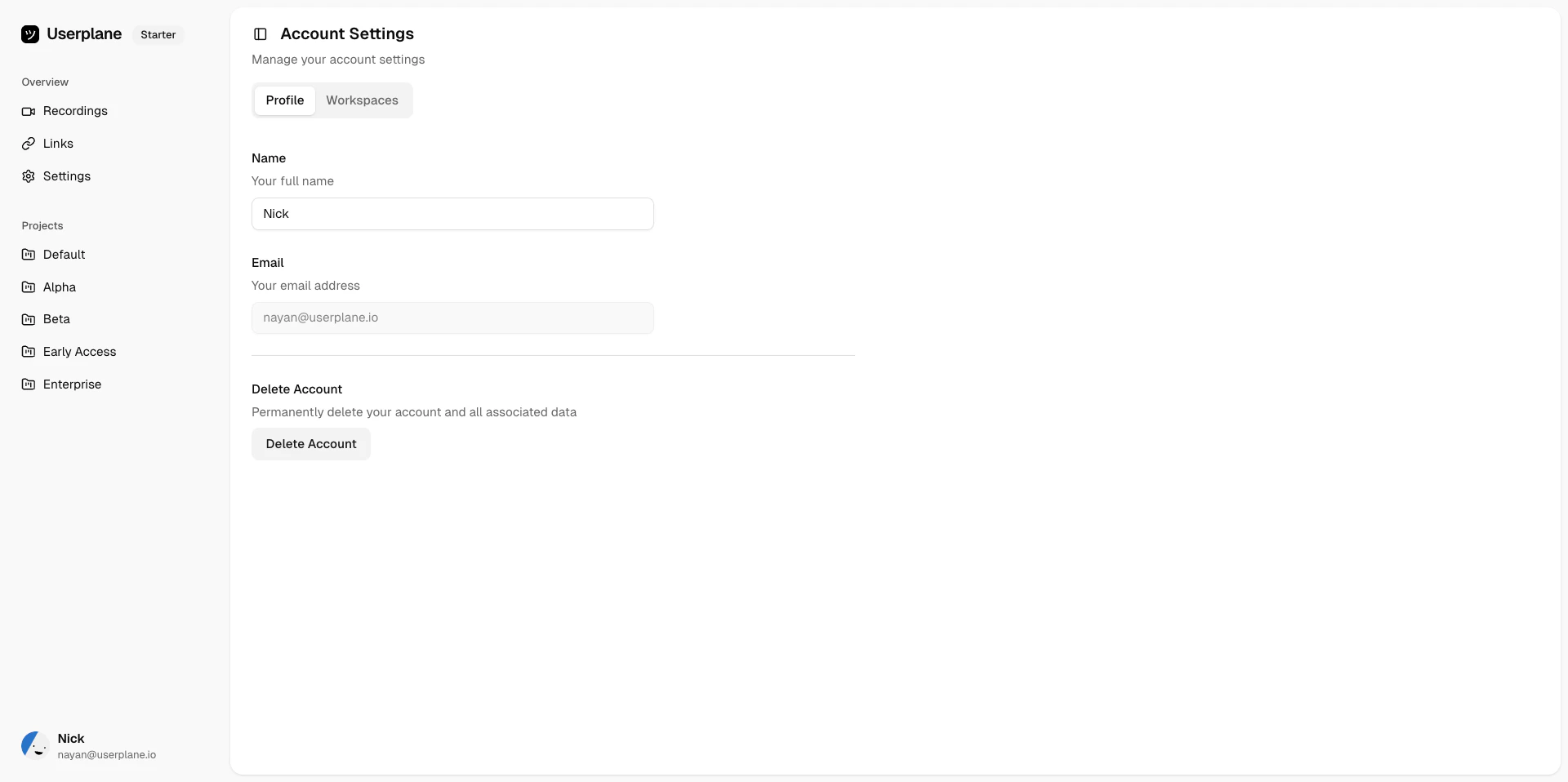
From Account Settings you can also manage:
* **Email address** — the email associated with your Userplane account.
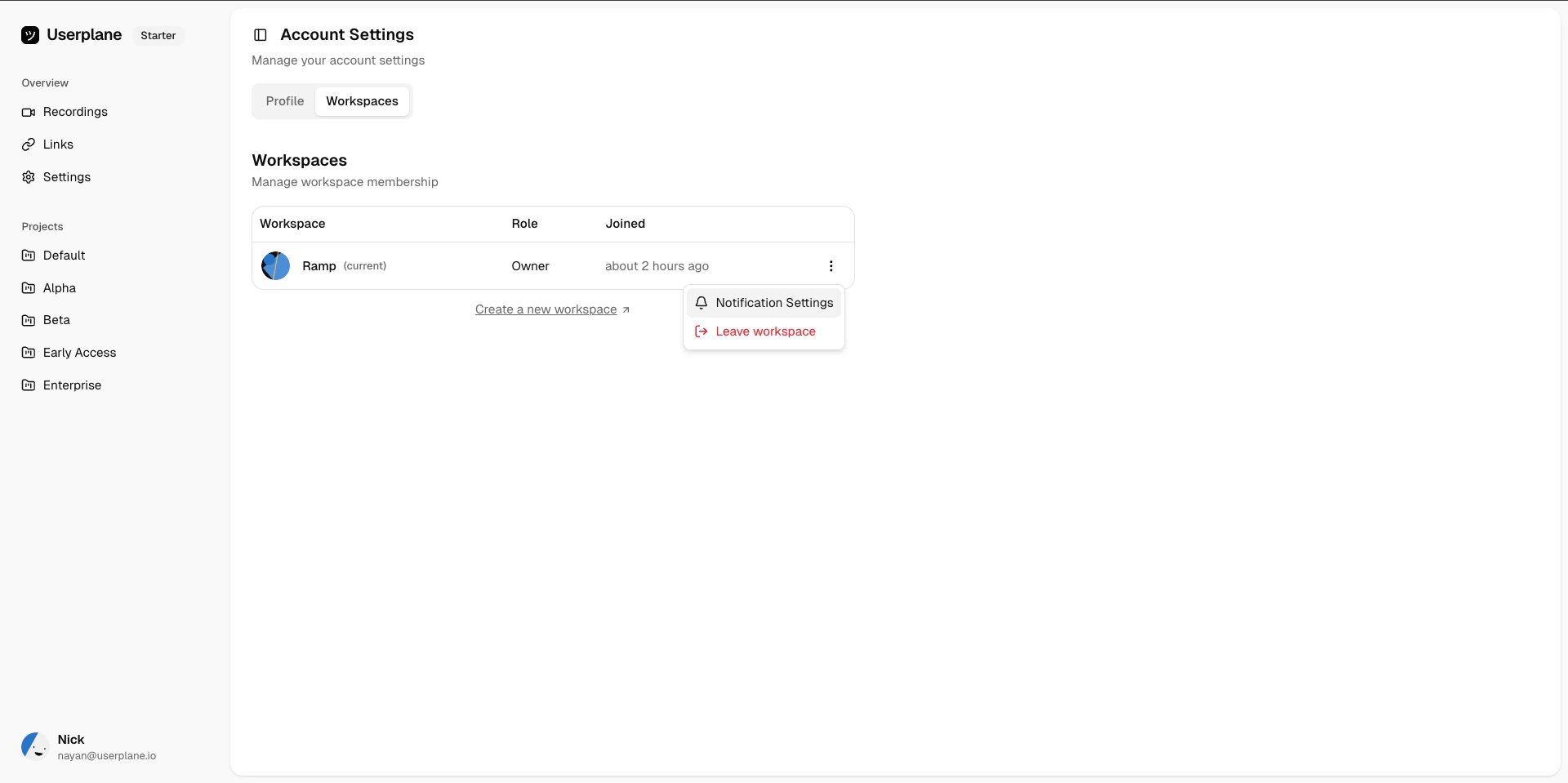
* **Workspace memberships** — view and manage the workspaces you belong to. See [Leaving a Workspace](/account/leaving-workspace).
## Profile settings
From Account Settings you can also manage:
* **Email address** — the email associated with your Userplane account.
* **Workspace memberships** — view and manage the workspaces you belong to. See [Leaving a Workspace](/account/leaving-workspace).
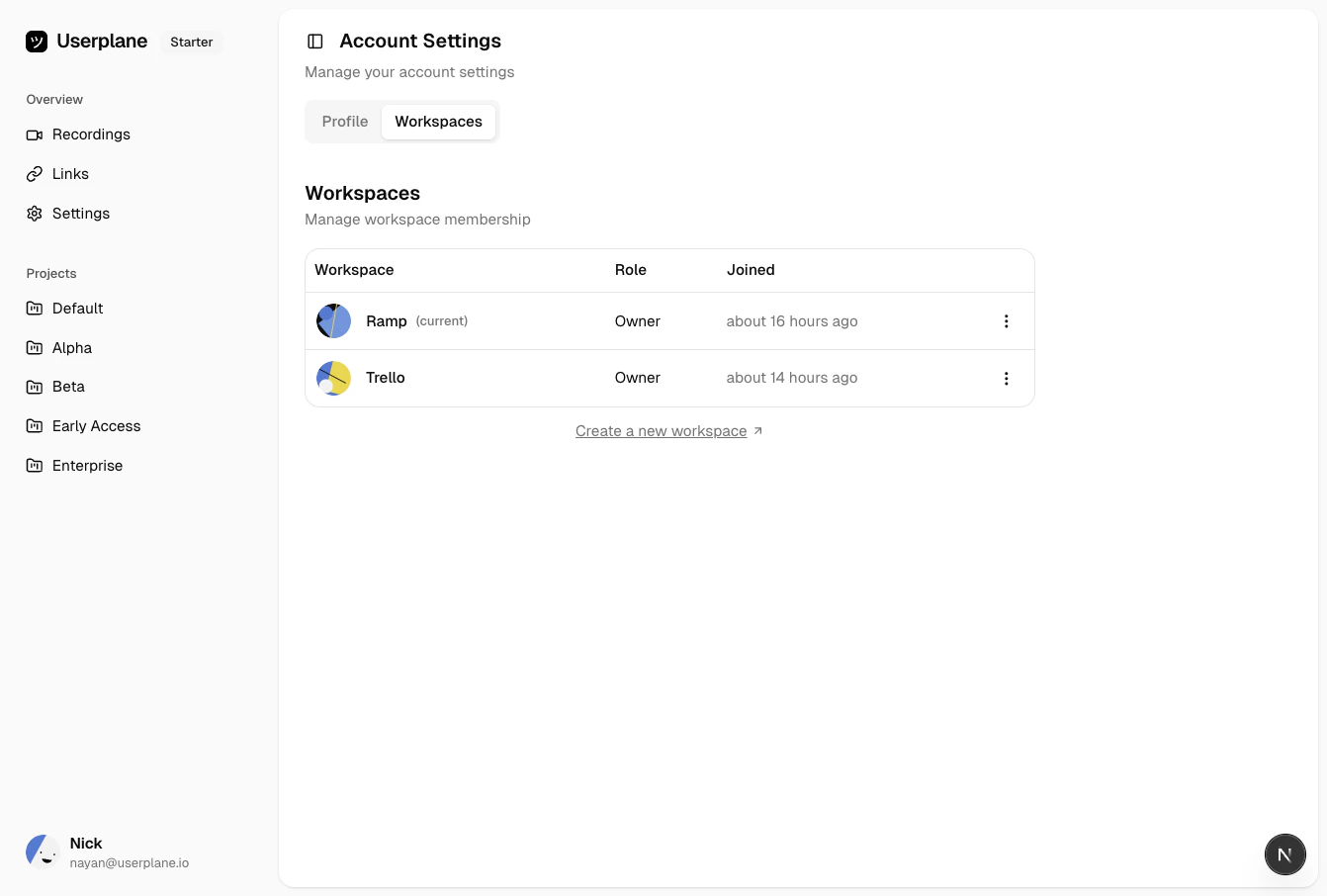 * **Notification preferences** — control which notifications you receive and which channels deliver them. See [Notification Channels & Preferences](/account/notifications).