> ## Documentation Index
> Fetch the complete documentation index at: https://docs.userplane.io/llms.txt
> Use this file to discover all available pages before exploring further.
# API Keys
> Create, manage, and rotate Userplane API keys
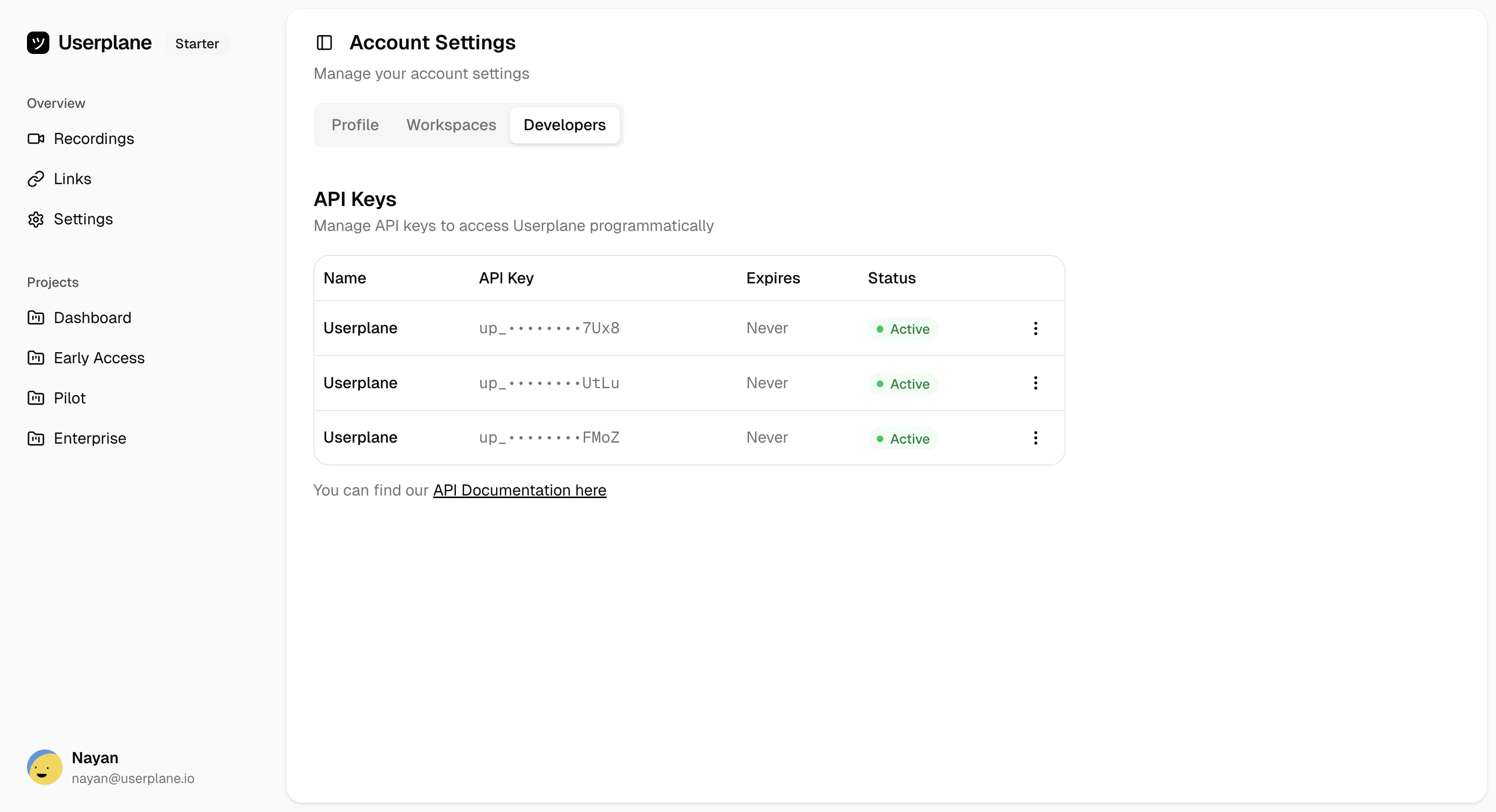
API keys provide programmatic access to the Userplane API. Each key is scoped to the user who created it and shares that user's workspace permissions.
You can manage API keys from the [Developers tab](https://dash.userplane.io/_/account?tab=developers) of your account settings.
 ## Key limits
| Limit | Value |
| ---------------------- | ------- |
| Maximum keys per user | 3 |
| Maximum key expiration | 90 days |
| Key prefix | `uspl_` |
## Rate limits
Rate limits are applied per-user, shared across all API keys for that user:
| Window | Limit |
| ---------- | --------------- |
| Per minute | 120 requests |
| Per day | 10,000 requests |
See [Rate Limits](/api/rate-limits) for more details.
## Managing your keys
Generate a new API key with optional name and expiration
View your keys, check status, and access key actions
Invalidate a key and generate a replacement
Permanently delete a key
## Key limits
| Limit | Value |
| ---------------------- | ------- |
| Maximum keys per user | 3 |
| Maximum key expiration | 90 days |
| Key prefix | `uspl_` |
## Rate limits
Rate limits are applied per-user, shared across all API keys for that user:
| Window | Limit |
| ---------- | --------------- |
| Per minute | 120 requests |
| Per day | 10,000 requests |
See [Rate Limits](/api/rate-limits) for more details.
## Managing your keys
Generate a new API key with optional name and expiration
View your keys, check status, and access key actions
Invalidate a key and generate a replacement
Permanently delete a key