> ## Documentation Index
> Fetch the complete documentation index at: https://docs.userplane.io/llms.txt
> Use this file to discover all available pages before exploring further.
# Seat Add-Ons
> Purchase additional seats beyond your plan allocation
Seat add-ons let you add extra workspace members on top of the seats included in your plan, without upgrading to a higher tier.
## What are seat add-ons
Each plan includes a base number of seats. If your team grows beyond that number, you can purchase additional seats individually rather than moving to a more expensive plan.
## Who can purchase
Only workspace **Owners** and **Admins** can purchase seat add-ons. Members can request additional
seats by contacting an owner or admin.
## How to purchase
Go to [Workspace Settings > Billing](https://dash.userplane.io/_/settings?tab=plan-usage).
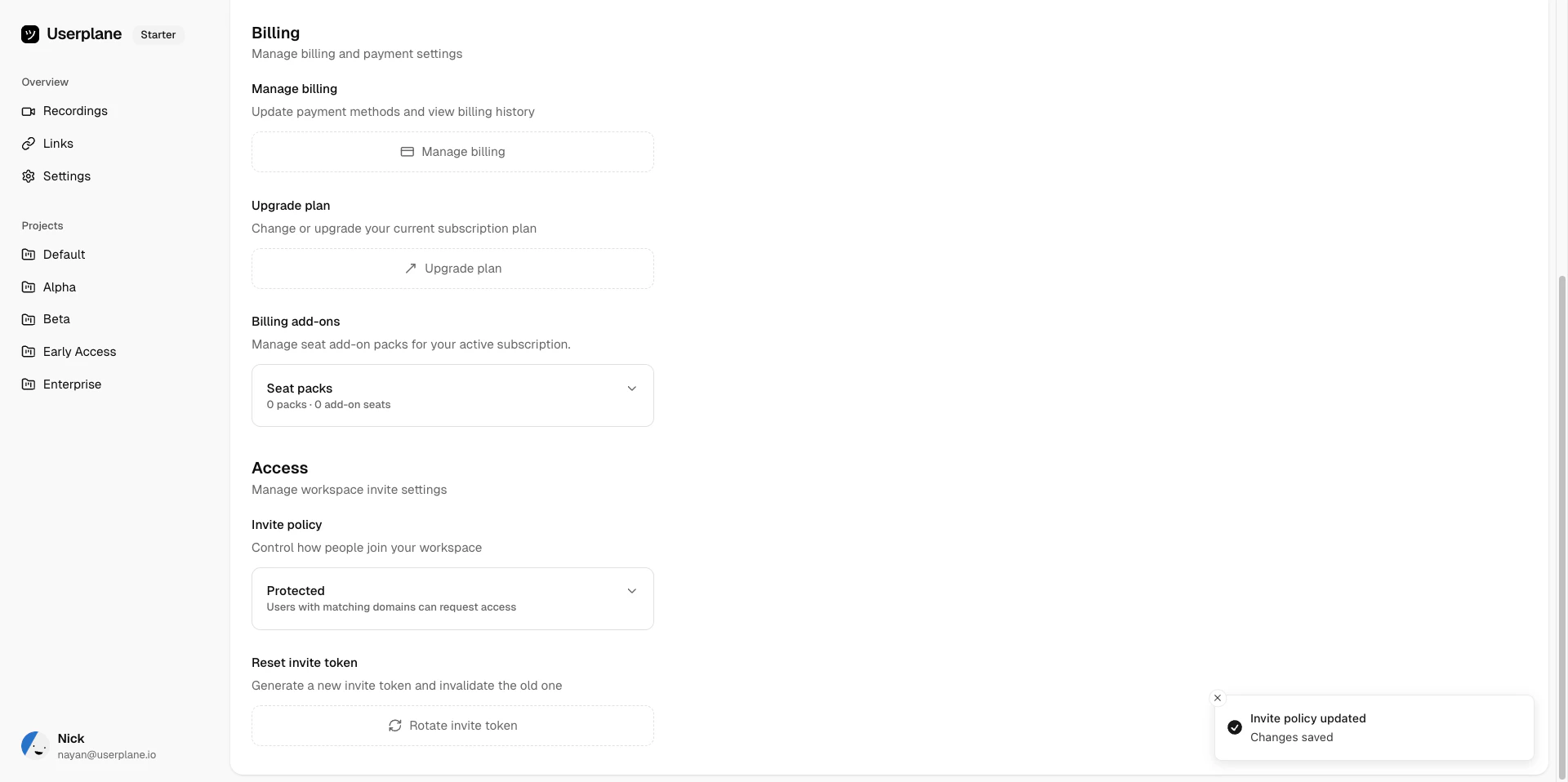 Locate the **Seats** add-on section in your billing settings.
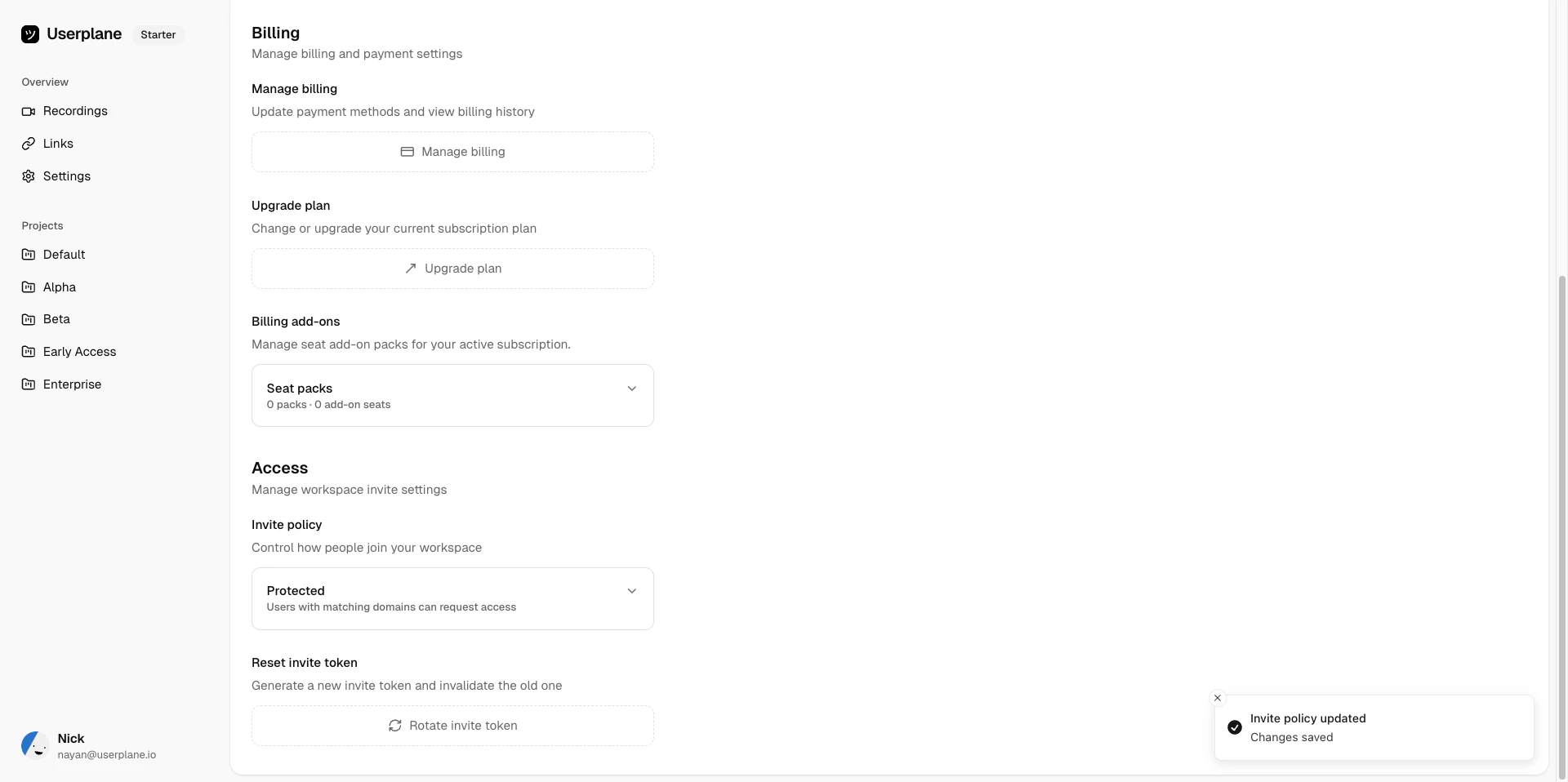 Click **Add Seats** and choose how many additional seats you need.
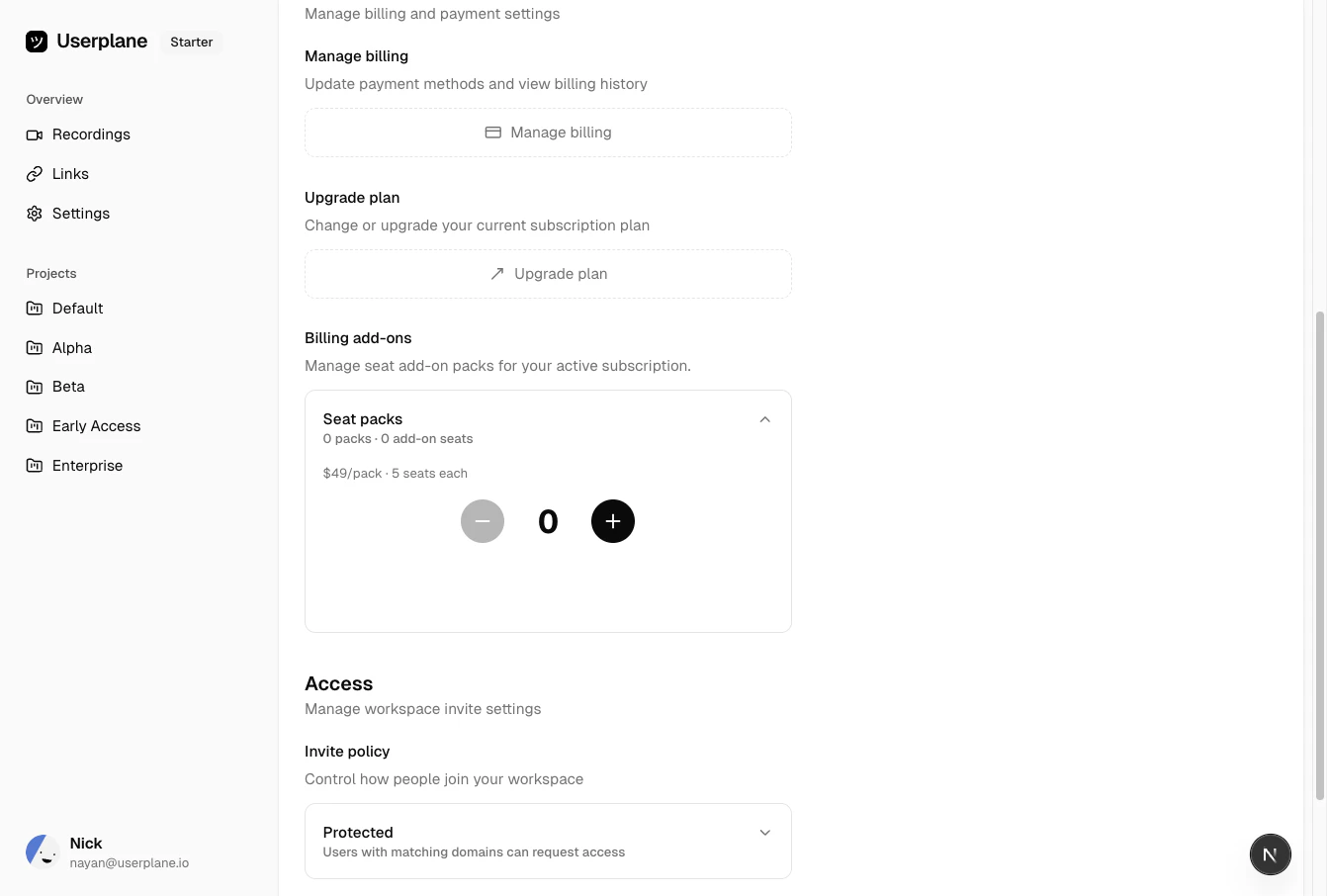 Confirm and complete the purchase. The extra seats are available immediately.
## Add-ons on plan changes
Seat add-ons are retained when you upgrade or downgrade your plan. If you move to a higher plan with more base seats, your add-on seats remain on top of the new base allocation. The same applies when downgrading — your add-on seats carry over.
## Availability
Seat add-ons are available on **paid plans only**. They are not available during the trial period
or on the Free plan. If you are on a trial, [choose a plan](/billing/trial) first, then purchase
add-ons.
## Related articles
* [Understanding Usage Limits](/billing/usage-limits) — per-plan resource breakdowns.
* [Team Management](/workspace/team-management) — add and manage workspace members.
* [Subscription Overview](/billing/overview) — plan tiers and pricing.
Confirm and complete the purchase. The extra seats are available immediately.
## Add-ons on plan changes
Seat add-ons are retained when you upgrade or downgrade your plan. If you move to a higher plan with more base seats, your add-on seats remain on top of the new base allocation. The same applies when downgrading — your add-on seats carry over.
## Availability
Seat add-ons are available on **paid plans only**. They are not available during the trial period
or on the Free plan. If you are on a trial, [choose a plan](/billing/trial) first, then purchase
add-ons.
## Related articles
* [Understanding Usage Limits](/billing/usage-limits) — per-plan resource breakdowns.
* [Team Management](/workspace/team-management) — add and manage workspace members.
* [Subscription Overview](/billing/overview) — plan tiers and pricing.