> ## Documentation Index
> Fetch the complete documentation index at: https://docs.userplane.io/llms.txt
> Use this file to discover all available pages before exploring further.
# SDK Overview
> Understand the two ways to integrate Userplane — the embed script and the npm SDK — and when to use each
Userplane offers two integration paths depending on how much control you need. Most teams start with the embed script and add the npm SDK later if they need programmatic control.
## Embed script (zero-code)
The embed script is a single `
```
This is the recommended starting point. It works with any site and requires no build step. See [Installation](/developer/installation) for setup instructions.
## npm SDK (programmatic)
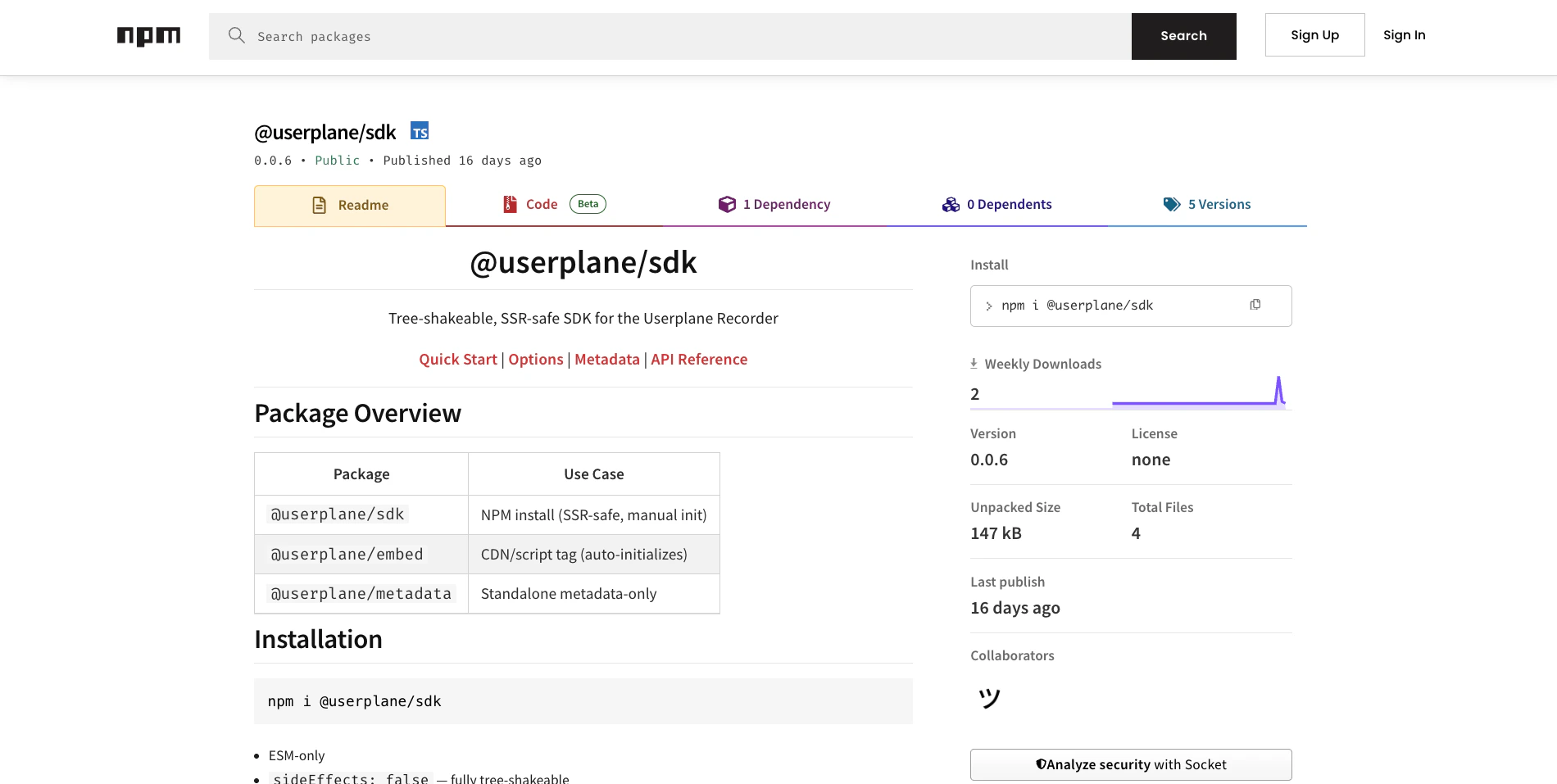
The `@userplane/sdk` package gives you a JavaScript API for full control over the recording lifecycle. Use it when you need to:
* **Trigger recordings from your UI** — open the recorder from a button, menu, or support widget instead of relying on link clicks.
* **Attach metadata** — send user IDs, account info, feature flags, or session context alongside recordings so your support team has full context.
* **Query recording state** — check whether a recording is active, get the session ID, or read connection status to build custom UI.
 ```javascript theme={null}
import { initialize, open } from '@userplane/sdk';
import { setMetadata } from '@userplane/sdk/metadata';
// Initialize once on page load
initialize({ workspaceId: 'ws_abc123' });
// Attach context for support
setMetadata({
userId: user.id,
plan: user.plan,
appVersion: __APP_VERSION__,
});
// Open the recorder from a support button
document.getElementById('help-btn').addEventListener('click', () => {
open();
});
```
## Choosing the right path
| | Embed script | npm SDK |
| --------------------------- | ------------------ | ---------------------------- |
| **Setup** | One `
```javascript theme={null}
import { initialize, open } from '@userplane/sdk';
import { setMetadata } from '@userplane/sdk/metadata';
// Initialize once on page load
initialize({ workspaceId: 'ws_abc123' });
// Attach context for support
setMetadata({
userId: user.id,
plan: user.plan,
appVersion: __APP_VERSION__,
});
// Open the recorder from a support button
document.getElementById('help-btn').addEventListener('click', () => {
open();
});
```
## Choosing the right path
| | Embed script | npm SDK |
| --------------------------- | ------------------ | ---------------------------- |
| **Setup** | One `