> ## Documentation Index
> Fetch the complete documentation index at: https://docs.userplane.io/llms.txt
> Use this file to discover all available pages before exploring further.
# Ruby on Rails Integration
> Install Userplane in a Ruby on Rails application by adding the CDN embed script to your application layout
This guide covers how to install Userplane in a Ruby on Rails application.
## Adding the script
Add these two tags to the `` of your application layout:
```erb theme={null}
<%= csrf_meta_tags %>
<%= csp_meta_tag %>
<%= stylesheet_link_tag "application" %>
<%= yield(:head) %>
<%= yield %>
```
Replace `YOUR_WORKSPACE_ID` with your workspace ID. You can copy the exact snippet with your ID pre-filled from **Workspace Settings > Domains** in the Userplane dashboard.
Place the tags as early as possible in ``. The Userplane script can only capture console logs and network requests that occur after it initializes — placing it early gives you the most complete recording context.
Rails' `javascript_include_tag` helper accepts full URLs (`<%= javascript_include_tag "https://cdn.userplane.io/embed/script.js" %>`), but a plain `
<% end %>
```
## Turbo compatibility
Rails 7+ includes **Turbo** by default, which performs partial page replacements instead of full reloads. The Userplane CDN script placed in `` loads on the initial page visit and persists across Turbo navigations — no special configuration is needed.
If you initialize custom JavaScript alongside Userplane, listen for `turbo:load` rather than `DOMContentLoaded`:
```javascript theme={null}
document.addEventListener('turbo:load', () => {
// Code that should run on every page navigation
});
```
## URL parameters
When a customer opens a recording link, Userplane appends `userplane-token` and `userplane-action` to the URL. If your Rails app redirects unauthenticated users (e.g. via Devise), carry the `userplane-` prefixed parameters through the redirect:
```ruby theme={null}
# app/controllers/application_controller.rb
class ApplicationController < ActionController::Base
before_action :authenticate_user!
private
def after_sign_in_path_for(resource)
stored_location = stored_location_for(resource) || root_path
userplane_params = request.query_parameters.select { |k, _| k.start_with?("userplane-") }
if userplane_params.any?
uri = URI.parse(stored_location)
existing = URI.decode_www_form(uri.query || "")
uri.query = URI.encode_www_form(existing + userplane_params.to_a)
uri.to_s
else
stored_location
end
end
end
```
See [Installation](/developer/installation) for the full list of parameters.
## Sensitive data
Add `data-userplane-blur` to any element you want blurred in recordings. See [Sensitive Data Redaction](/developer/sensitive-data-redaction) for the full reference.
## Content Security Policy
If your Rails app uses the built-in CSP DSL, add the Userplane CDN domain:
```ruby theme={null}
# config/initializers/content_security_policy.rb
Rails.application.configure do
config.content_security_policy do |policy|
policy.script_src :self, "https://cdn.userplane.io"
end
end
```
See [Installation](/developer/installation) for additional CSP guidance.
## Example app
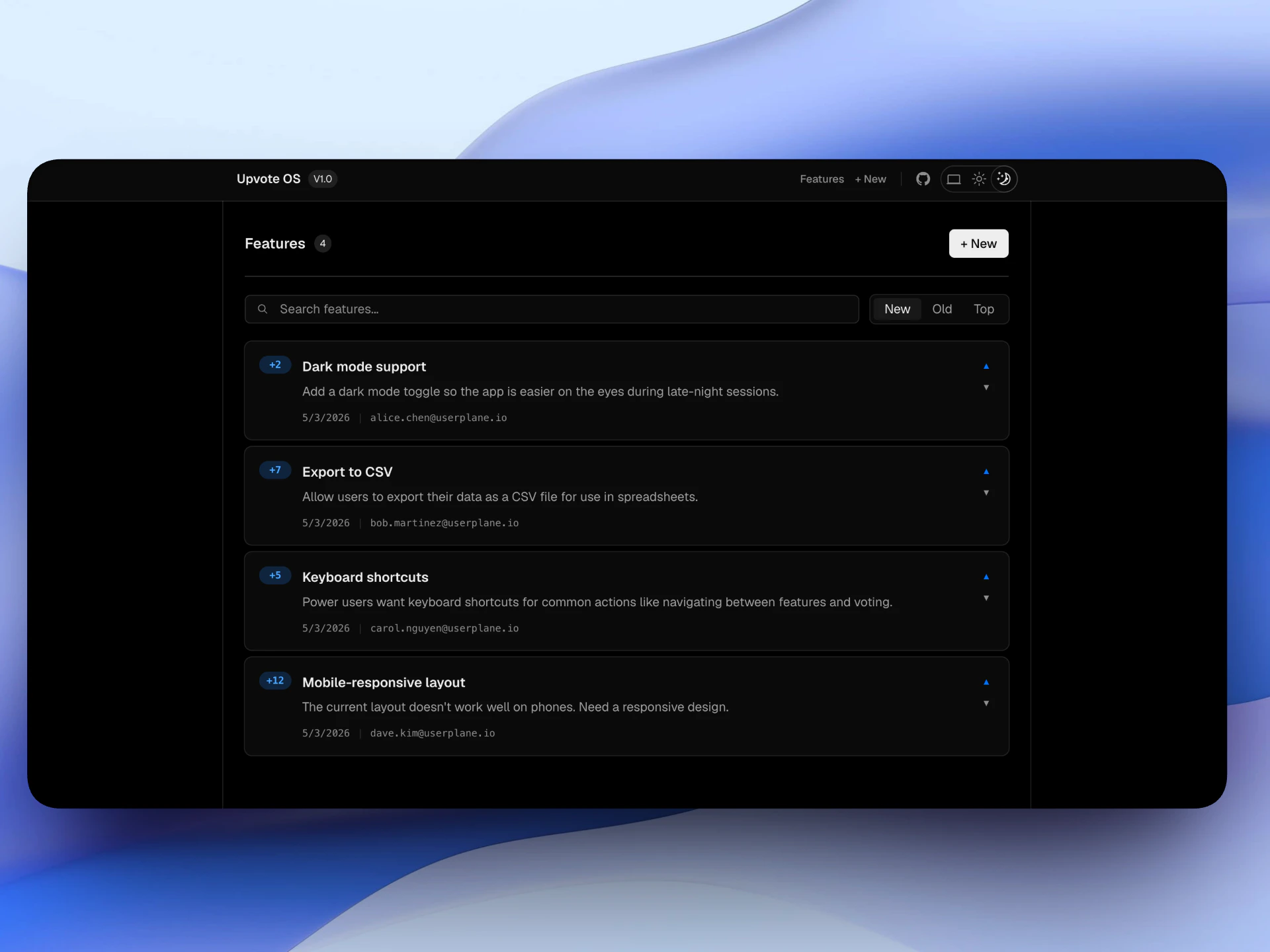
A complete Ruby on Rails example is available at [github.com/userplanehq/userplane-sdk-examples/tree/main/examples/rails](https://github.com/userplanehq/userplane-sdk-examples/tree/main/examples/rails).
 | Variable | Description |
| ------------------------ | --------------------------- |
| `USERPLANE_WORKSPACE_ID` | Your Userplane workspace ID |
```bash theme={null}
cd examples/rails && bundle install && bin/rails server
```
## Related articles
* [Installation](/developer/installation) — CDN script placement, CSP, iframes, and browser support.
* [Domain Verification Guide](/developer/domain-verification) — verify domain ownership after installing the script.
* [Sensitive Data Redaction](/developer/sensitive-data-redaction) — blur sensitive content in recordings.
* [Web SDK](/developer/web-sdk) — programmatic SDK for apps with a build step.
| Variable | Description |
| ------------------------ | --------------------------- |
| `USERPLANE_WORKSPACE_ID` | Your Userplane workspace ID |
```bash theme={null}
cd examples/rails && bundle install && bin/rails server
```
## Related articles
* [Installation](/developer/installation) — CDN script placement, CSP, iframes, and browser support.
* [Domain Verification Guide](/developer/domain-verification) — verify domain ownership after installing the script.
* [Sensitive Data Redaction](/developer/sensitive-data-redaction) — blur sensitive content in recordings.
* [Web SDK](/developer/web-sdk) — programmatic SDK for apps with a build step.