> ## Documentation Index
> Fetch the complete documentation index at: https://docs.userplane.io/llms.txt
> Use this file to discover all available pages before exploring further.
# Branding Your Links
> Add your company logo, name, colors, and messaging to recording pages
Branding lets you customize the recording page your customers see when they open a recording link. A branded recording page builds trust and makes the experience feel like part of your product.
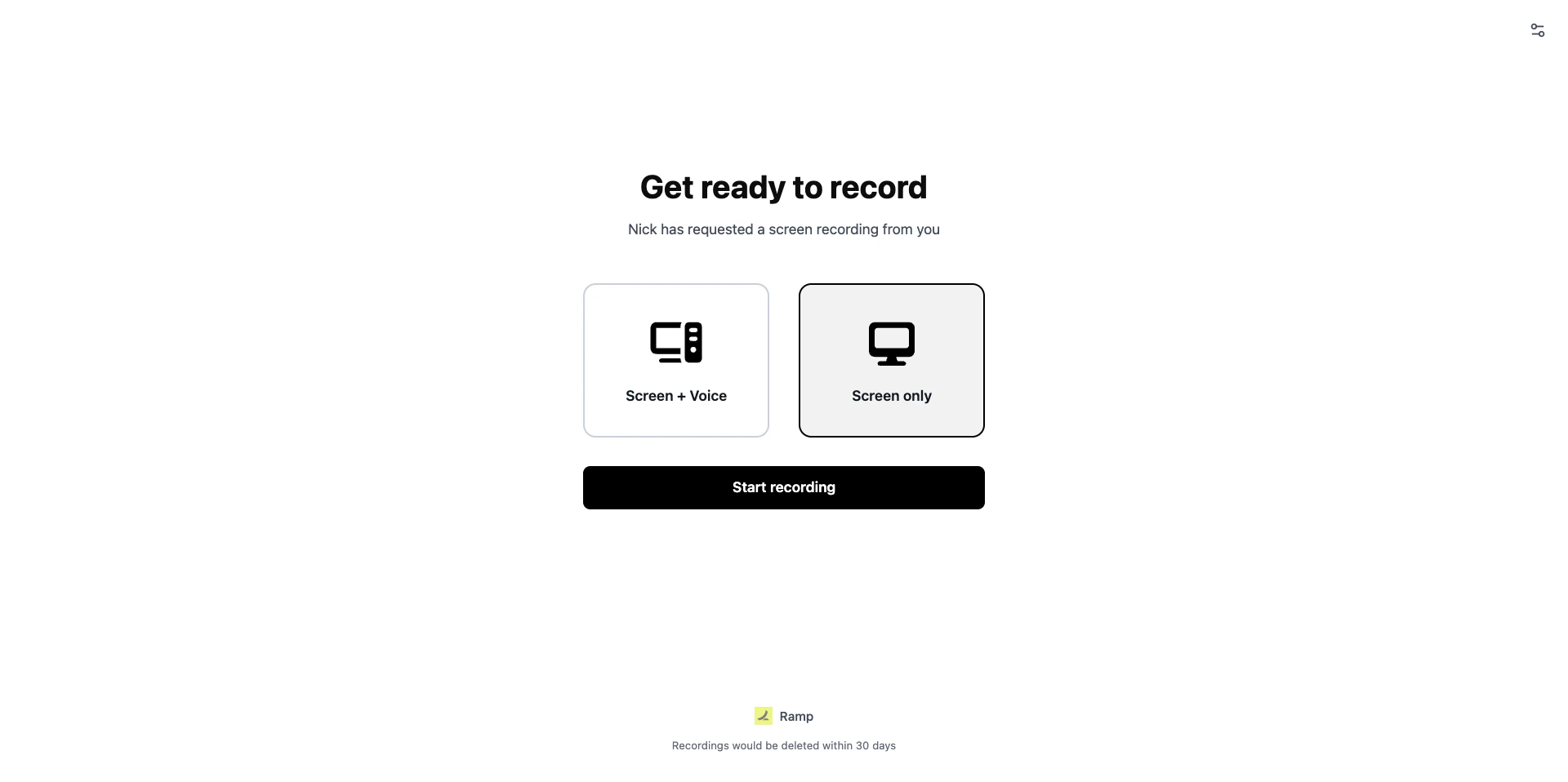 ## Branding settings
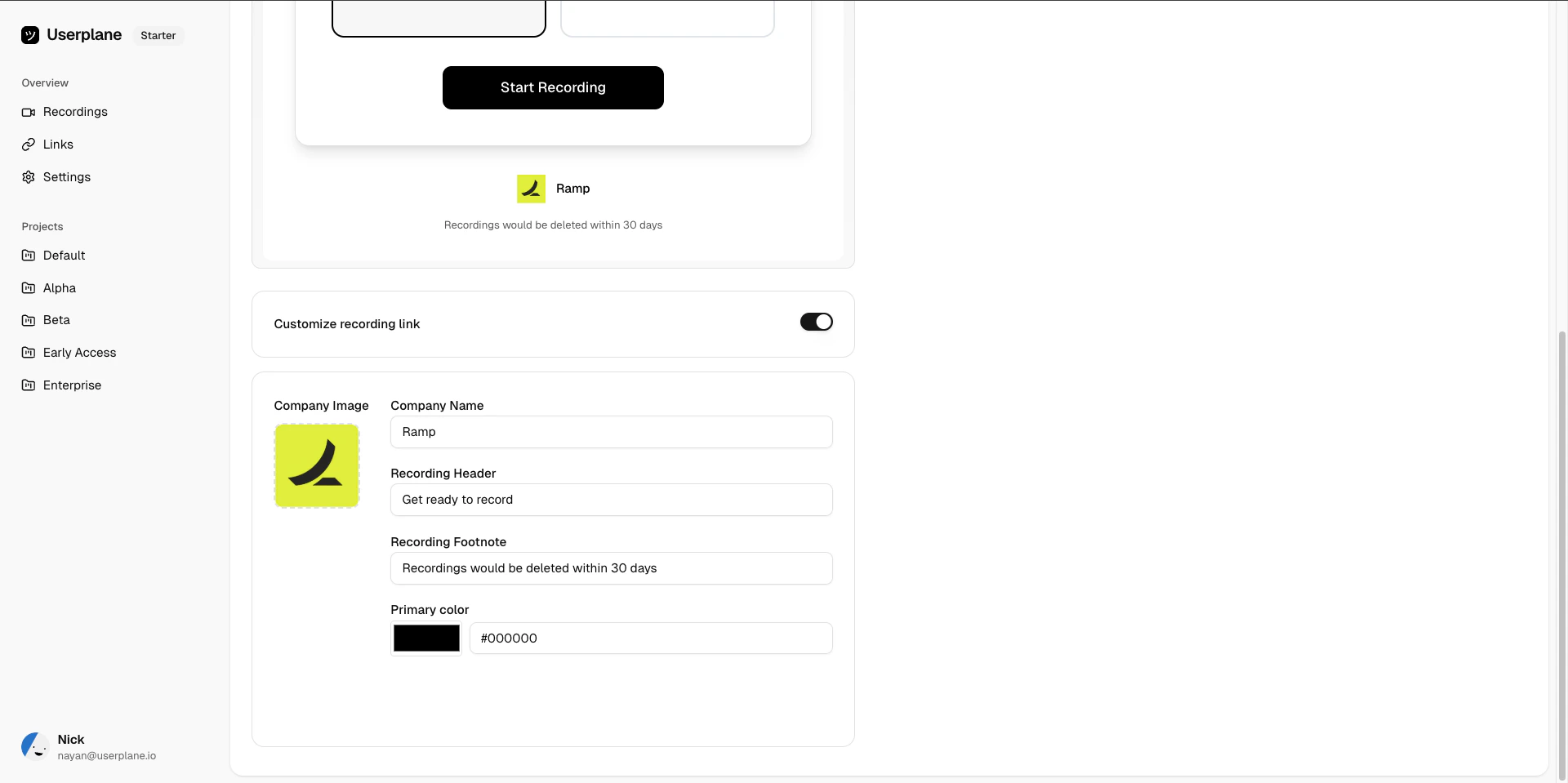
Go to [Workspace Settings > Recording Customization](https://dash.userplane.io/_/settings?tab=customization) to configure branding. The following fields are available:
| Field | Description | Limits |
| ---------------------- | ----------------------------------------------------------------------------------- | ---------------------------- |
| **Company image** | Your company logo displayed on the recording page. | Max **4 MB**. |
| **Company name** | Your company name shown alongside the logo. | Max 100 characters. |
| **Recording header** | A headline shown before the customer starts recording (e.g. "Get ready to record"). | Max **200 characters**. |
| **Recording footnote** | Additional text shown at the bottom of the recording page. | Max **500 characters**. |
| **Primary color** | The accent color used for buttons and highlights on the recording page. | Hex format (e.g. `#FF5733`). |
## Branding settings
Go to [Workspace Settings > Recording Customization](https://dash.userplane.io/_/settings?tab=customization) to configure branding. The following fields are available:
| Field | Description | Limits |
| ---------------------- | ----------------------------------------------------------------------------------- | ---------------------------- |
| **Company image** | Your company logo displayed on the recording page. | Max **4 MB**. |
| **Company name** | Your company name shown alongside the logo. | Max 100 characters. |
| **Recording header** | A headline shown before the customer starts recording (e.g. "Get ready to record"). | Max **200 characters**. |
| **Recording footnote** | Additional text shown at the bottom of the recording page. | Max **500 characters**. |
| **Primary color** | The accent color used for buttons and highlights on the recording page. | Hex format (e.g. `#FF5733`). |
 ## Enable or disable branding
Toggle the **Customize recording link** switch to enable or disable branding. When disabled, recording pages use default Userplane branding (company name "Userplane", header "Get ready to record", black primary color).
## Preview
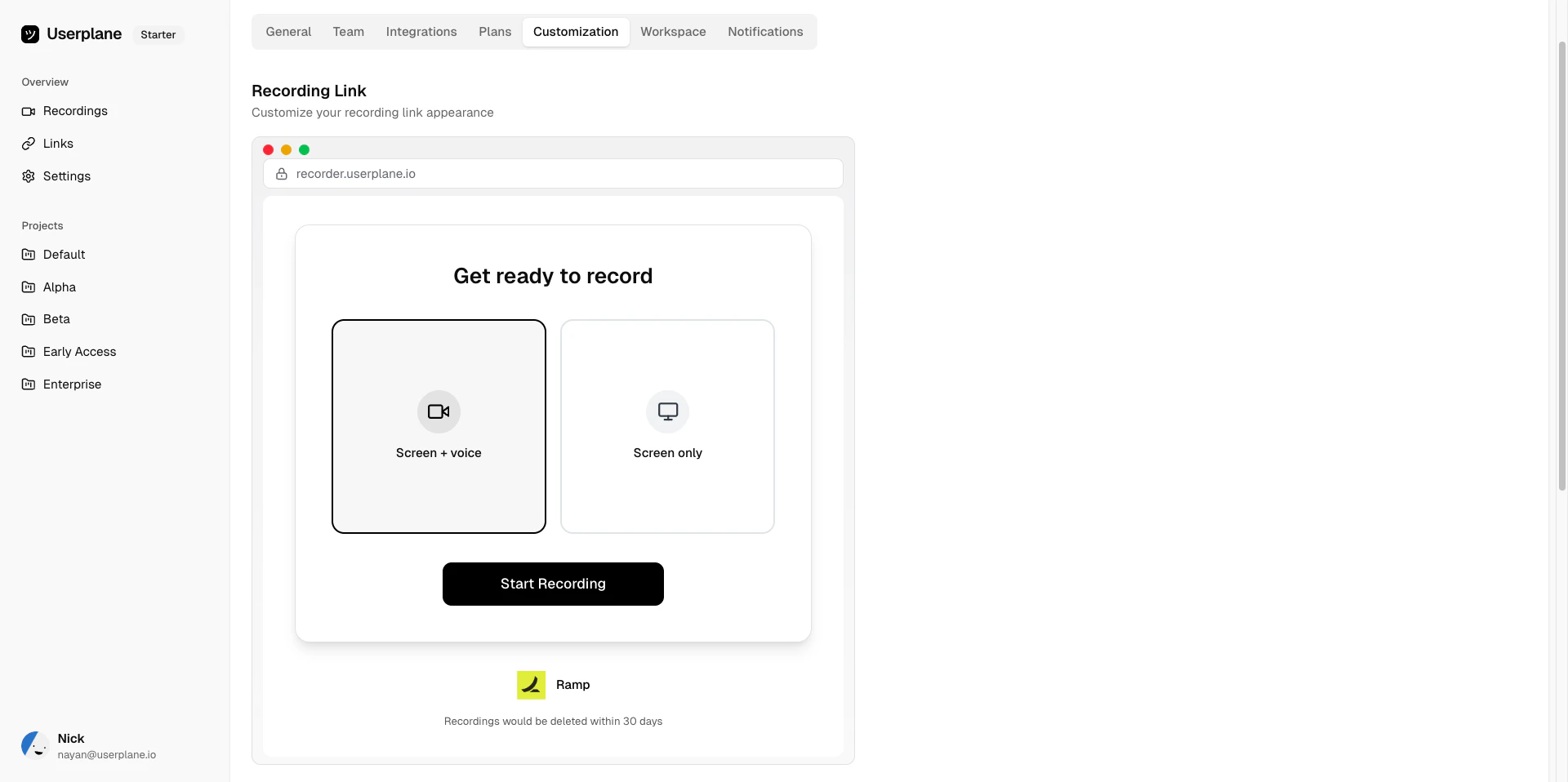
After making changes, use the preview to see how the recording page will look to your customers before saving.
## Enable or disable branding
Toggle the **Customize recording link** switch to enable or disable branding. When disabled, recording pages use default Userplane branding (company name "Userplane", header "Get ready to record", black primary color).
## Preview
After making changes, use the preview to see how the recording page will look to your customers before saving.
 ## Defaults
| Field | Default value |
| ------------------ | ------------------- |
| Company name | Userplane |
| Recording header | Get ready to record |
| Recording footnote | (none) |
| Primary color | `#000000` (black) |
## Related articles
* [Customizing Recording Links](/recording-links/overview) — overview of all customization options.
* [Domain Recording Preferences](/recording-links/domain-preferences) — control what data gets captured per domain.
## Defaults
| Field | Default value |
| ------------------ | ------------------- |
| Company name | Userplane |
| Recording header | Get ready to record |
| Recording footnote | (none) |
| Primary color | `#000000` (black) |
## Related articles
* [Customizing Recording Links](/recording-links/overview) — overview of all customization options.
* [Domain Recording Preferences](/recording-links/domain-preferences) — control what data gets captured per domain.