> ## Documentation Index
> Fetch the complete documentation index at: https://docs.userplane.io/llms.txt
> Use this file to discover all available pages before exploring further.
# Domain Recording Preferences
> Control what data is captured per domain — console logs, network activity, client actions, and more
Each verified domain in your workspace can have its own recording preferences. These settings control what data is captured alongside the video when a customer records on that domain.
## Available preferences
| Preference | Description |
| ---------------------------------- | ------------------------------------------------------------------------------------------------------------------------------------------------ |
| **Hide sensitive fields** | Automatically blur sensitive form fields and inputs during recording. See [Sensitive Data Redaction](/recording-links/sensitive-data-redaction). |
| **Capture console logs** | Record browser console output (errors, warnings, messages). |
| **Capture client actions** | Record user interactions (clicks, inputs, navigation). |
| **Capture network logs** | Record HTTP requests and responses (URLs, status codes, timing). |
| **Capture backend logs** | Record server-side logs forwarded during the session. |
| **Capture voice and device audio** | Record the user's voice and device system audio alongside the video. |
## Configuring preferences
Go to [Workspace Settings > Domains](https://dash.userplane.io/_/settings?tab=general).
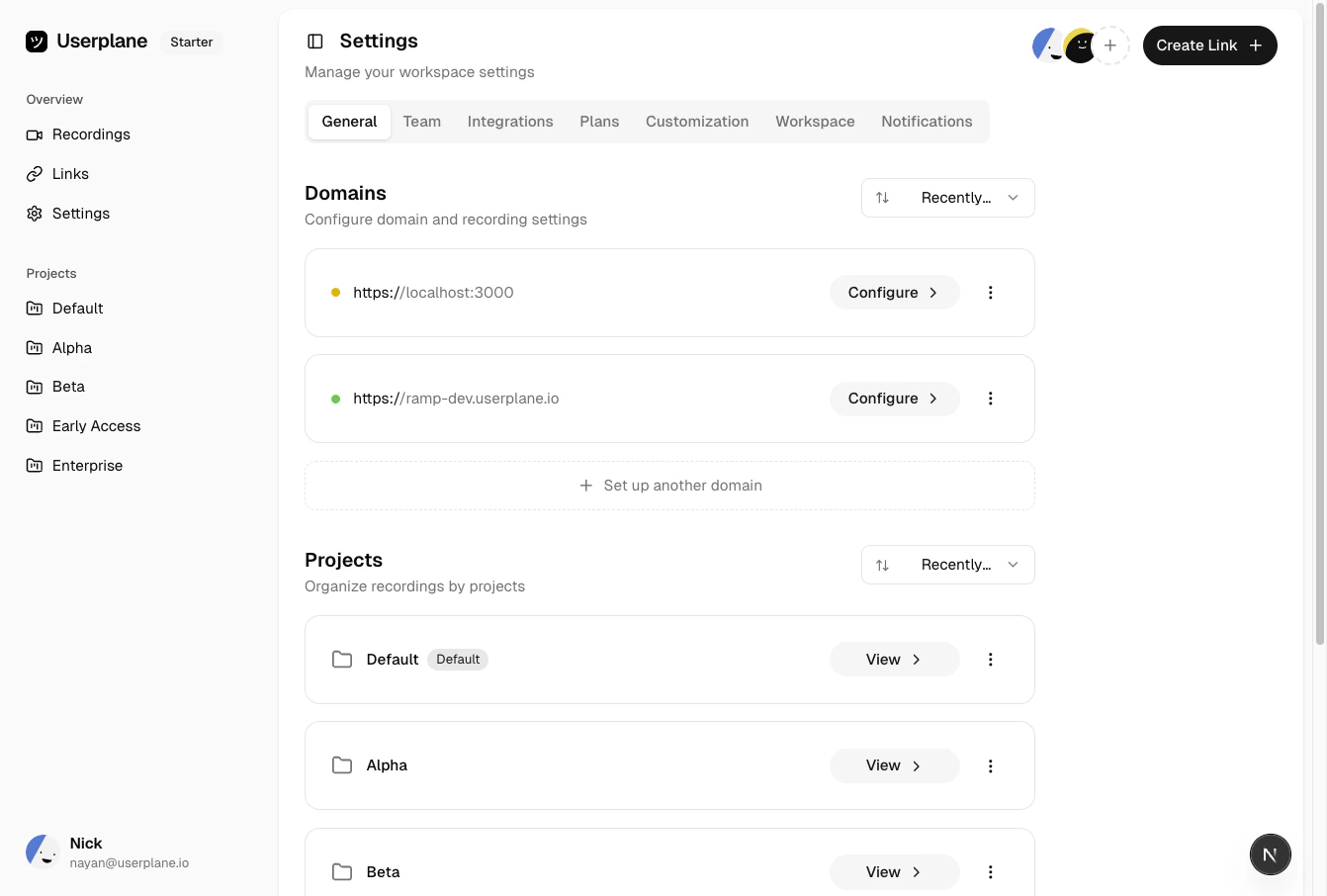 Click a **verified** domain to open its configuration.
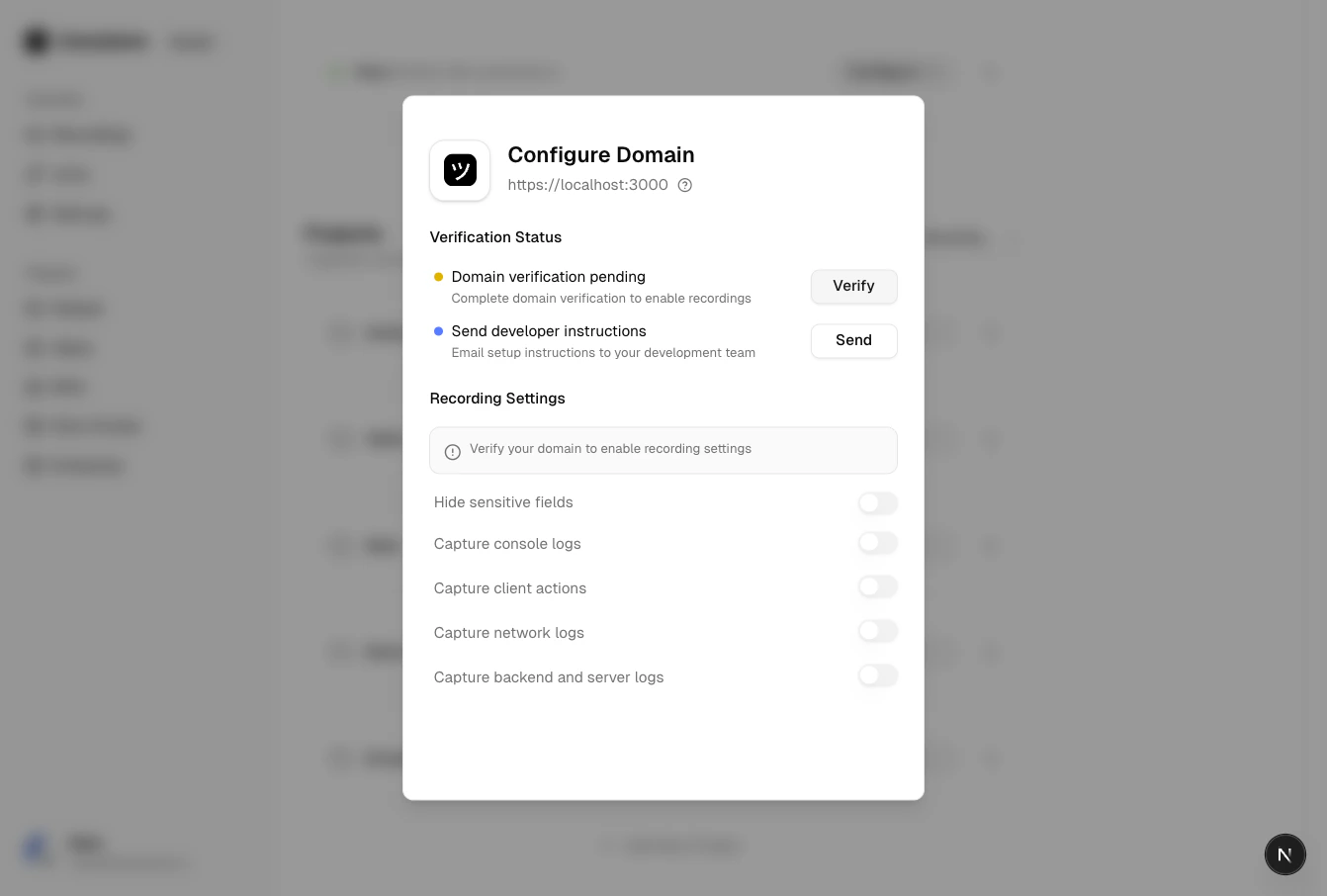 Toggle the preferences you want to enable or disable. Changes take effect immediately for new
recordings.
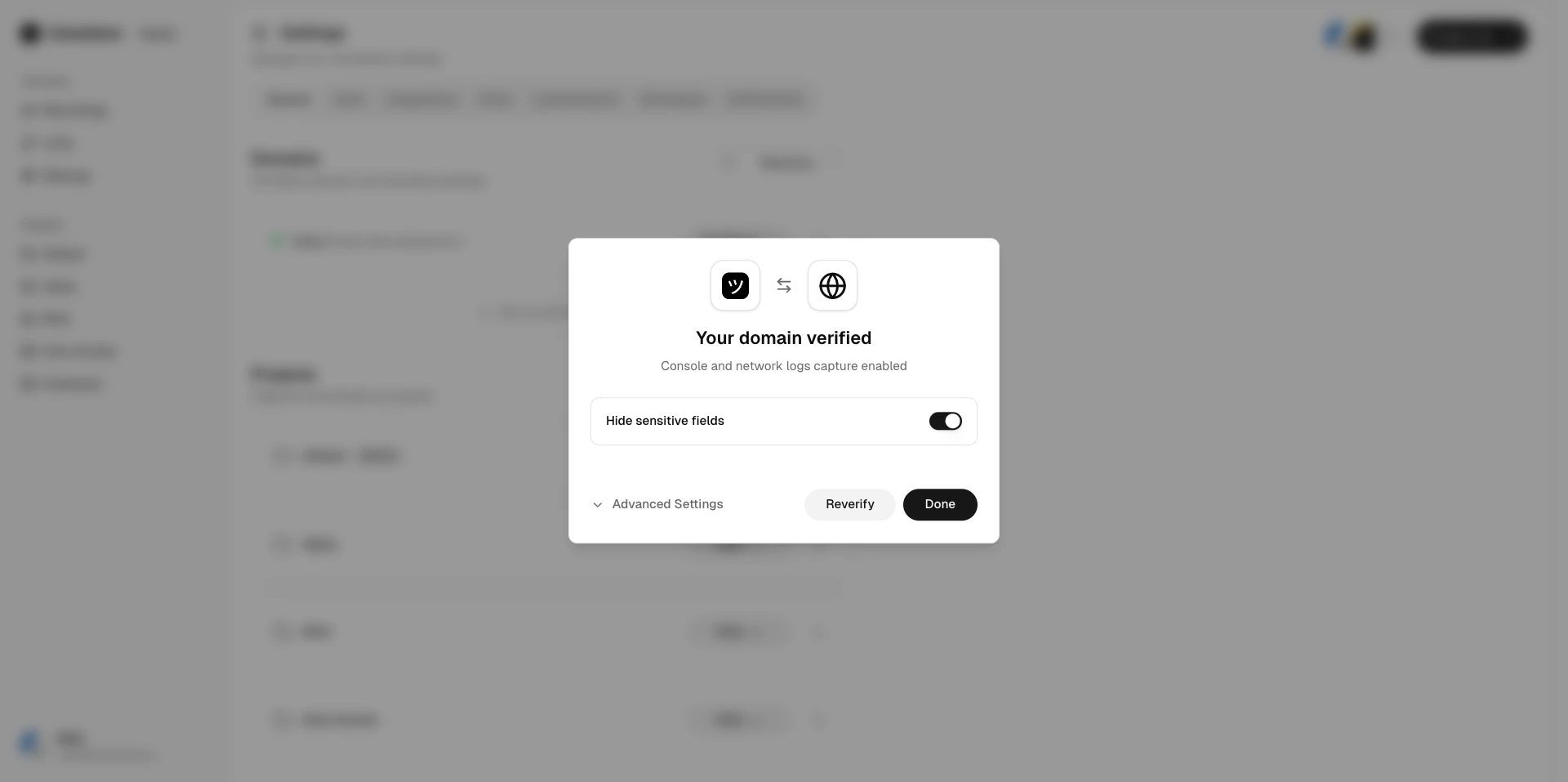
Toggle the preferences you want to enable or disable. Changes take effect immediately for new
recordings.
 ## Requirements
Domain recording preferences are only available for **verified** domains. If a domain is in
**pending** or **revoked** status, you must complete [domain
verification](/workspace/domain-verification) first.
## Defaults
All domain capture preferences are opt-in by default when a domain is first verified. You can toggle any preference to match your use case.
## Related articles
* [Customizing Recording Links](/recording-links/overview) — overview of branding and preferences.
* [Sensitive Data Redaction](/recording-links/sensitive-data-redaction) — how sensitive data is automatically hidden.
* [Domain Verification](/workspace/domain-verification) — verify your domain to unlock preferences.
## Requirements
Domain recording preferences are only available for **verified** domains. If a domain is in
**pending** or **revoked** status, you must complete [domain
verification](/workspace/domain-verification) first.
## Defaults
All domain capture preferences are opt-in by default when a domain is first verified. You can toggle any preference to match your use case.
## Related articles
* [Customizing Recording Links](/recording-links/overview) — overview of branding and preferences.
* [Sensitive Data Redaction](/recording-links/sensitive-data-redaction) — how sensitive data is automatically hidden.
* [Domain Verification](/workspace/domain-verification) — verify your domain to unlock preferences.