> ## Documentation Index
> Fetch the complete documentation index at: https://docs.userplane.io/llms.txt
> Use this file to discover all available pages before exploring further.
# Managing Recording Links
> Browse, filter, and manage your recording links from the Links page
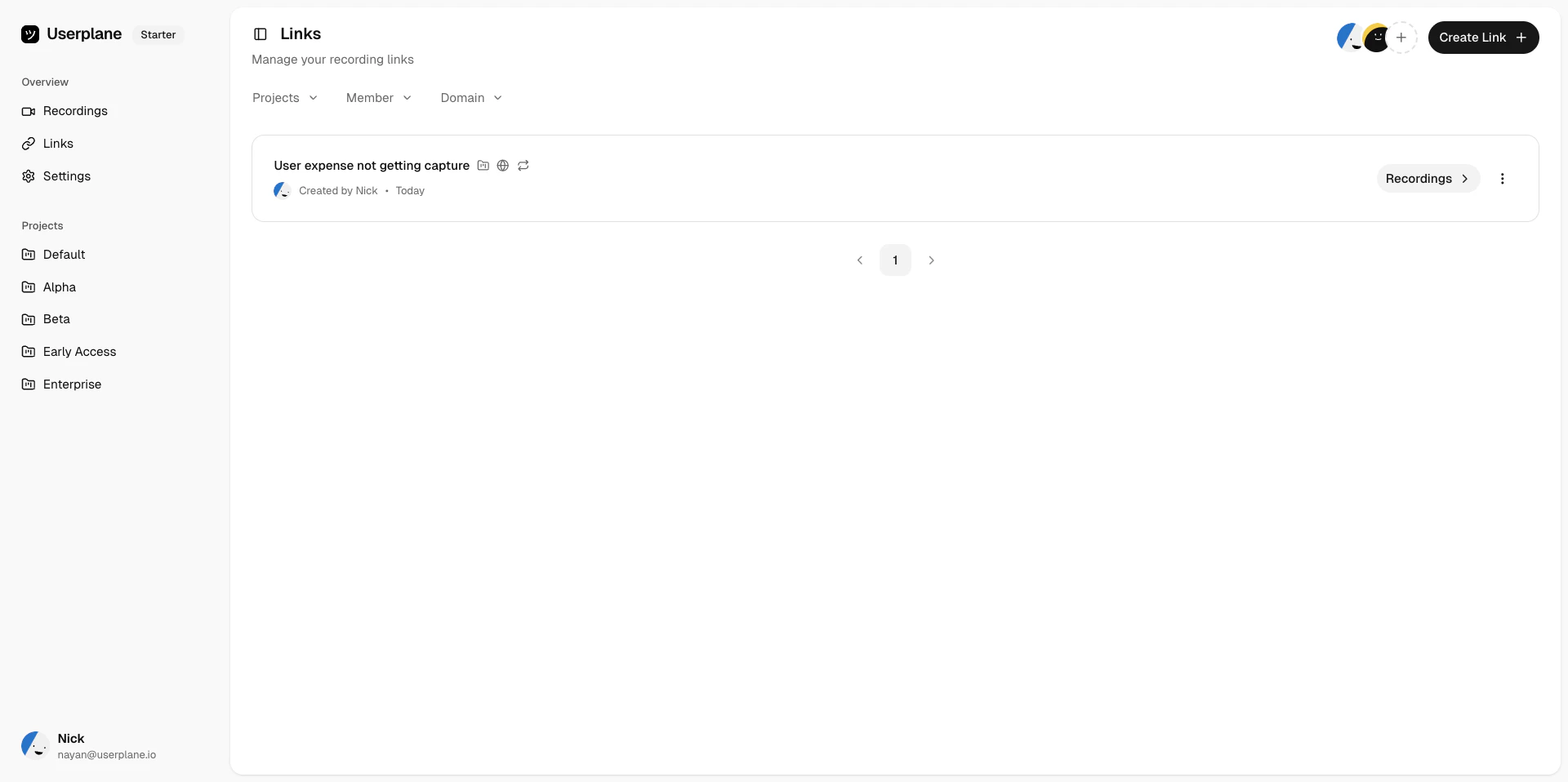
The [Links](https://dash.userplane.io/_/links) page gives you a central view of all recording links in your workspace. From here you can create, share, edit, and delete links.
## List view
Links are displayed in a paginated list. Each link shows its reference, project, domain, creation date, and whether it is reusable or one-time.
 ## Filtering links
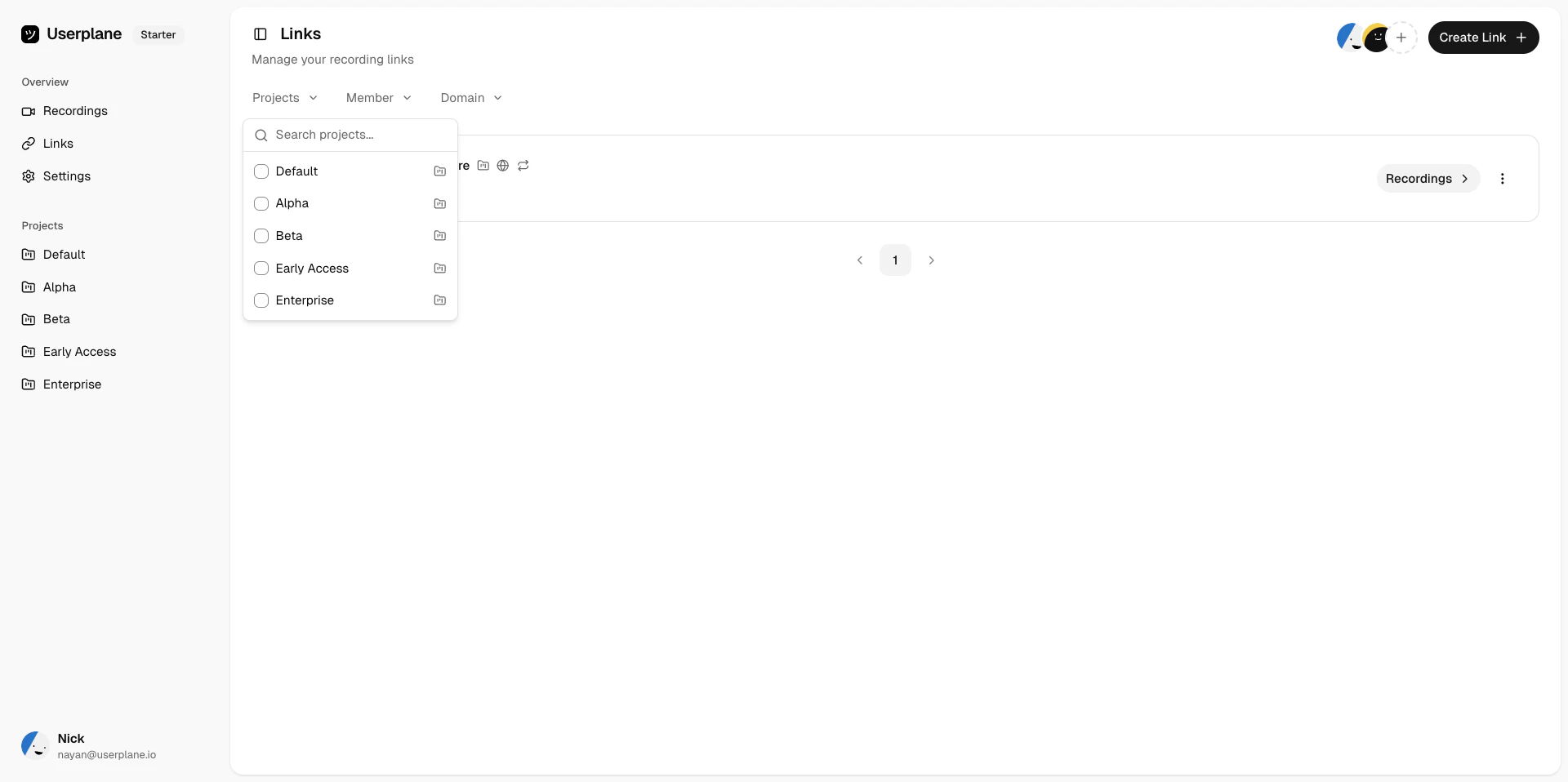
Use the filter controls to narrow the list:
Show links from a specific project.
## Filtering links
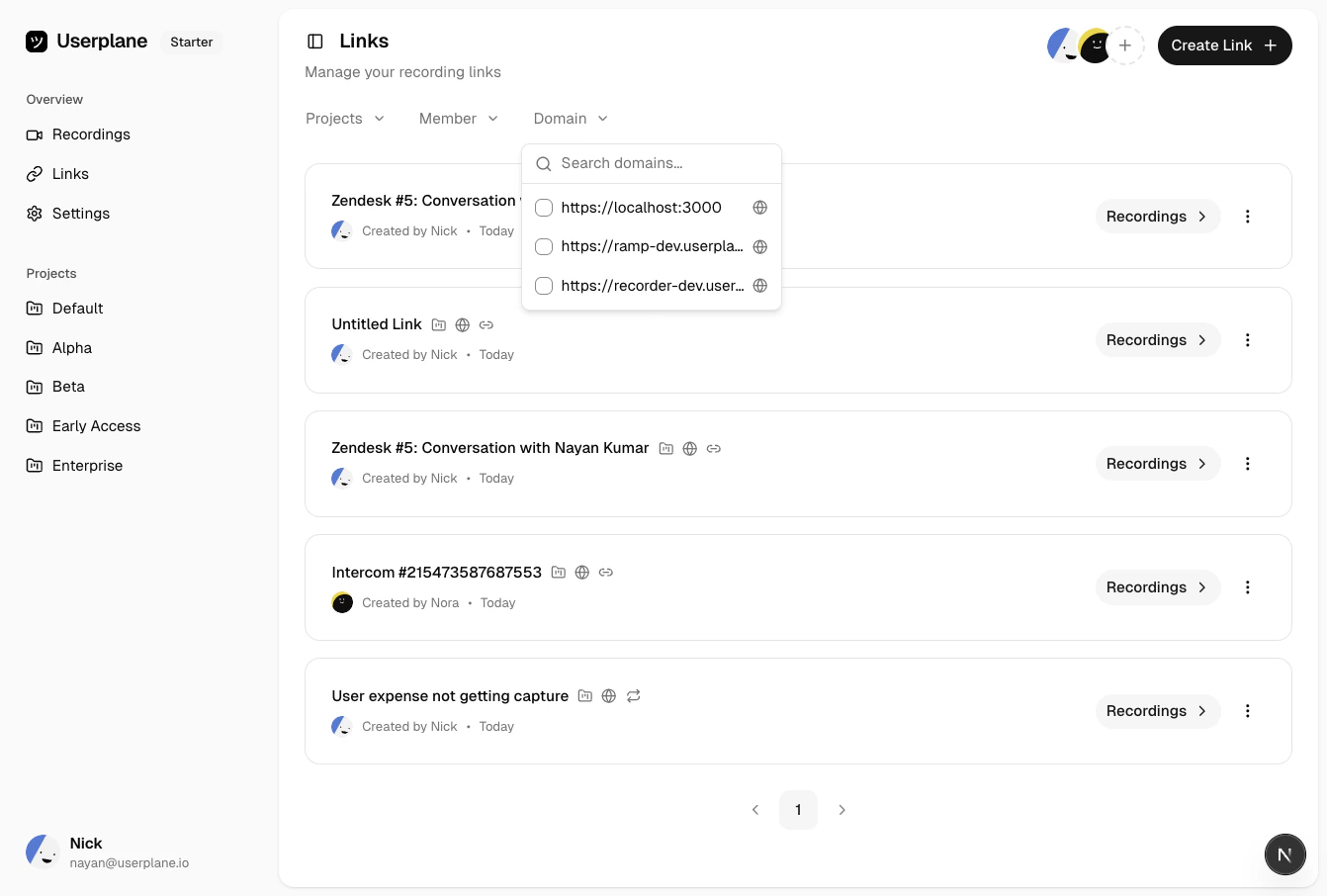
Use the filter controls to narrow the list:
Show links from a specific project.
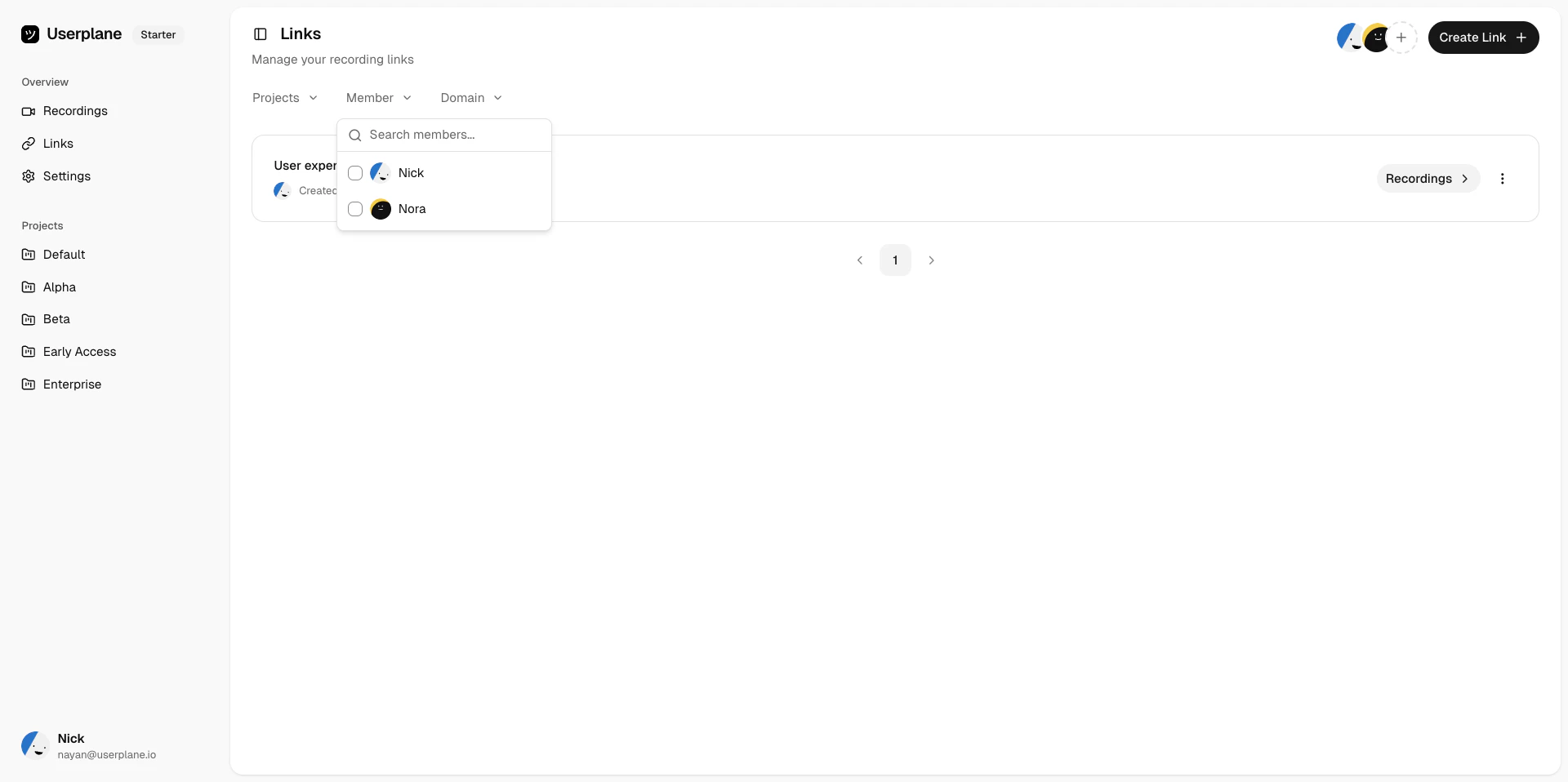
 Show links created by a specific team member.
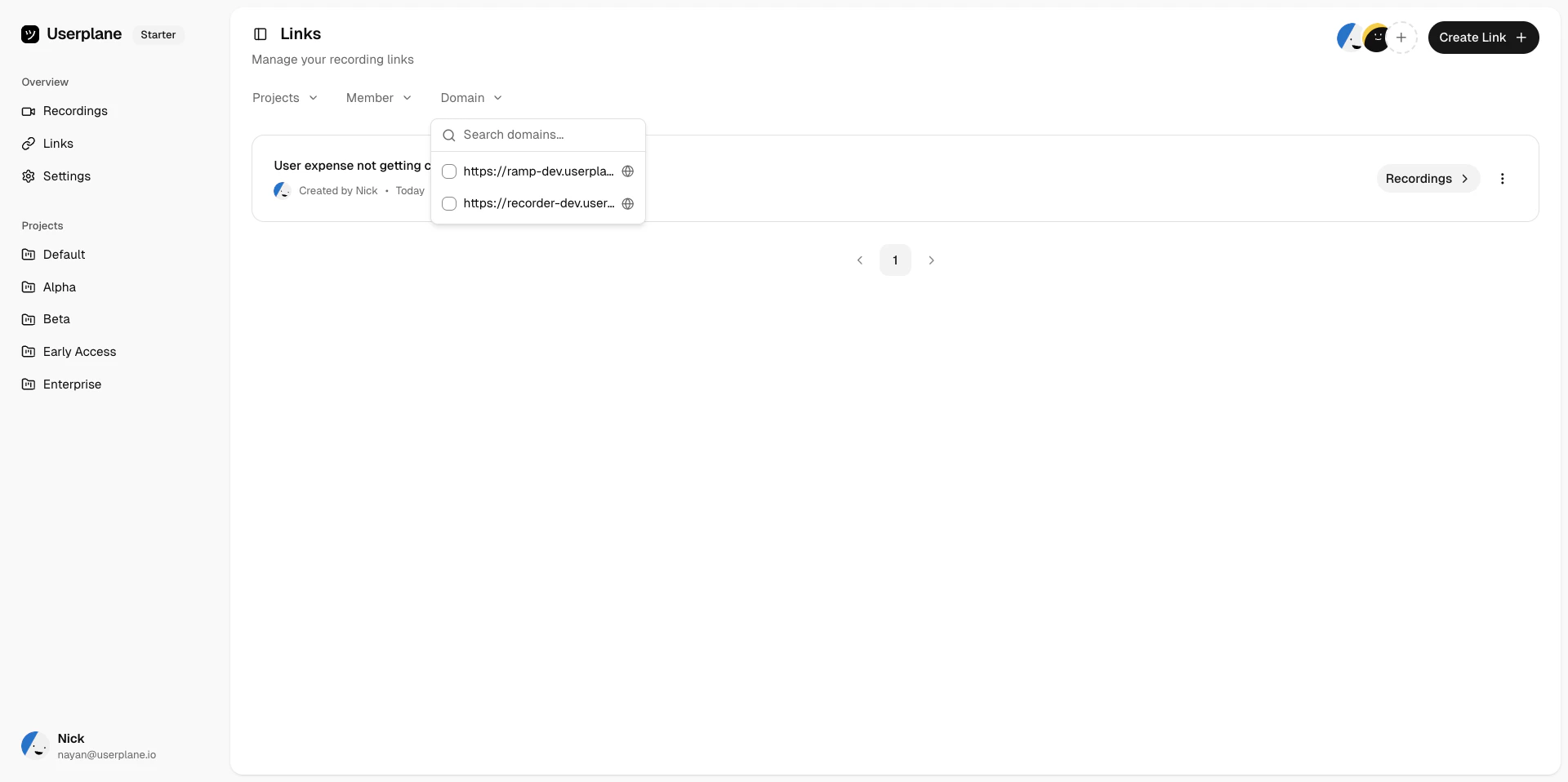
 Show links associated with a specific domain.
 ## Sorting and pagination
Sort links by creation date or other fields to find what you need. Navigate between pages using the pagination controls at the bottom of the list.
## Link actions
Each link supports the following actions:
| Action | Description |
| ---------- | ------------------------------------------------------------------- |
| **Share** | Copy the link URL to your clipboard. |
| **View** | Open the link detail page to see associated recordings. |
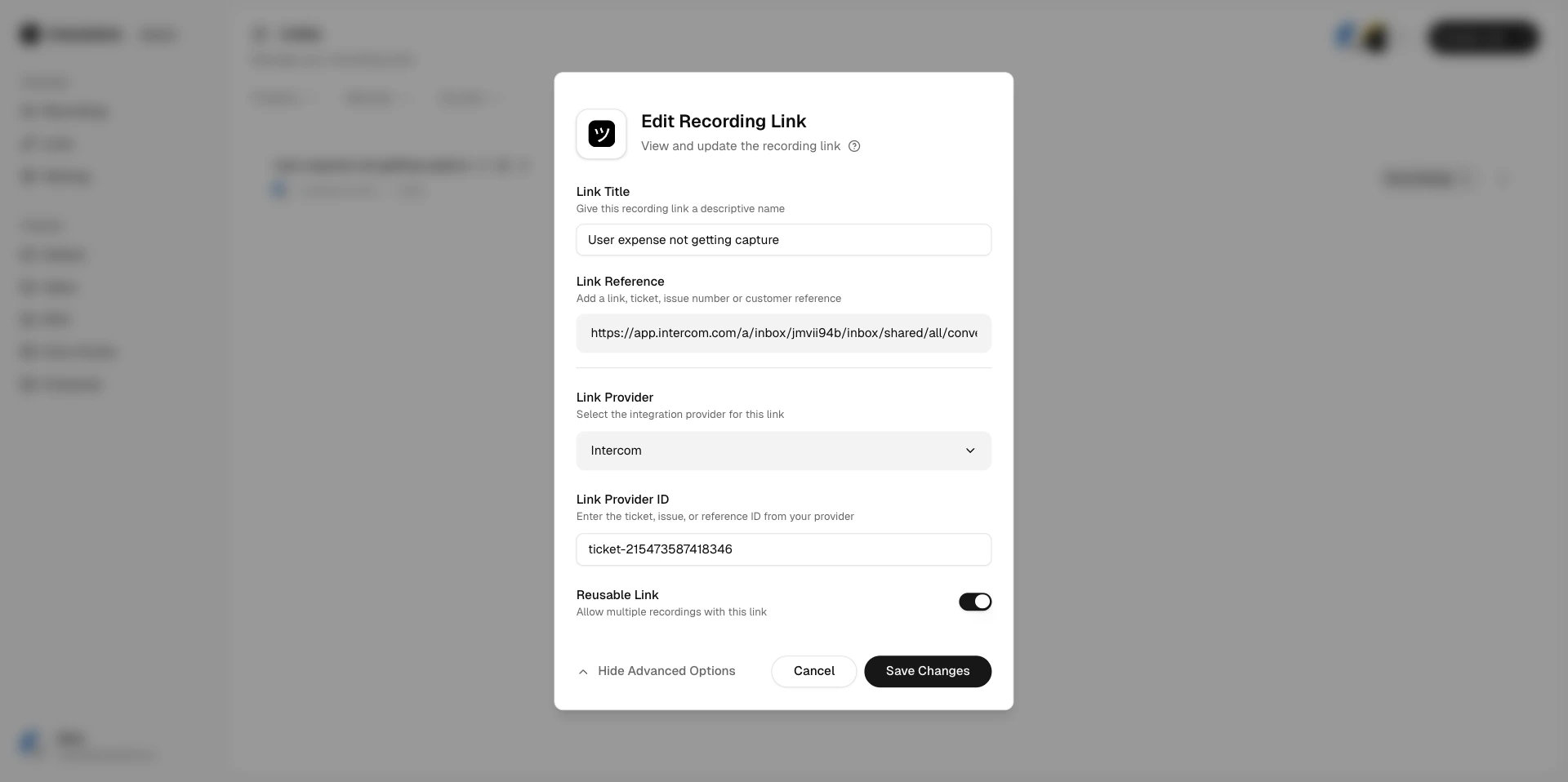
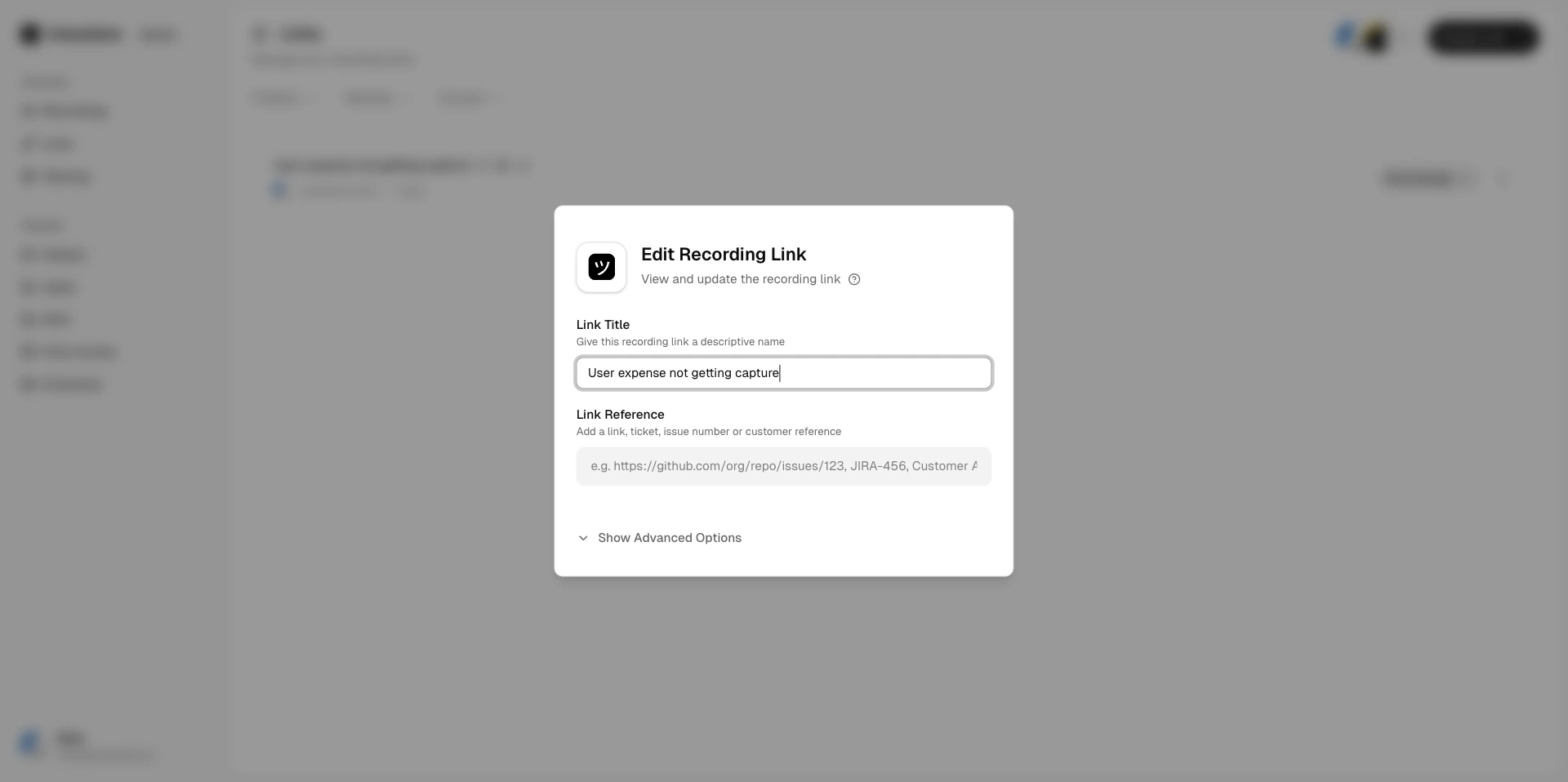
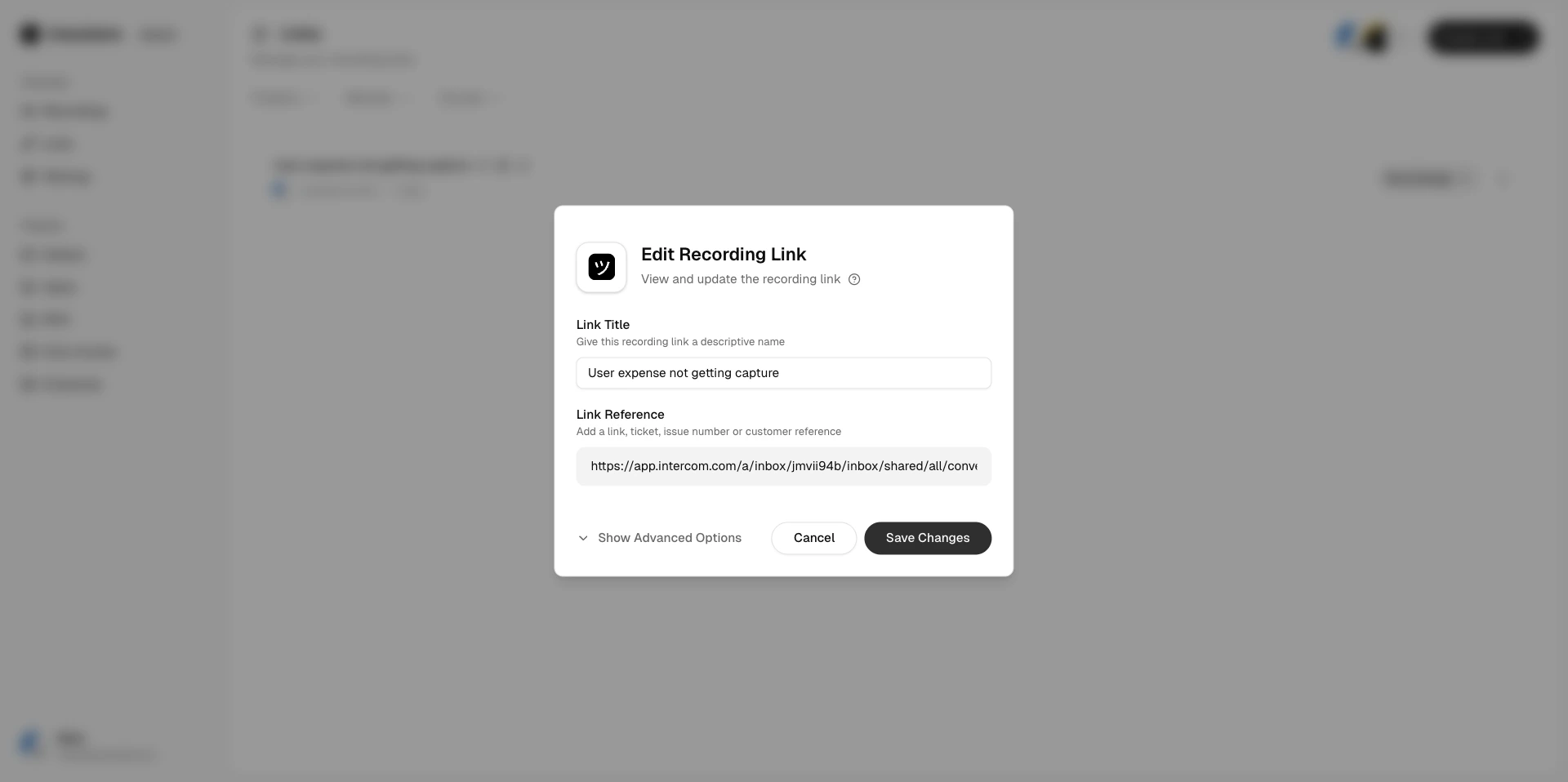
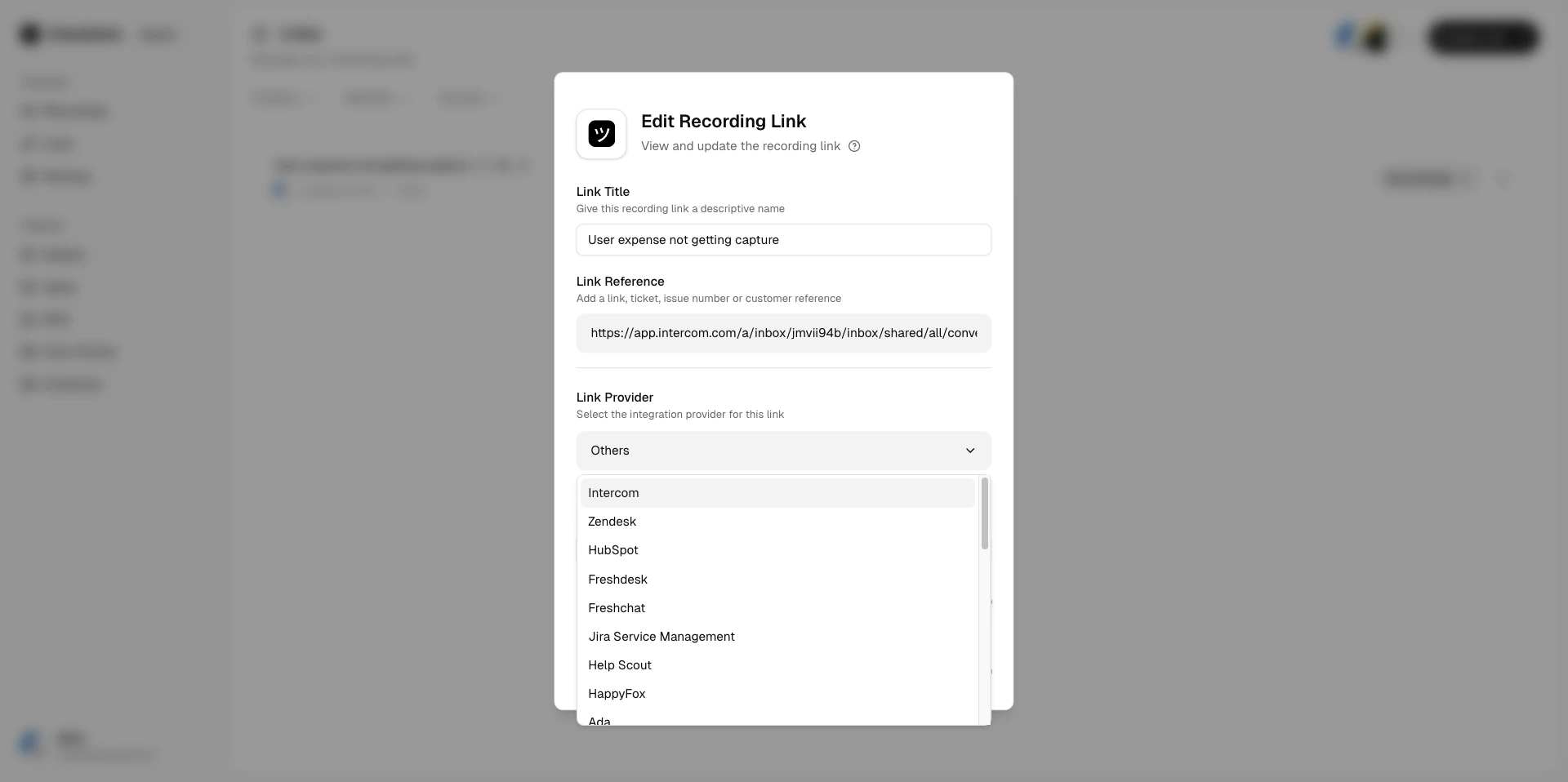
| **Edit** | Update the link's reference, project, or other details. |
| **Delete** | Permanently remove the link. Associated recordings are not deleted. |
Copy the link URL or open the share modal to send it to your customer.
## Sorting and pagination
Sort links by creation date or other fields to find what you need. Navigate between pages using the pagination controls at the bottom of the list.
## Link actions
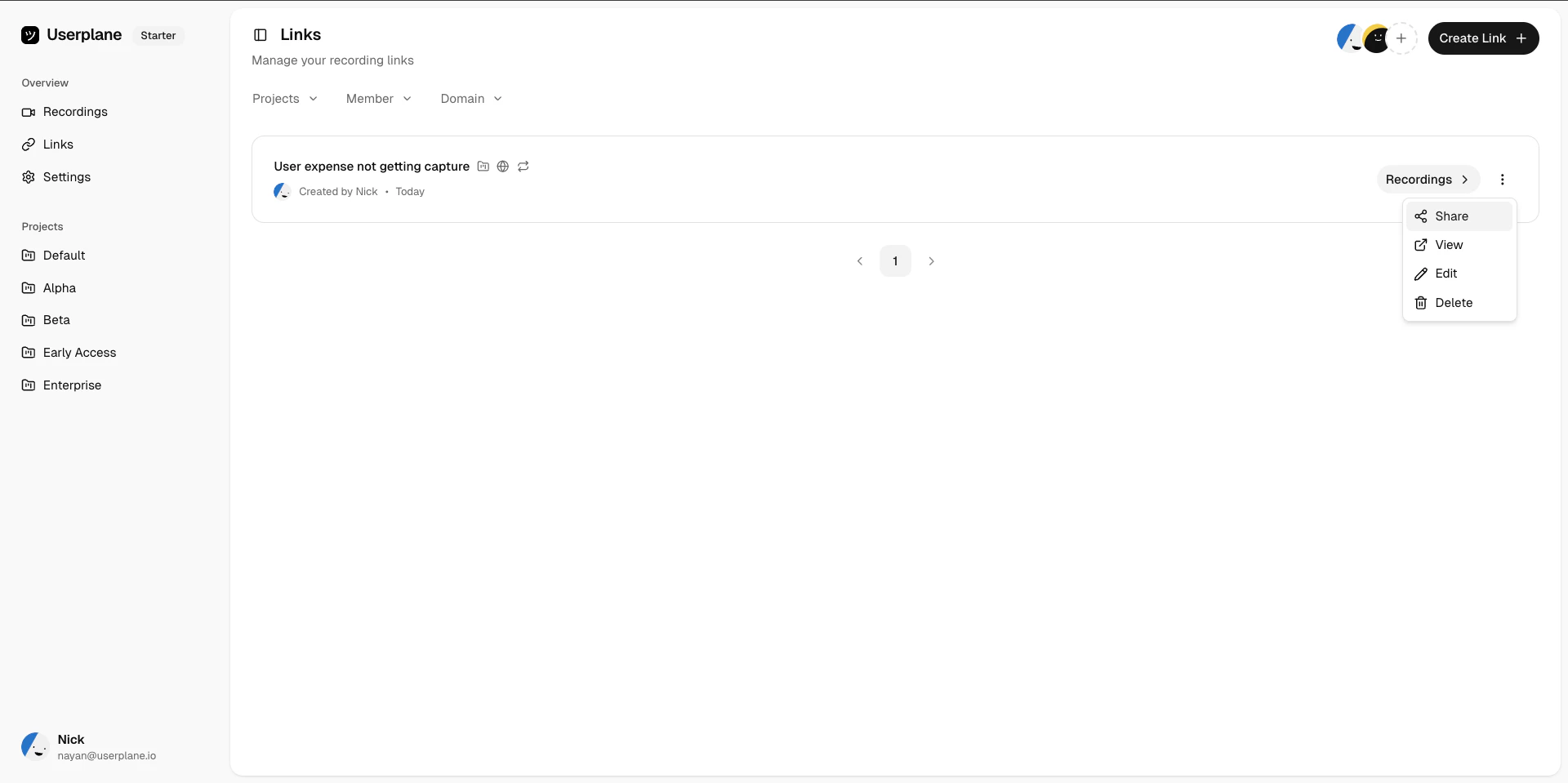
Each link supports the following actions:
| Action | Description |
| ---------- | ------------------------------------------------------------------- |
| **Share** | Copy the link URL to your clipboard. |
| **View** | Open the link detail page to see associated recordings. |
| **Edit** | Update the link's reference, project, or other details. |
| **Delete** | Permanently remove the link. Associated recordings are not deleted. |
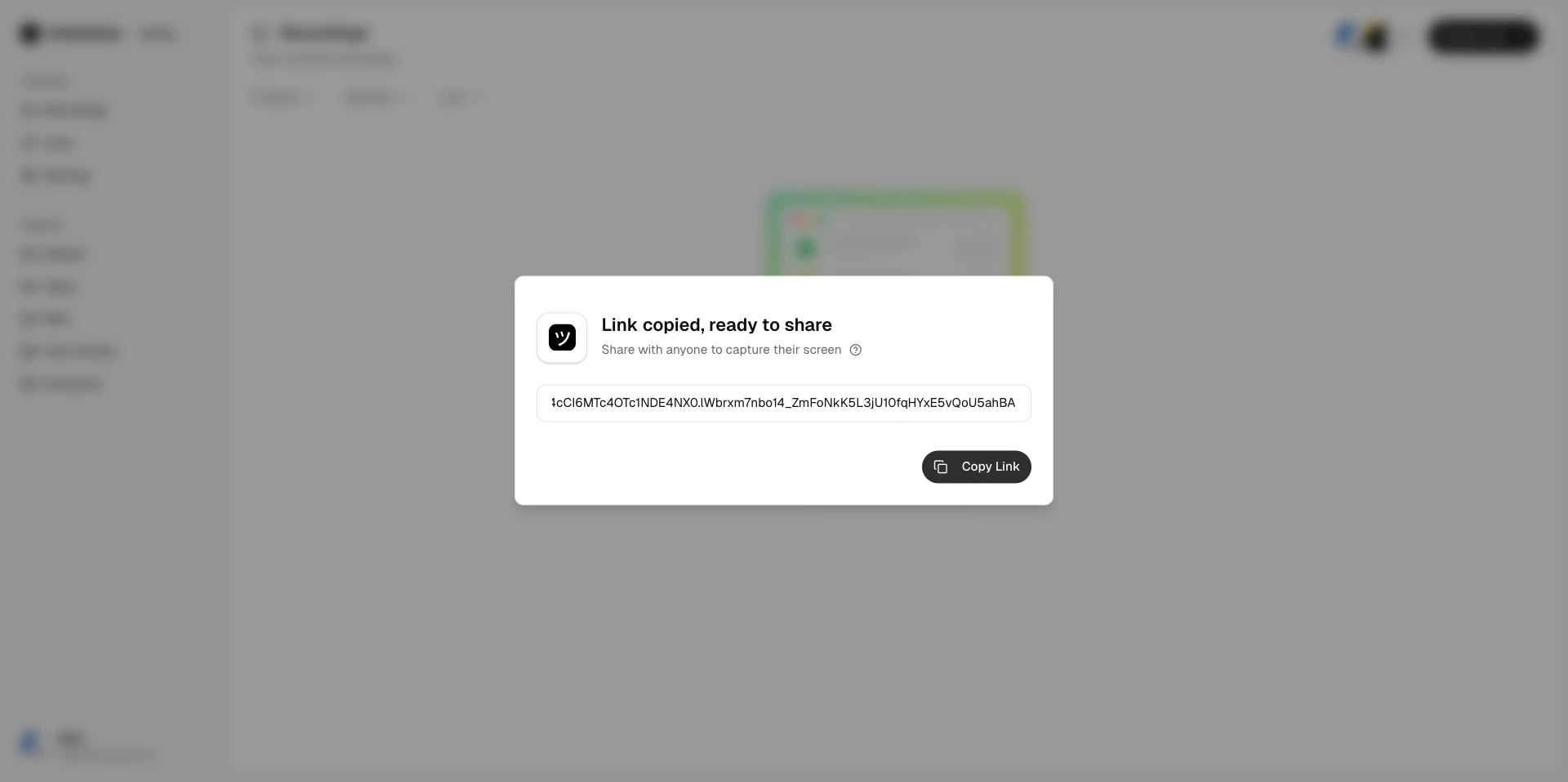
Copy the link URL or open the share modal to send it to your customer.
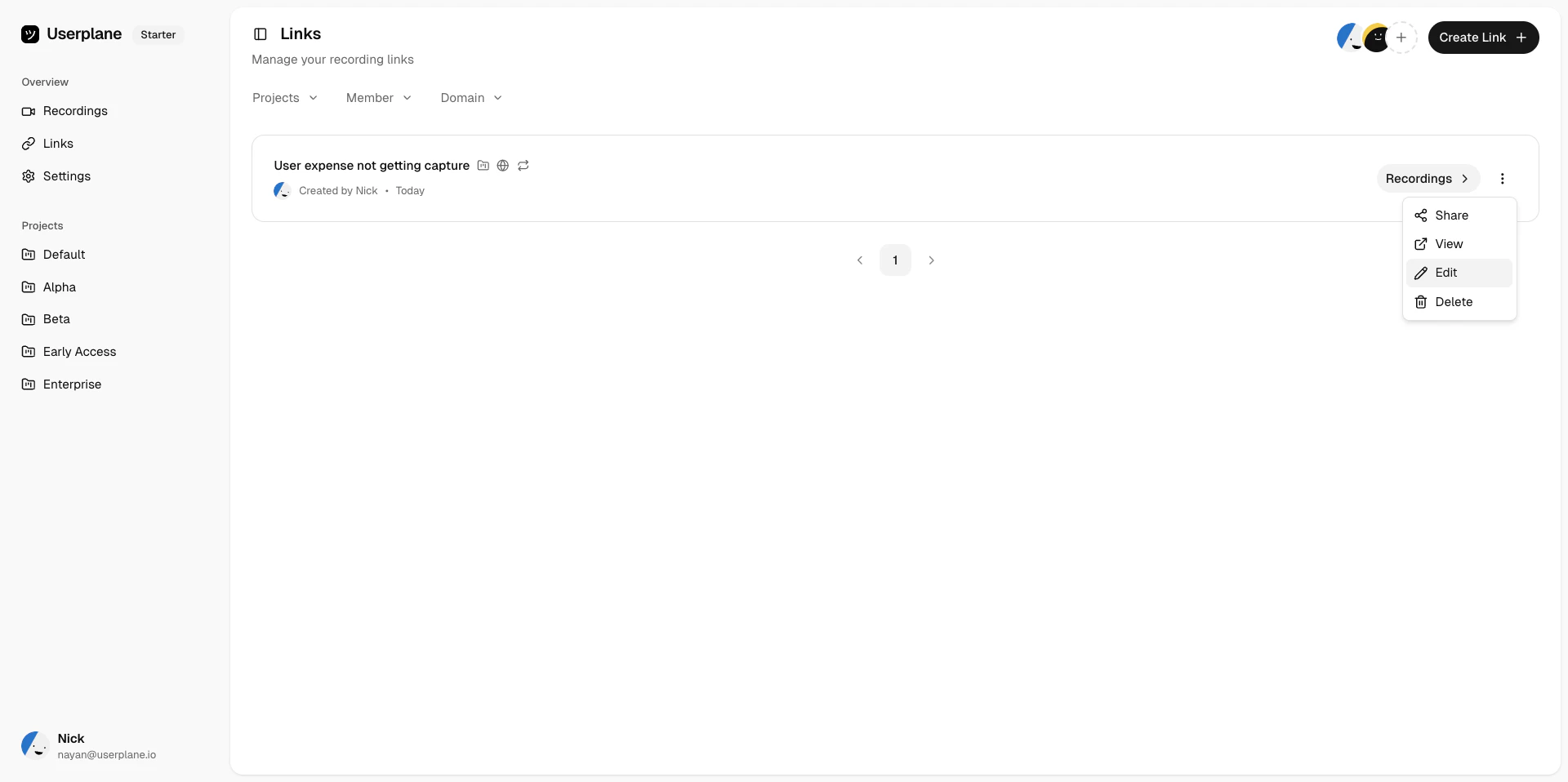
 Update the link's title, reference, domain, or [metadata](/recording-links/link-metadata) from the edit panel.
 ## Managing links from the Chrome extension
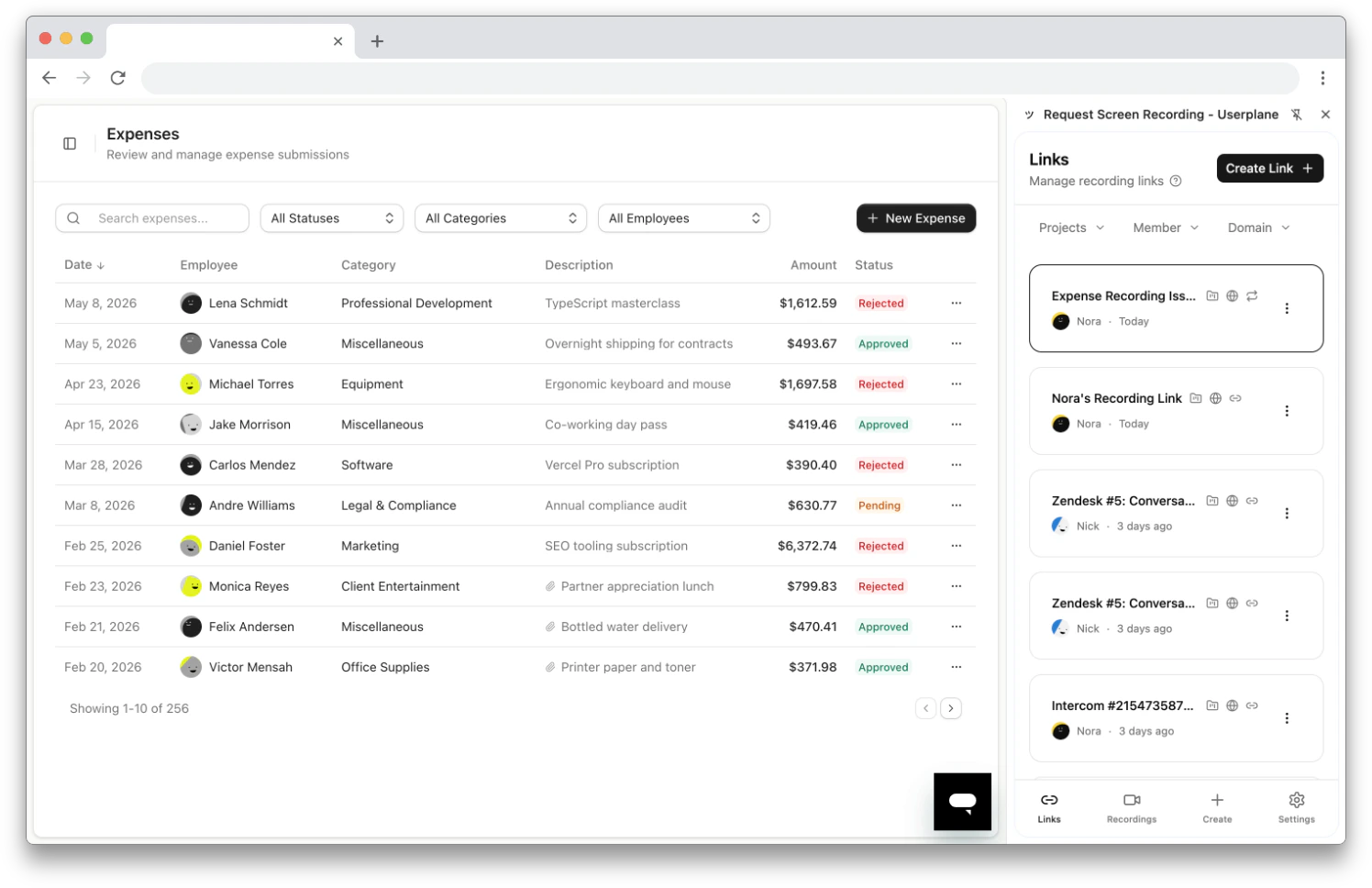
You can also browse, edit, and delete links from the [Chrome extension](/integrations/chrome-extension-manage-links) side panel. The Links tab shows all workspace links with the same filtering and actions — without switching to the dashboard. See [Chrome Extension Link Management](/integrations/chrome-extension-manage-links) for details.
## Managing links from the Chrome extension
You can also browse, edit, and delete links from the [Chrome extension](/integrations/chrome-extension-manage-links) side panel. The Links tab shows all workspace links with the same filtering and actions — without switching to the dashboard. See [Chrome Extension Link Management](/integrations/chrome-extension-manage-links) for details.
 ## Creating a new link
Click [Create Link](https://dash.userplane.io/_/recordings?create_link=true) to open the creation form, or use the [Chrome extension](/integrations/chrome-extension-create-links) to create links from the side panel. See [Requesting a Recording](/recording/requesting) for a dashboard walkthrough.
## Creating a new link
Click [Create Link](https://dash.userplane.io/_/recordings?create_link=true) to open the creation form, or use the [Chrome extension](/integrations/chrome-extension-create-links) to create links from the side panel. See [Requesting a Recording](/recording/requesting) for a dashboard walkthrough.