> ## Documentation Index
> Fetch the complete documentation index at: https://docs.userplane.io/llms.txt
> Use this file to discover all available pages before exploring further.
# Customizing Recording Links
> Overview of branding options and per-domain recording preferences
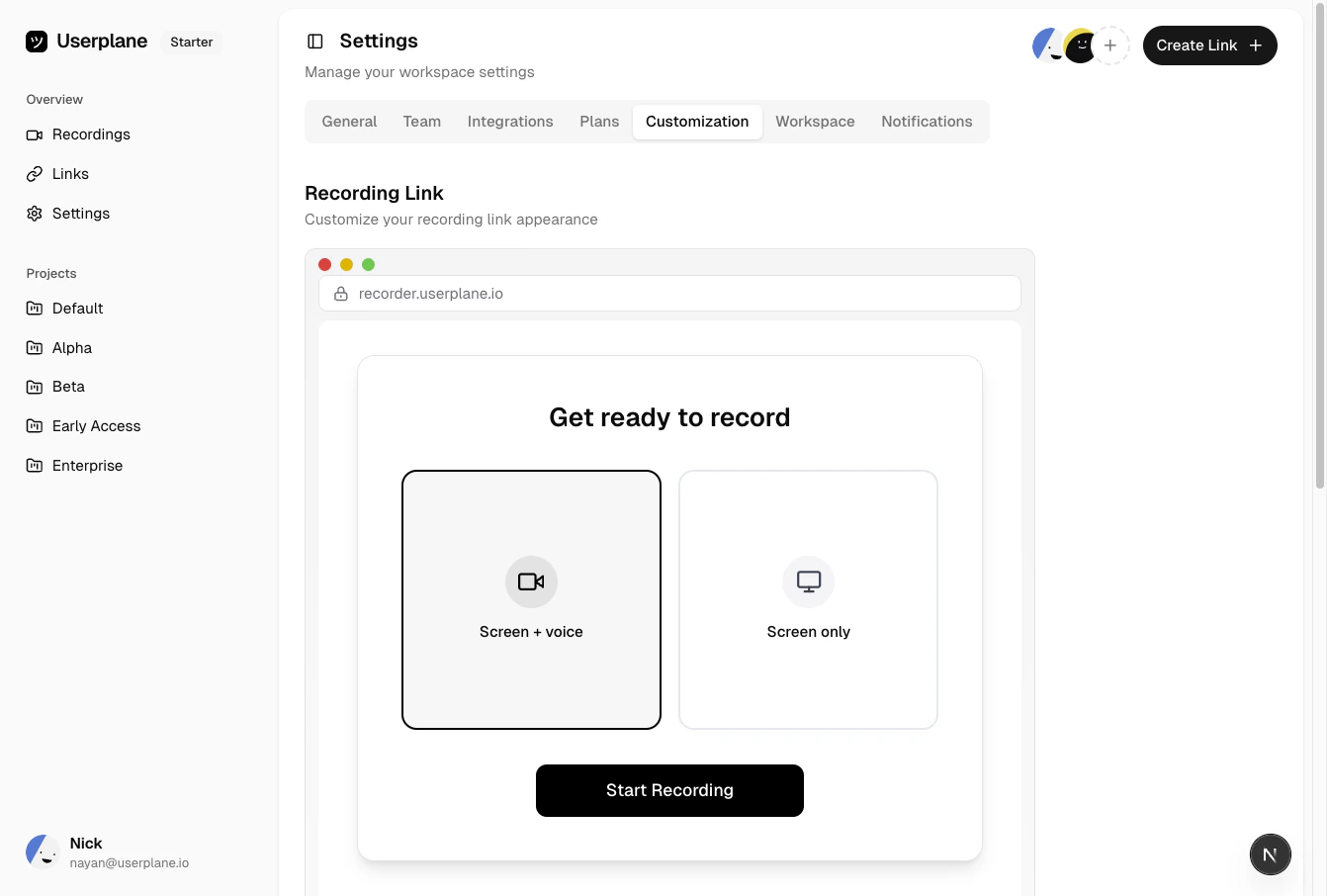
Userplane gives you two ways to customize the recording experience for your customers:
1. **Global branding** — set your company logo, name, colors, and text that appear on all recording pages.
2. **Per-domain recording preferences** — control what data is captured (console logs, network activity, client actions) for each verified domain.
## Global branding
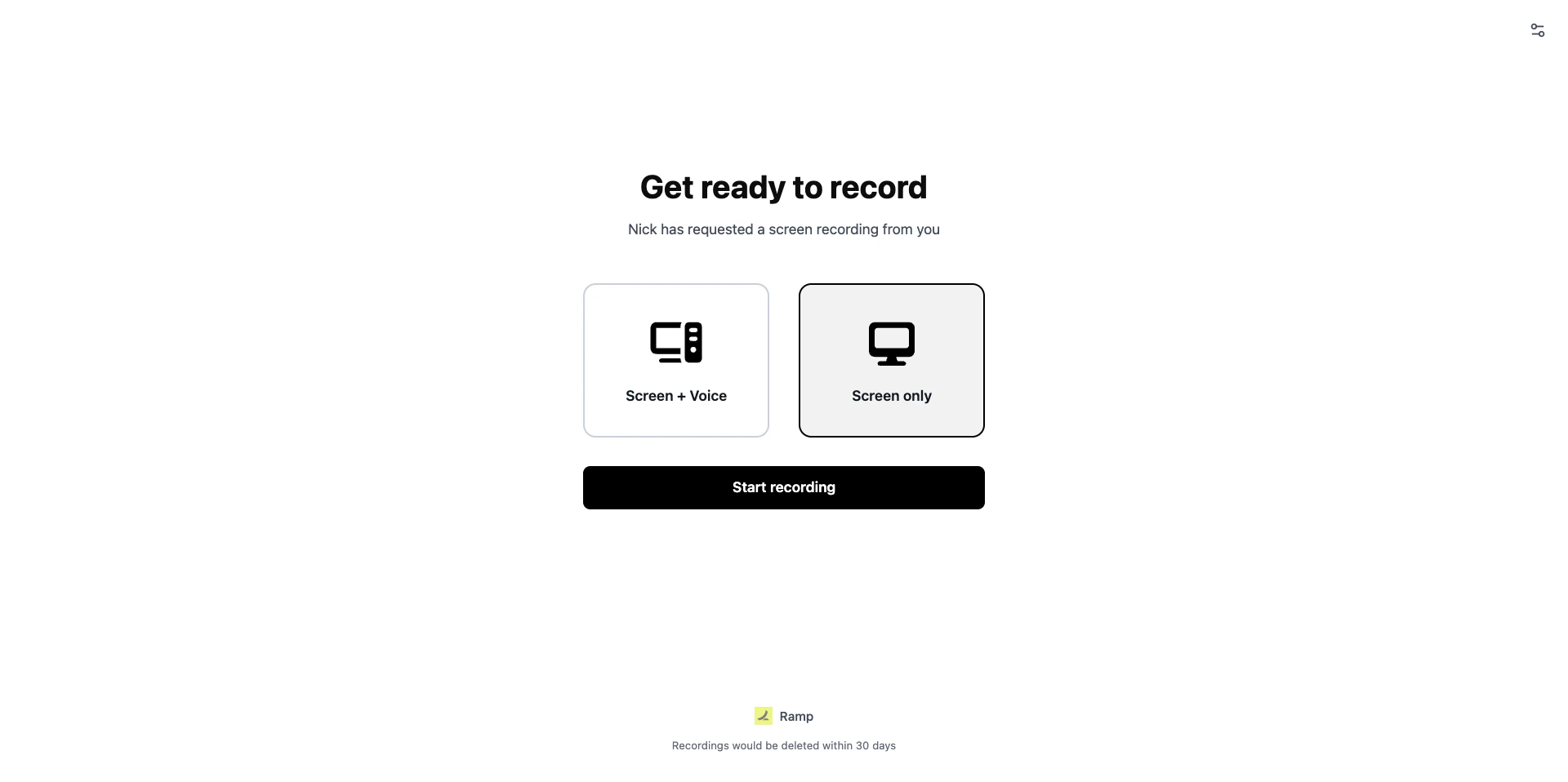
Branding settings apply to all recording links in your workspace. You can configure:
* Company logo and name
* Recording page header and footnote text
* Primary color
* Enable or disable branding entirely
See [Branding Your Links](/recording-links/branding) for a full walkthrough.
 ## Per-domain recording preferences
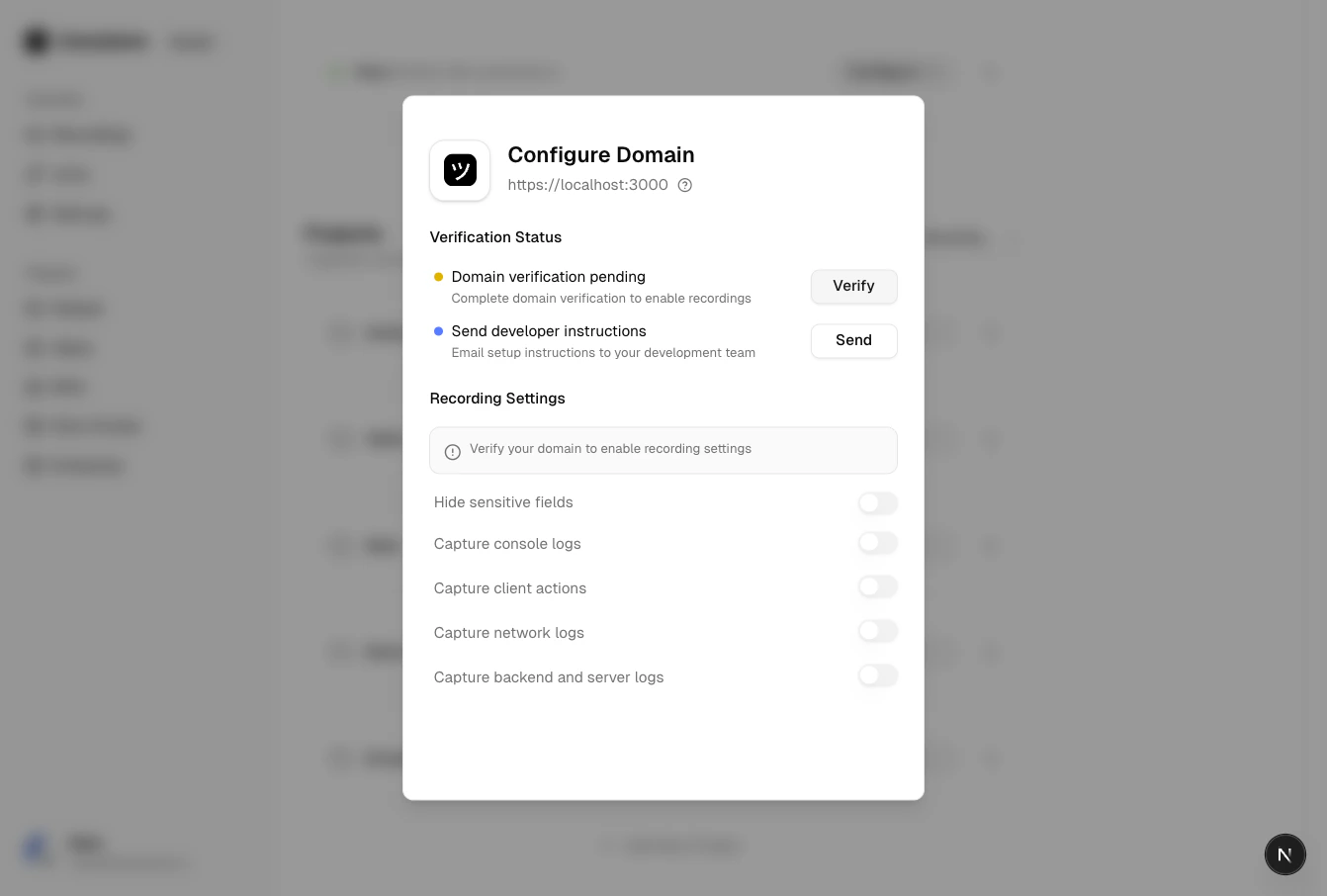
Each verified domain can have its own settings for what data is captured alongside the video:
* Hide sensitive fields
* Capture console logs
* Capture client actions
* Capture network logs
* Capture backend logs
* Capture voice and device audio
These preferences only take effect after the domain is [verified](/workspace/domain-verification). See [Domain Recording Preferences](/recording-links/domain-preferences) for details.
## Per-domain recording preferences
Each verified domain can have its own settings for what data is captured alongside the video:
* Hide sensitive fields
* Capture console logs
* Capture client actions
* Capture network logs
* Capture backend logs
* Capture voice and device audio
These preferences only take effect after the domain is [verified](/workspace/domain-verification). See [Domain Recording Preferences](/recording-links/domain-preferences) for details.
 ## How they work together
Branding controls the **look and feel** of the recording page. Domain preferences control **what data is collected**. Both are configured in Workspace Settings and apply automatically to recording links using that domain.
## How they work together
Branding controls the **look and feel** of the recording page. Domain preferences control **what data is collected**. Both are configured in Workspace Settings and apply automatically to recording links using that domain.