> ## Documentation Index
> Fetch the complete documentation index at: https://docs.userplane.io/llms.txt
> Use this file to discover all available pages before exploring further.
# Link Reference
> Tag recording links with external references to find recordings quickly
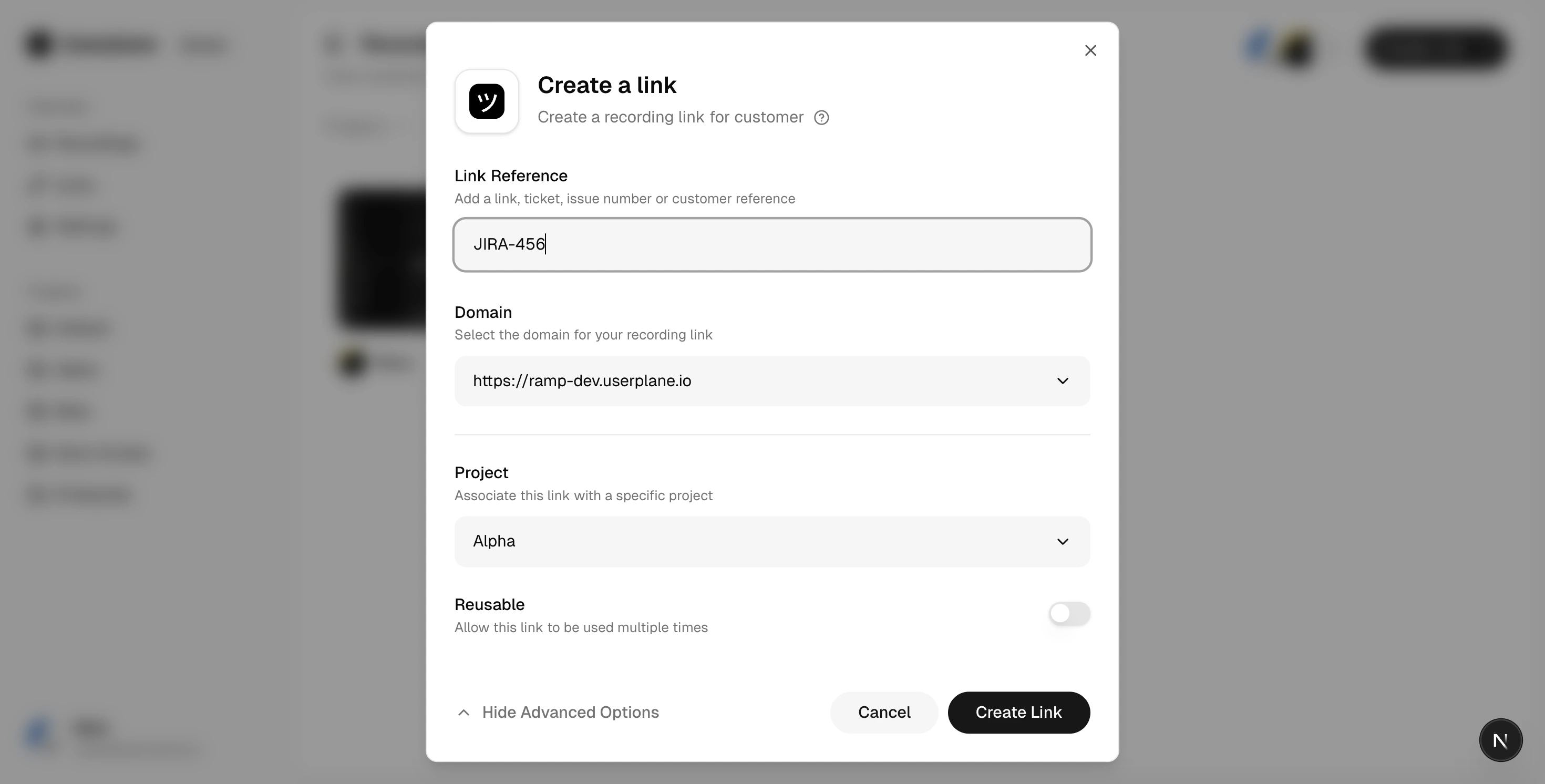
A **reference** is an optional tag you attach to a recording link when you create it. References connect recordings to external systems like issue trackers and help desks, making it easy to find the right recording later.
## What is a reference?
A reference is a free-text field on a recording link. You can enter anything that helps you identify the recording:
* A Jira ticket number: `JIRA-456`
* A GitHub issue URL: `https://github.com/org/repo/issues/123`
* A Zendesk ticket ID: `ZD-78901`
* A customer name or internal identifier
Need to attach multiple structured key-value pairs instead of a single reference? See [Link
Metadata](/recording-links/link-metadata).
## Adding a reference
When creating a recording link manually, enter the reference in the **Reference** field. References are optional — you can leave the field blank.
When using Userplane native integrations like Intercom to create recording links, the reference is automatically populated with the relevant ticket or conversation identifier. No additional input is needed. In Slack, you can pre-fill the reference by passing text directly in the slash command — for example, `/userplane TICKET-1234` opens the modal with that text already in the Reference field.
 ## Finding recordings by reference
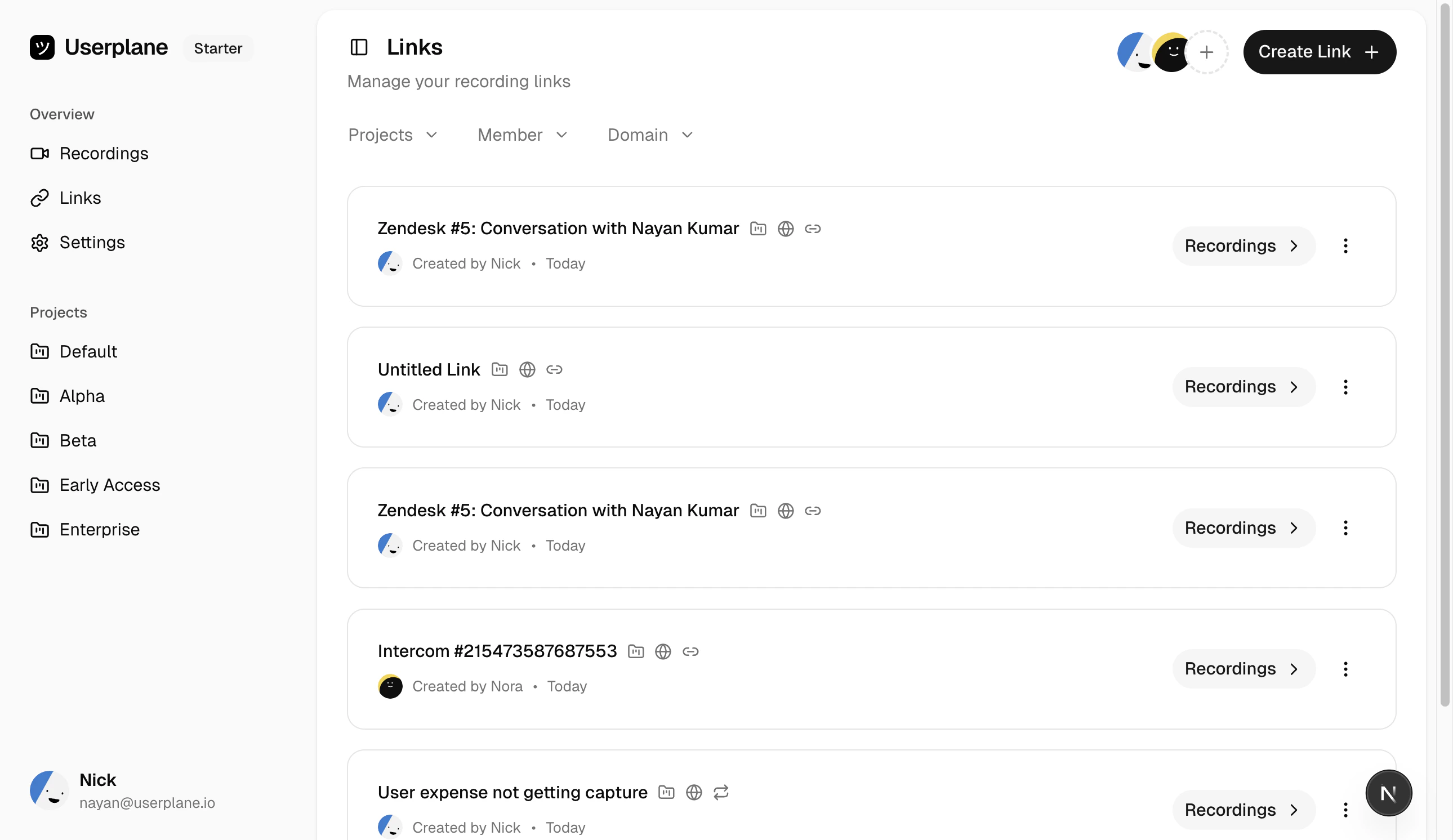
References appear in the recording list and detail views. You can use the search and filter controls on the [Recordings](https://dash.userplane.io/_/recordings) and [Links](https://dash.userplane.io/_/links) pages to find links and recordings by their reference. Additionally, Userplane uses these identifiers for recording and integration metadata.
## Finding recordings by reference
References appear in the recording list and detail views. You can use the search and filter controls on the [Recordings](https://dash.userplane.io/_/recordings) and [Links](https://dash.userplane.io/_/links) pages to find links and recordings by their reference. Additionally, Userplane uses these identifiers for recording and integration metadata.
 ## Tips
Use consistent reference formats across your team (e.g. always use the full Jira ticket key).
References are displayed in the recording info panel, so anyone reviewing the recording can see
the connected ticket. You can update a link's reference after creation by editing the link.
## Tips
Use consistent reference formats across your team (e.g. always use the full Jira ticket key).
References are displayed in the recording info panel, so anyone reviewing the recording can see
the connected ticket. You can update a link's reference after creation by editing the link.