> ## Documentation Index
> Fetch the complete documentation index at: https://docs.userplane.io/llms.txt
> Use this file to discover all available pages before exploring further.
# Recording Projects
> Organize recordings and links by assigning them to projects
Projects help you organize recordings and links into logical groups. Every recording link is assigned to a project, and the resulting recording inherits that assignment.
## Assigning a project
When you [create a recording link](/recording/requesting), select a **project** from the dropdown. If you don't choose one, the link is assigned to the workspace's **default project**.
Click the [Create Link](https://dash.userplane.io/_/recordings?create_link=true) button in the top right corner.
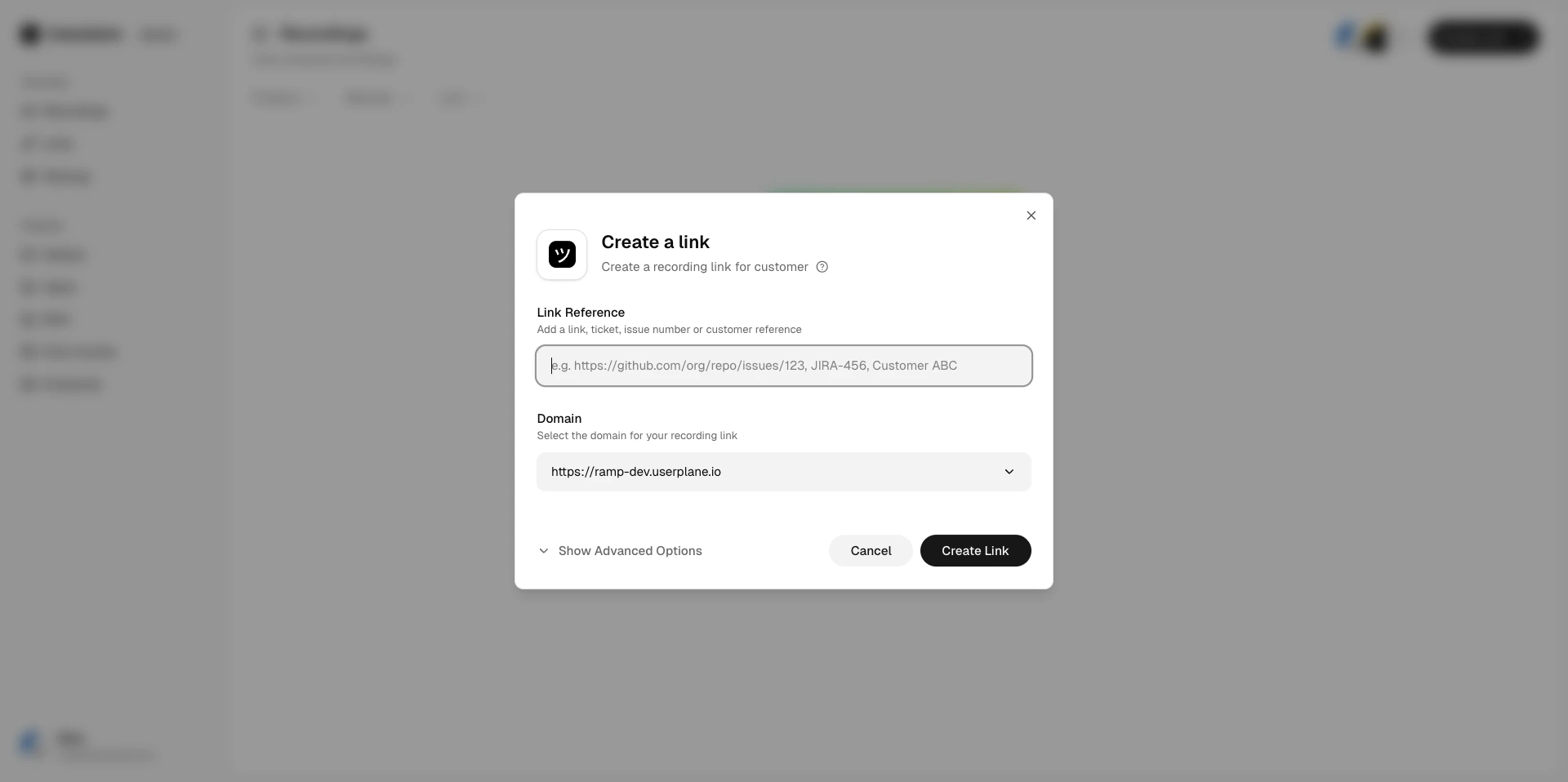 Choose which project this recording belongs to from the **Project** dropdown.
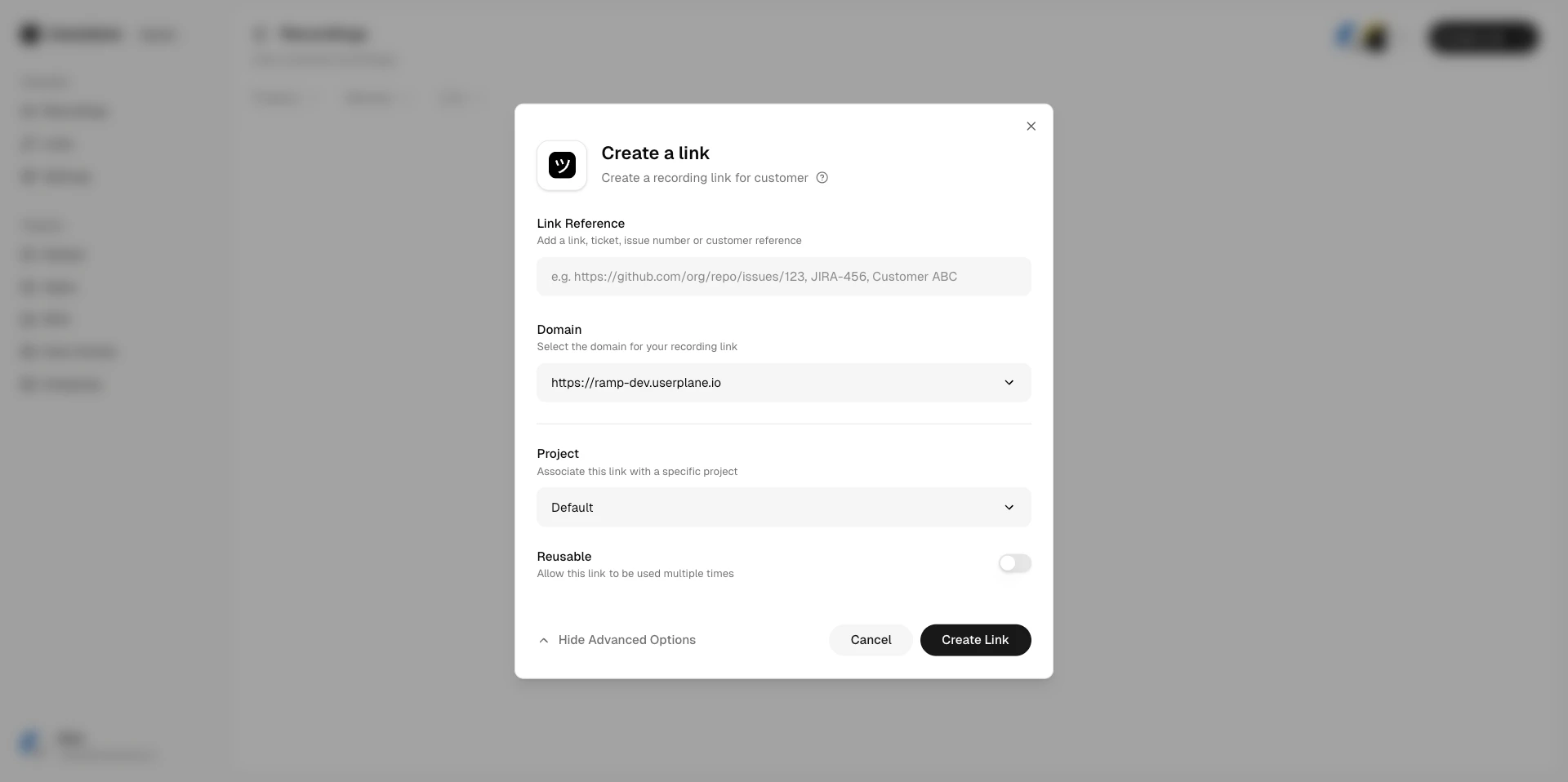
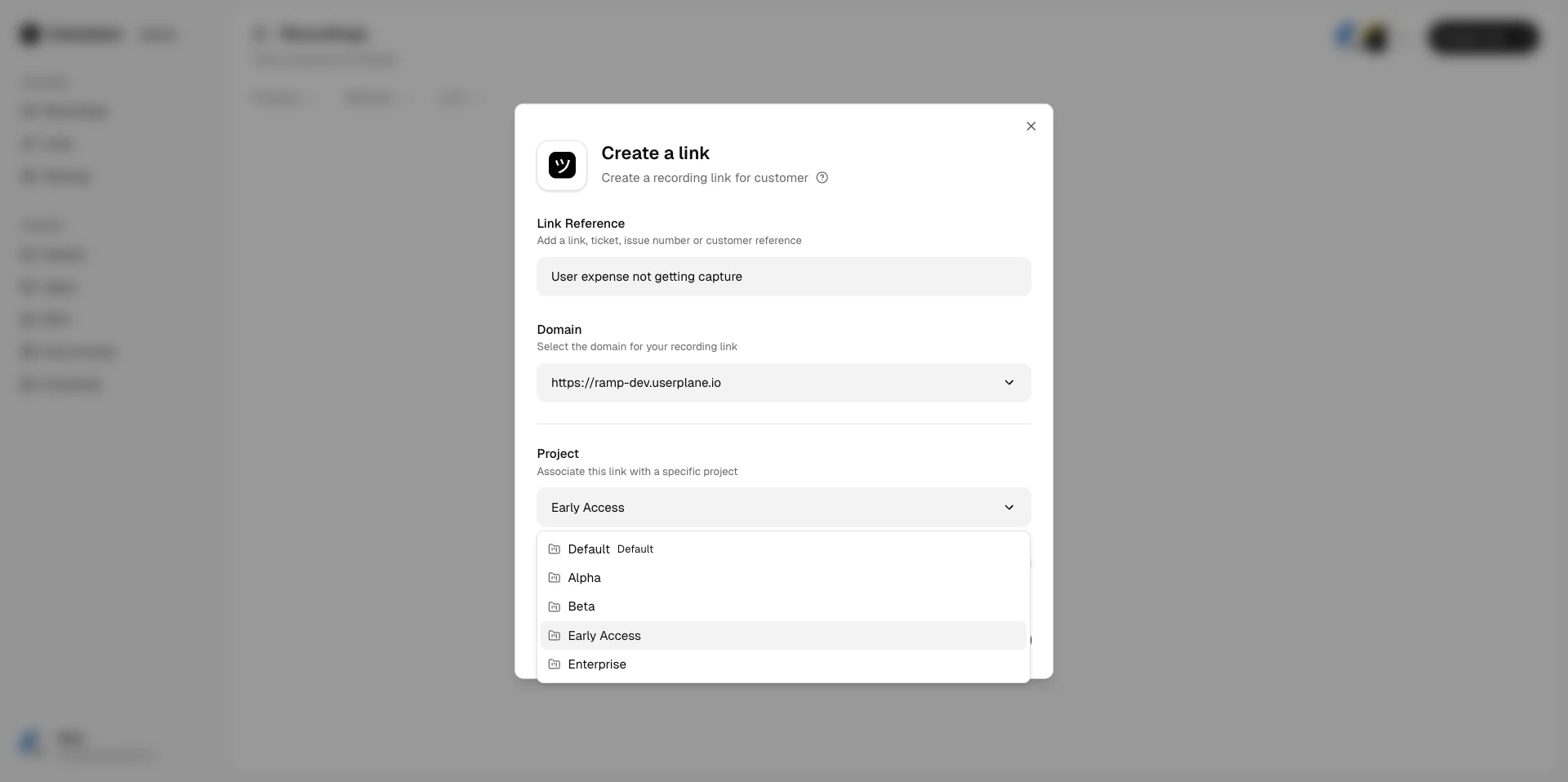 Fill in the remaining details and click **Create**. The recording link inherits the selected project.
## How projects help
* **Filter recordings** — on the Recordings page, filter by project to see only the recordings that matter.
Fill in the remaining details and click **Create**. The recording link inherits the selected project.
## How projects help
* **Filter recordings** — on the Recordings page, filter by project to see only the recordings that matter.
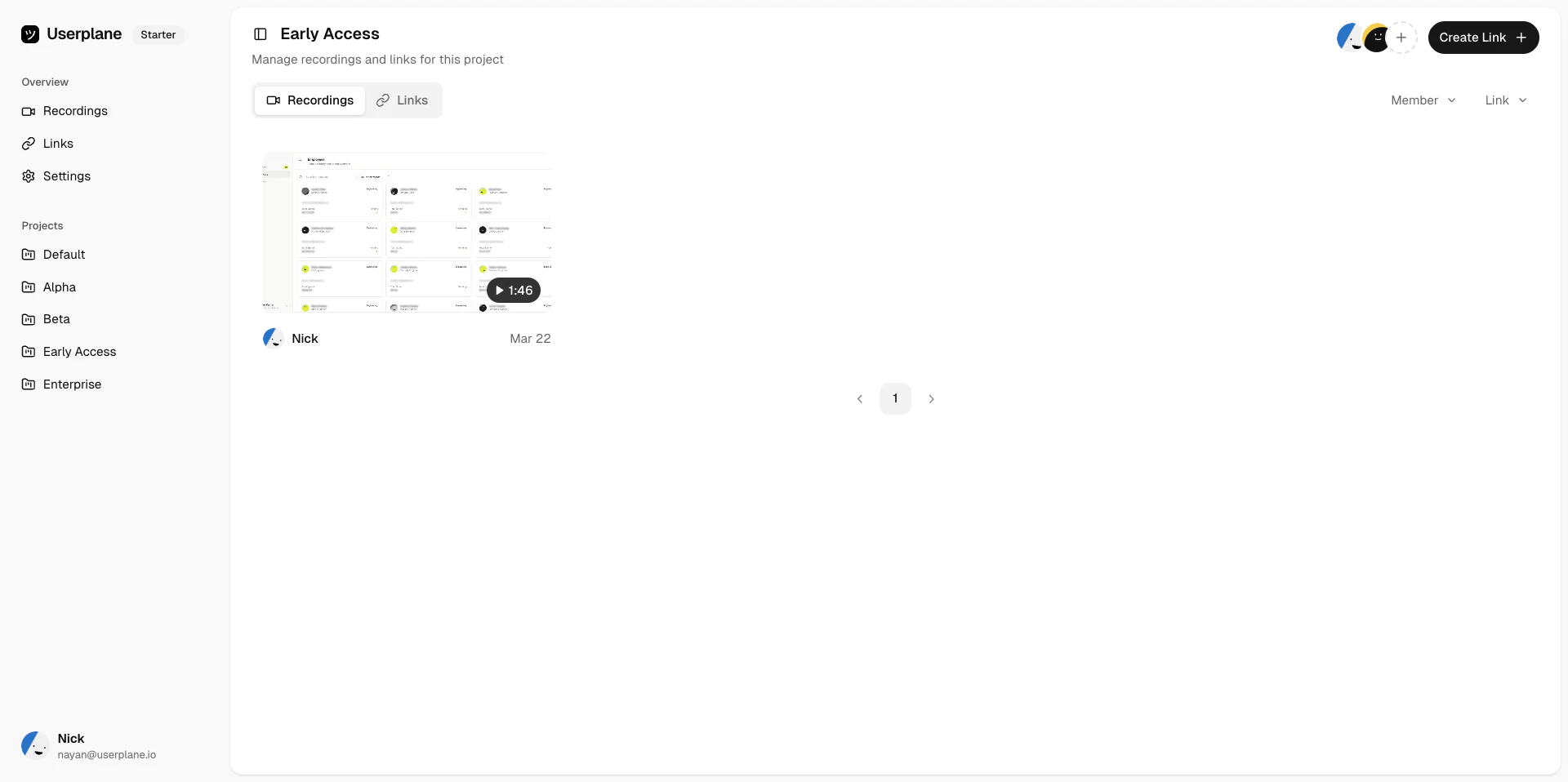 * **Filter links** — on the Links page, filter by project to find related links.
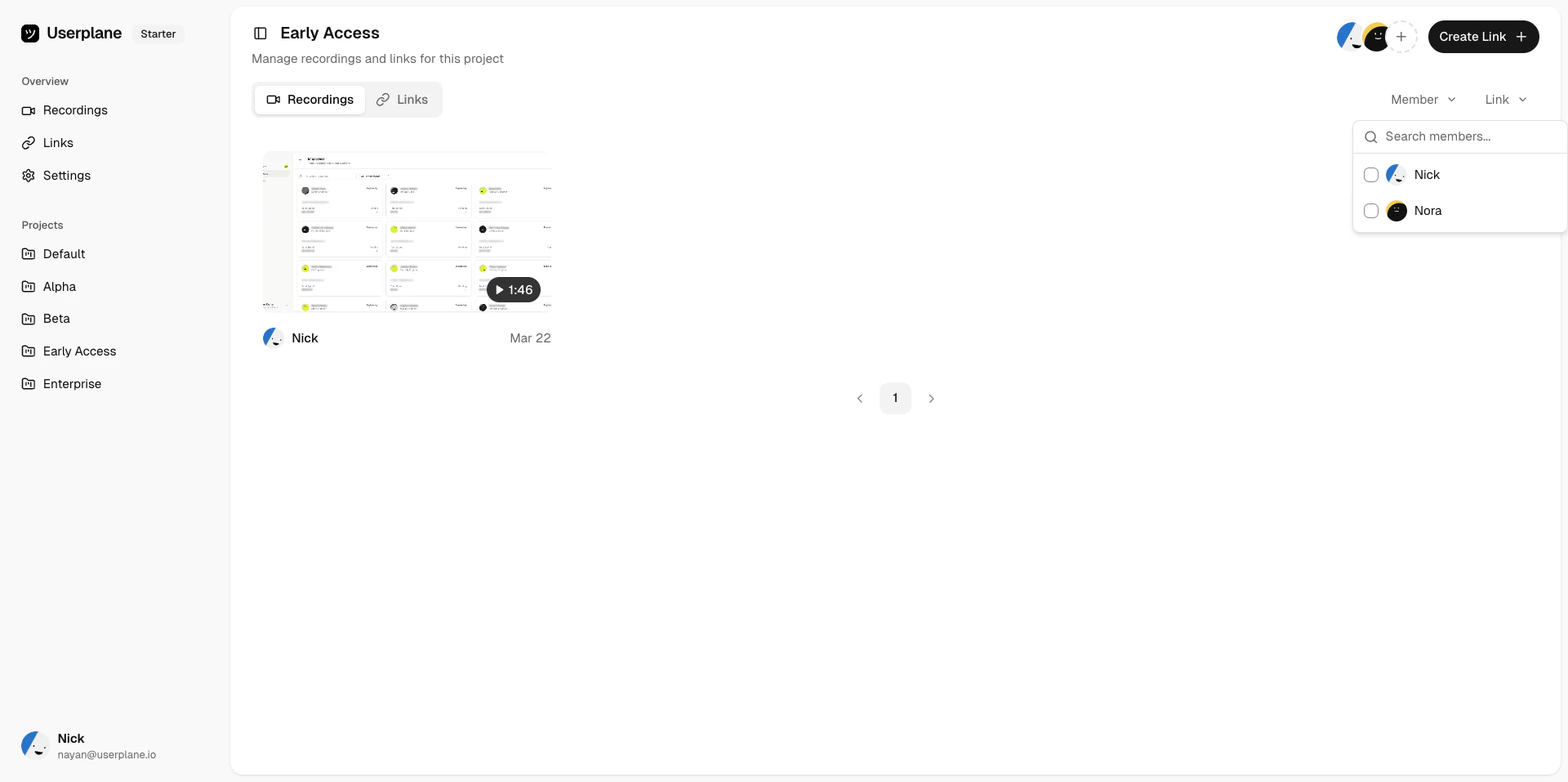 * **Project views** — switch to a project-scoped view to see all recordings and links for a specific project.
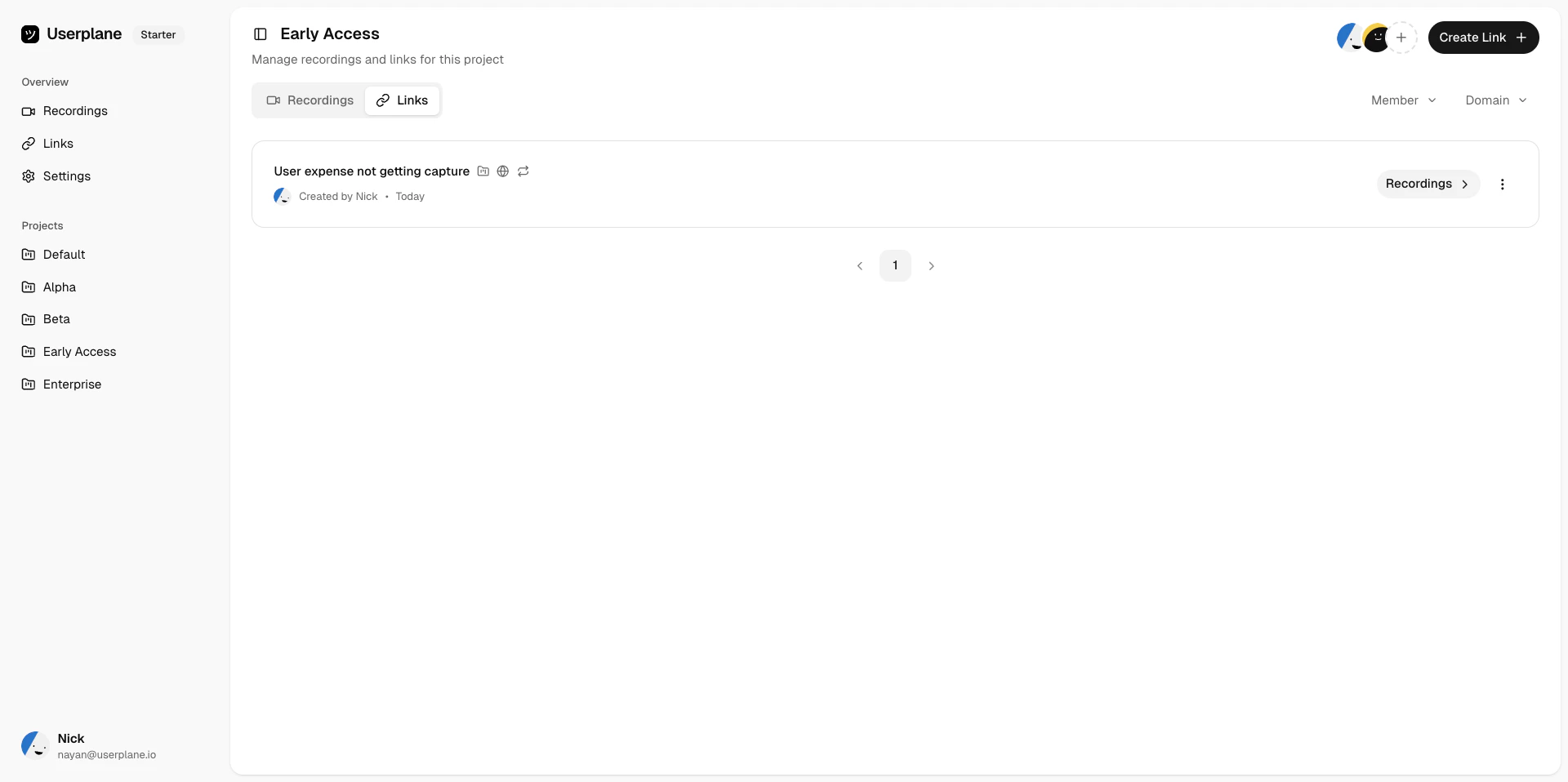 * **Team organization** — use projects to separate recordings by product area, team, or customer segment.
## Managing projects
Projects are managed from [Workspace Settings > Projects](https://dash.userplane.io/_/settings?tab=general). See [Projects](/workspace/projects) for details on creating, editing, and deleting projects.
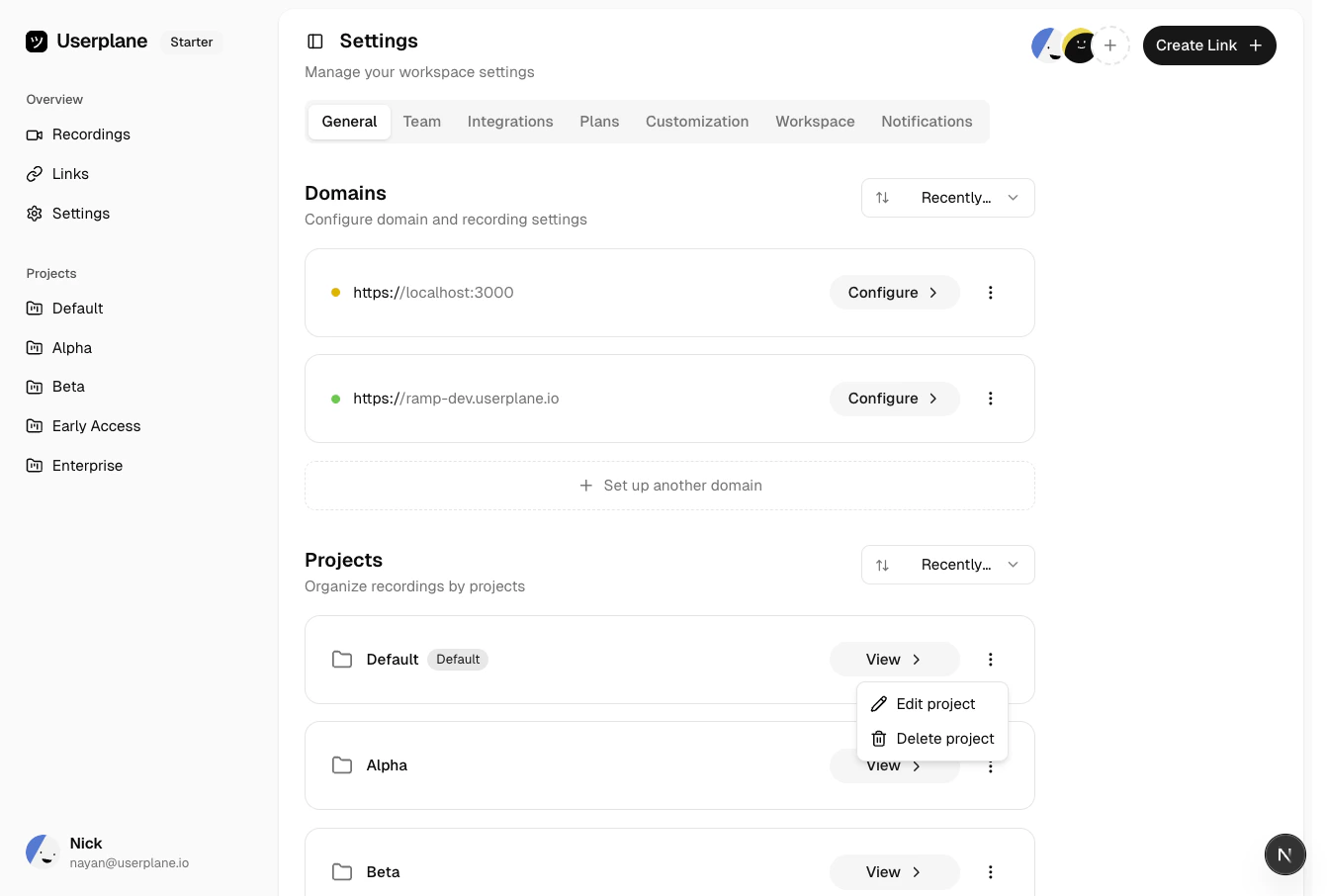
Open [Workspace Settings > Projects](https://dash.userplane.io/_/settings?tab=general) to see all projects in your workspace.
* **Team organization** — use projects to separate recordings by product area, team, or customer segment.
## Managing projects
Projects are managed from [Workspace Settings > Projects](https://dash.userplane.io/_/settings?tab=general). See [Projects](/workspace/projects) for details on creating, editing, and deleting projects.
Open [Workspace Settings > Projects](https://dash.userplane.io/_/settings?tab=general) to see all projects in your workspace.
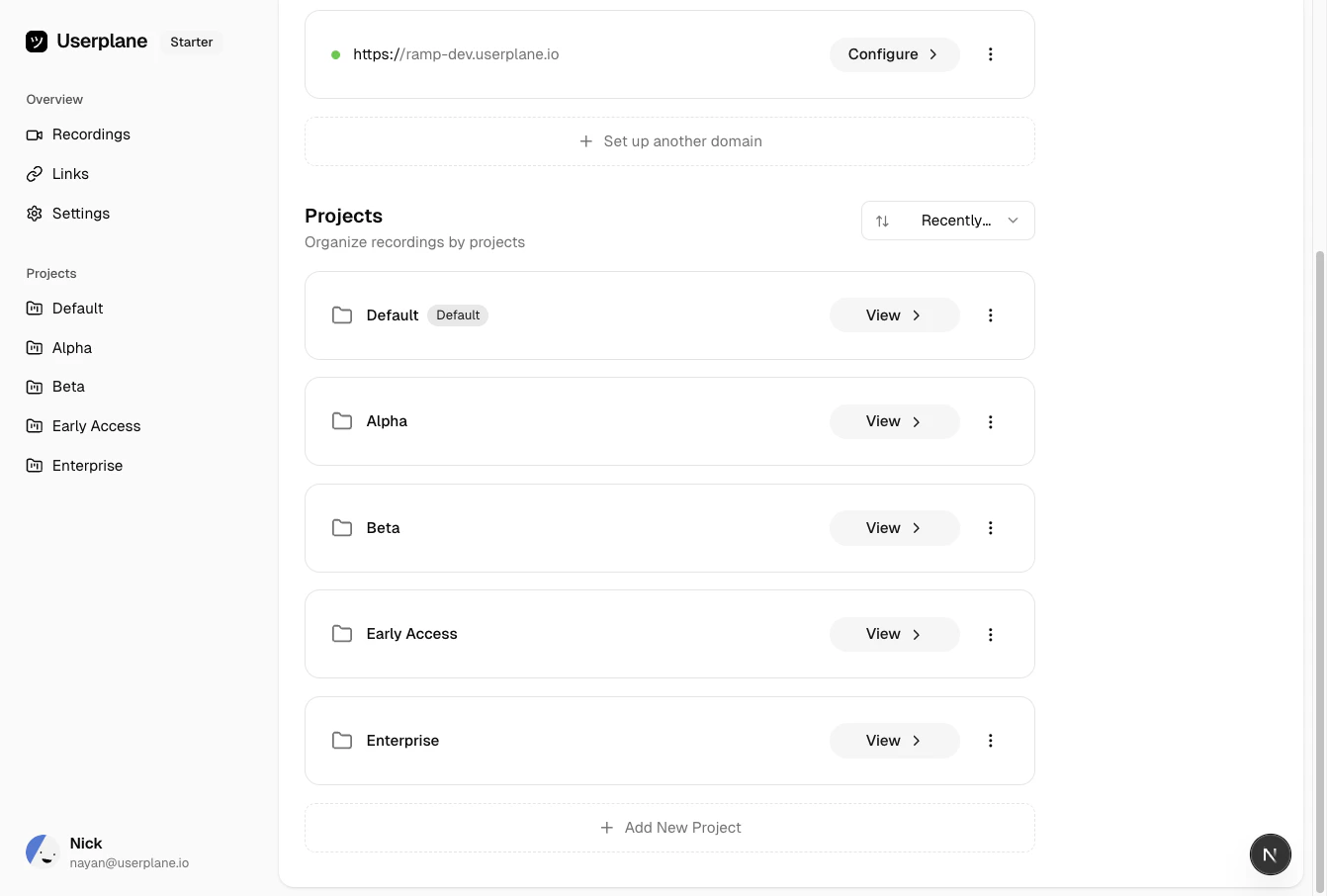 Click **Create Project** and enter a name for the project.
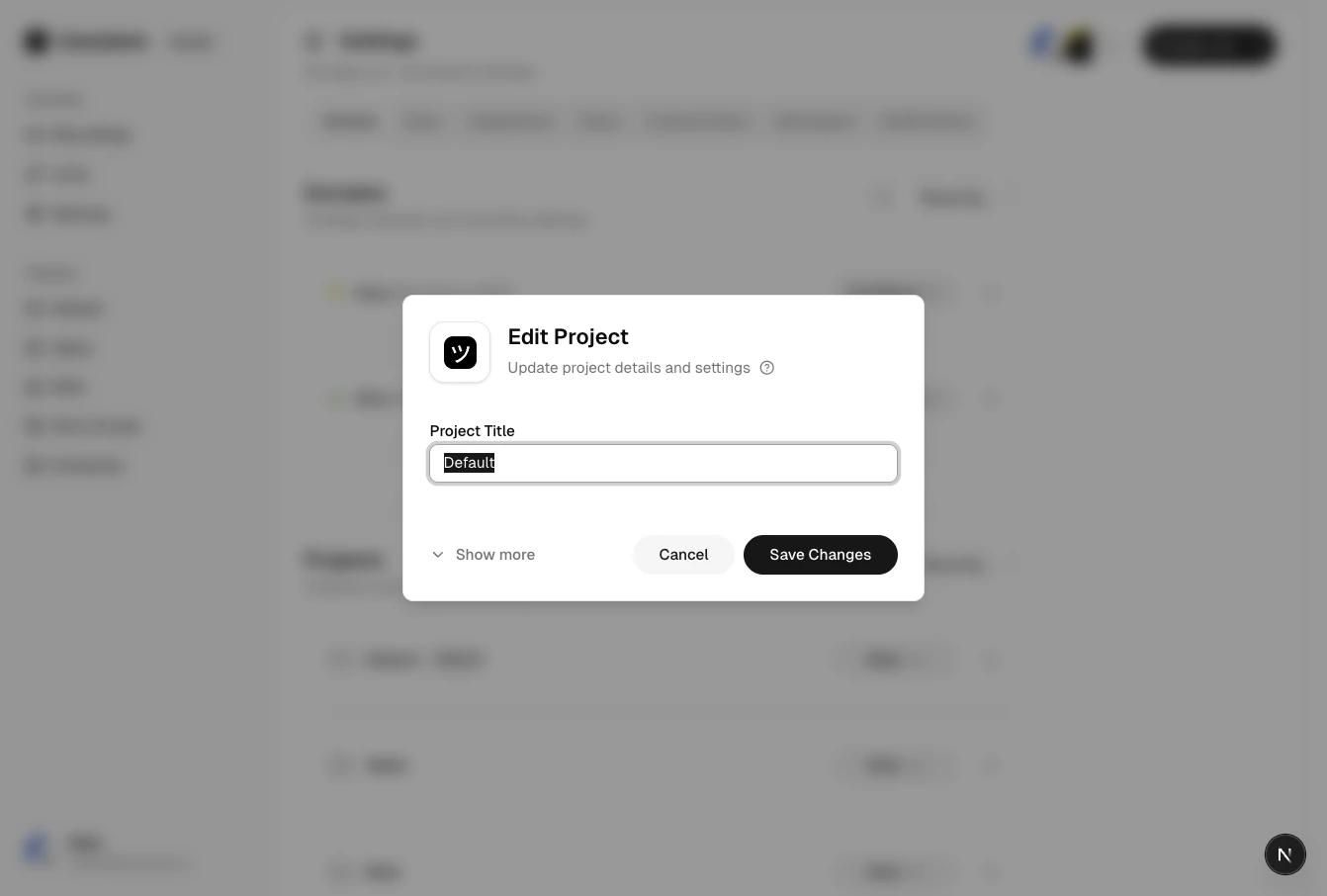
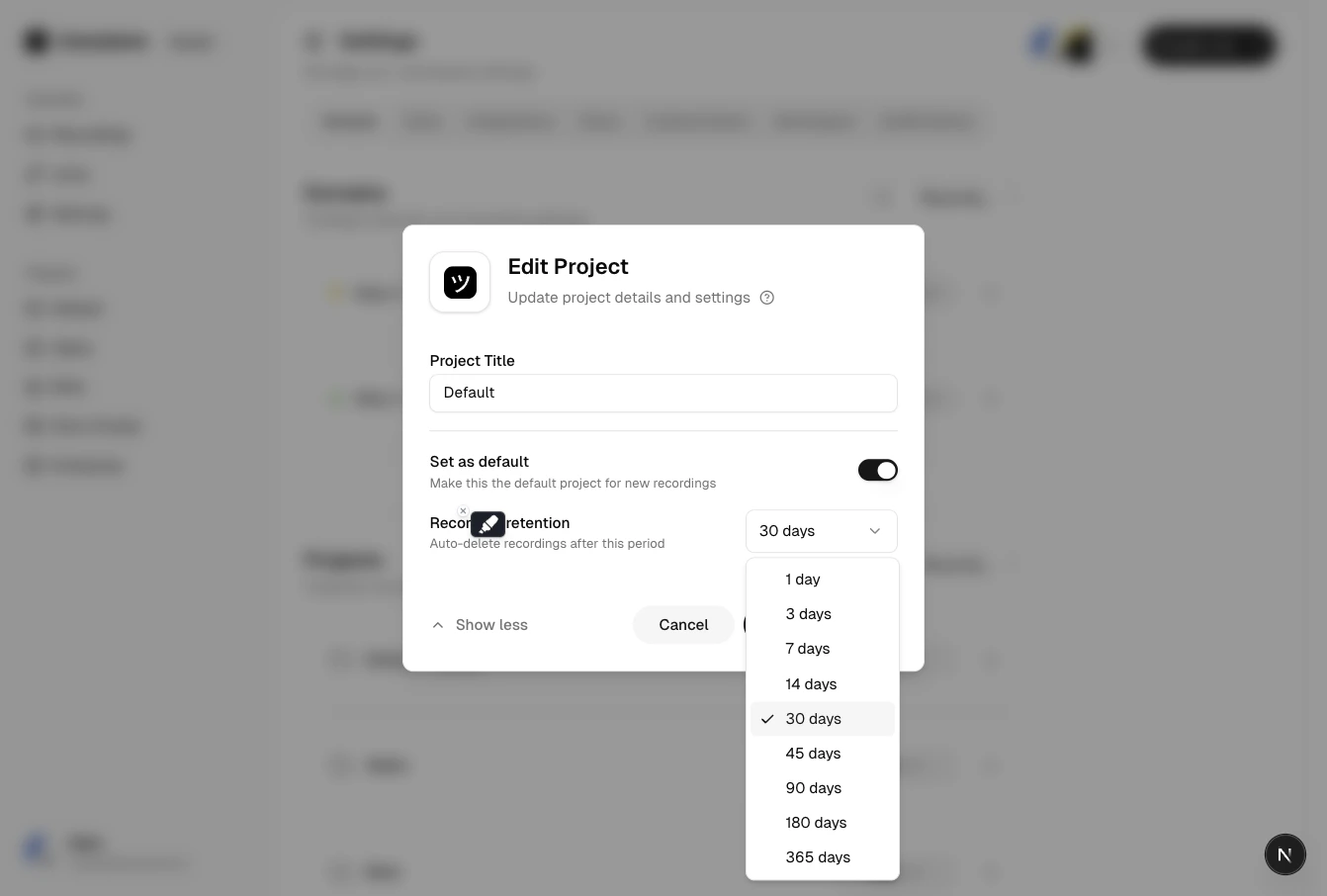
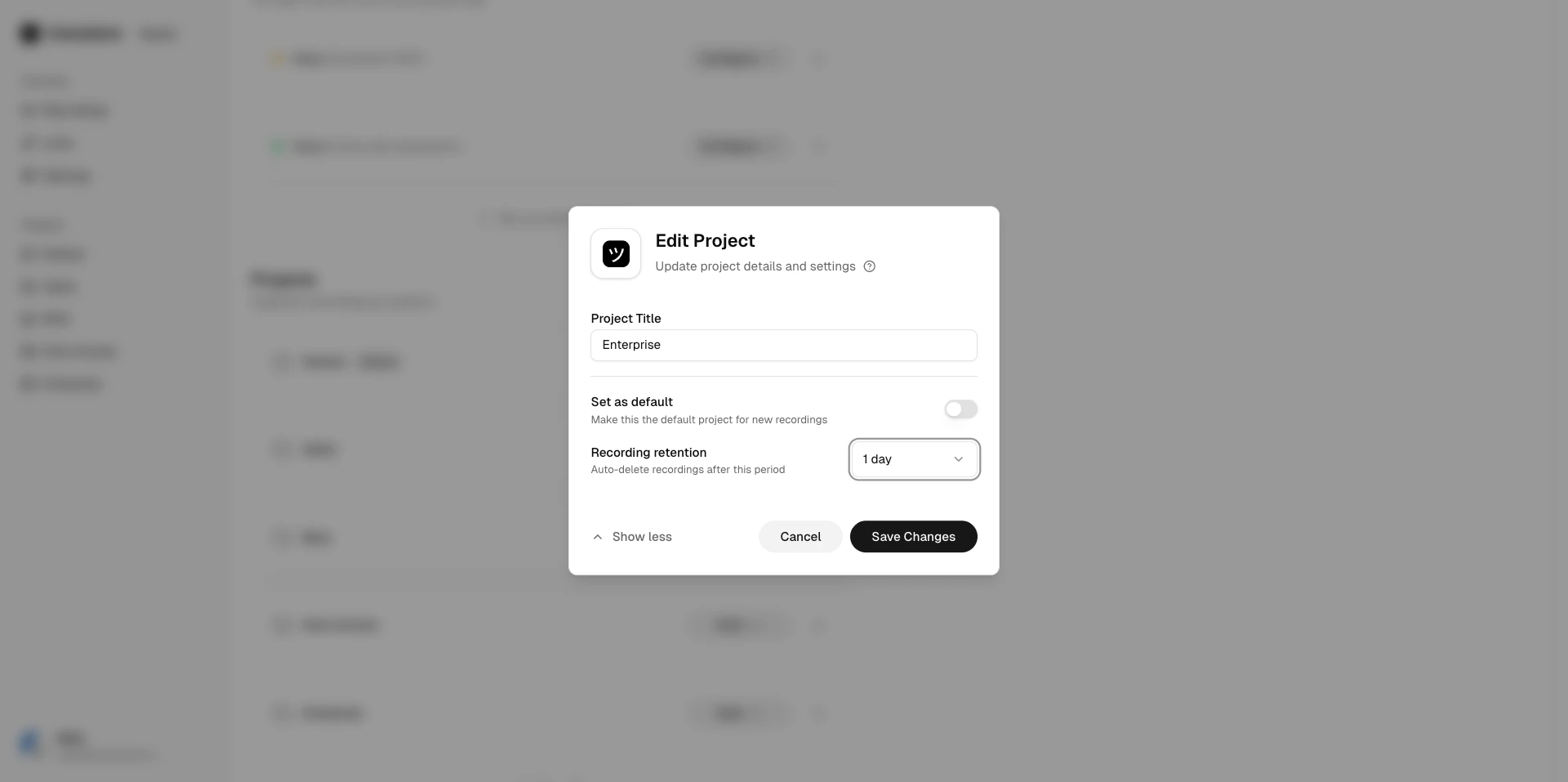
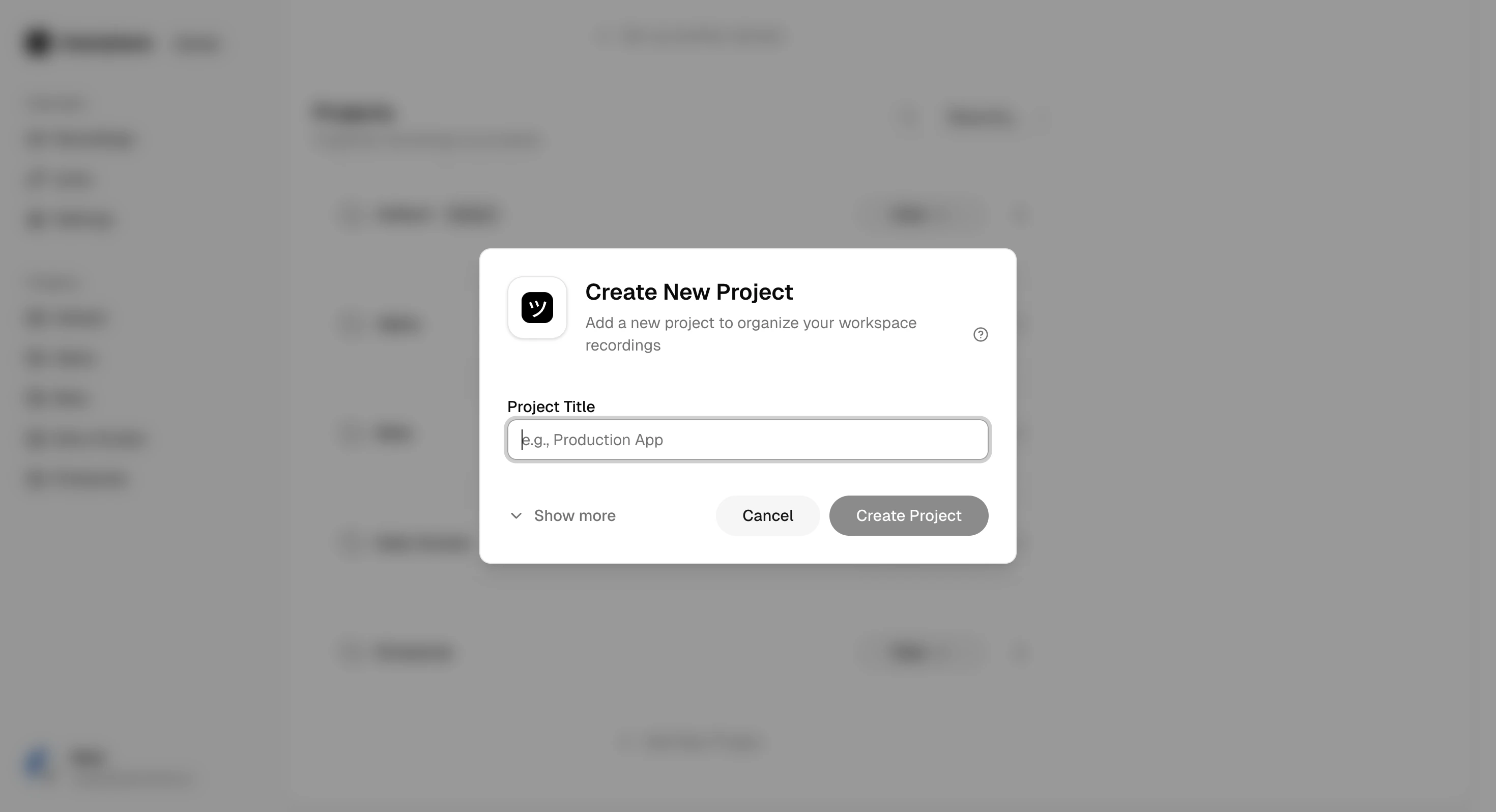 Click the menu on any project to edit its name or configure retention settings.
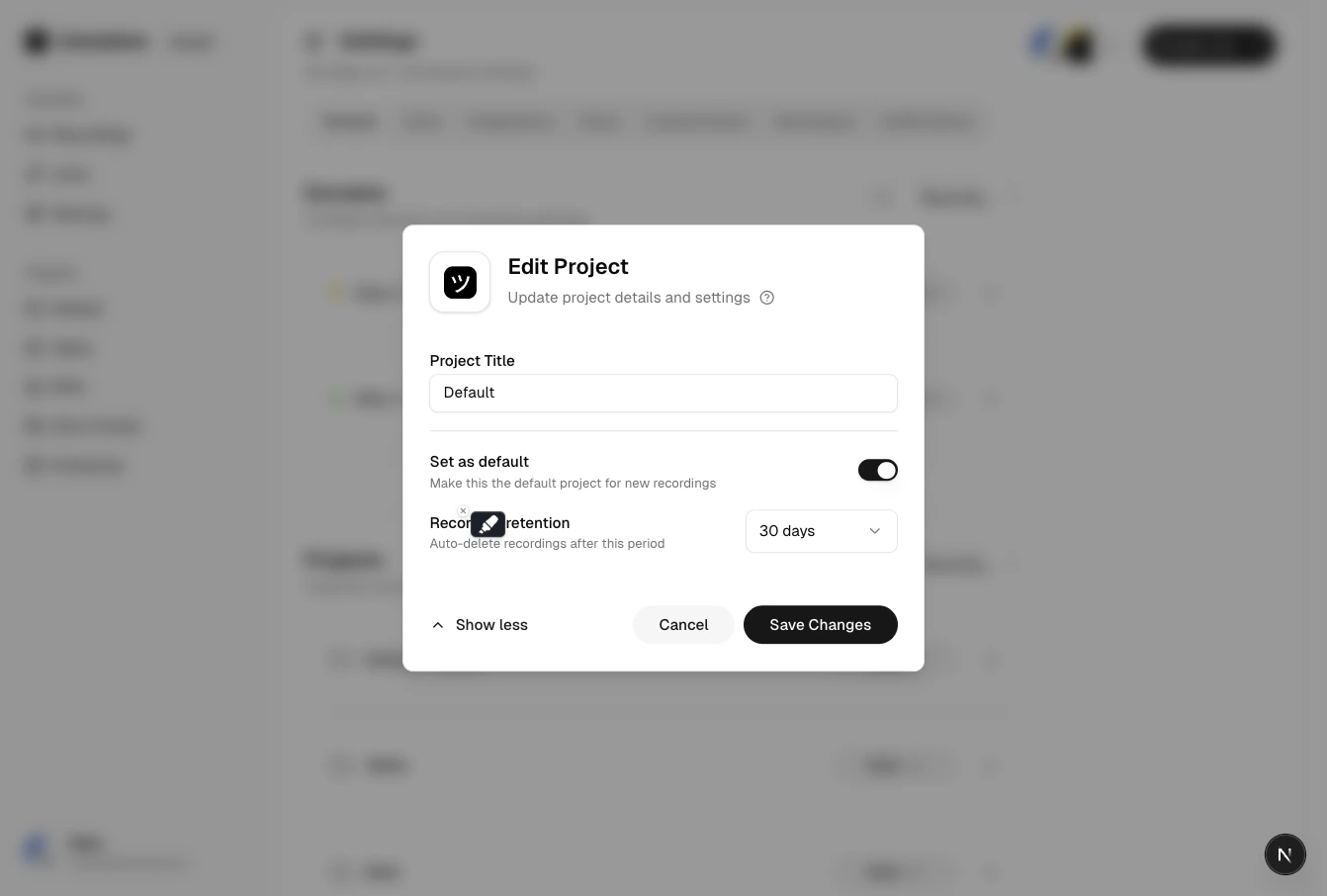
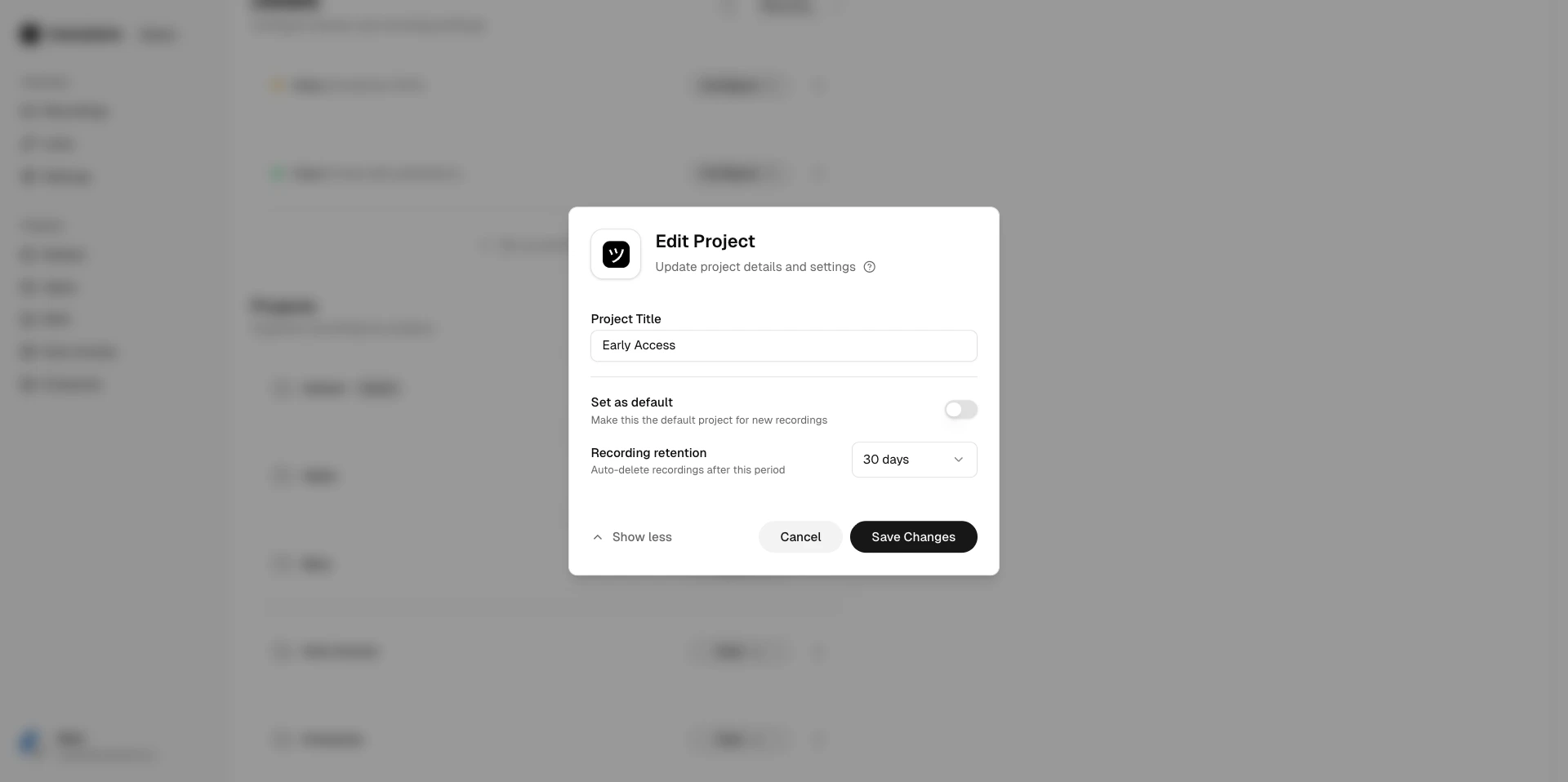 Set a retention policy to automatically expire recordings after a specified period.
 ## Default project
Every workspace has a default project that cannot be deleted. Links created without an explicit project selection are assigned to the default project.
## Related articles
* [Projects](/workspace/projects) — creating and using projects.
* [Project Lifecycle](/workspace/project-lifecycle) — delete and restore projects.
* [Recording Expiry](/recording/expiry) — manually set expiration dates for individual recordings.
## Default project
Every workspace has a default project that cannot be deleted. Links created without an explicit project selection are assigned to the default project.
## Related articles
* [Projects](/workspace/projects) — creating and using projects.
* [Project Lifecycle](/workspace/project-lifecycle) — delete and restore projects.
* [Recording Expiry](/recording/expiry) — manually set expiration dates for individual recordings.