> ## Documentation Index
> Fetch the complete documentation index at: https://docs.userplane.io/llms.txt
> Use this file to discover all available pages before exploring further.
# Access Management
> Approve or decline access requests and manage domain whitelisting
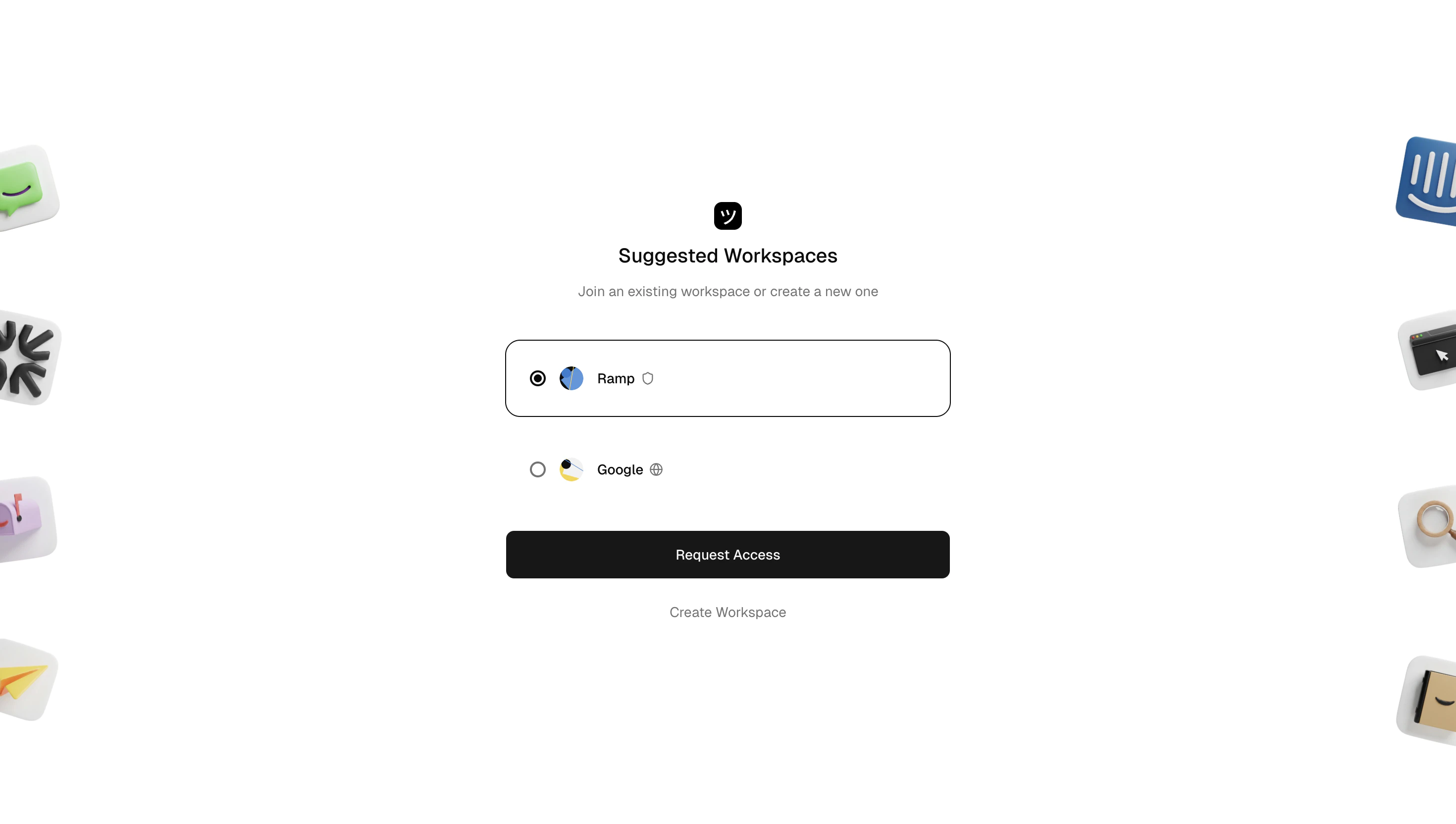
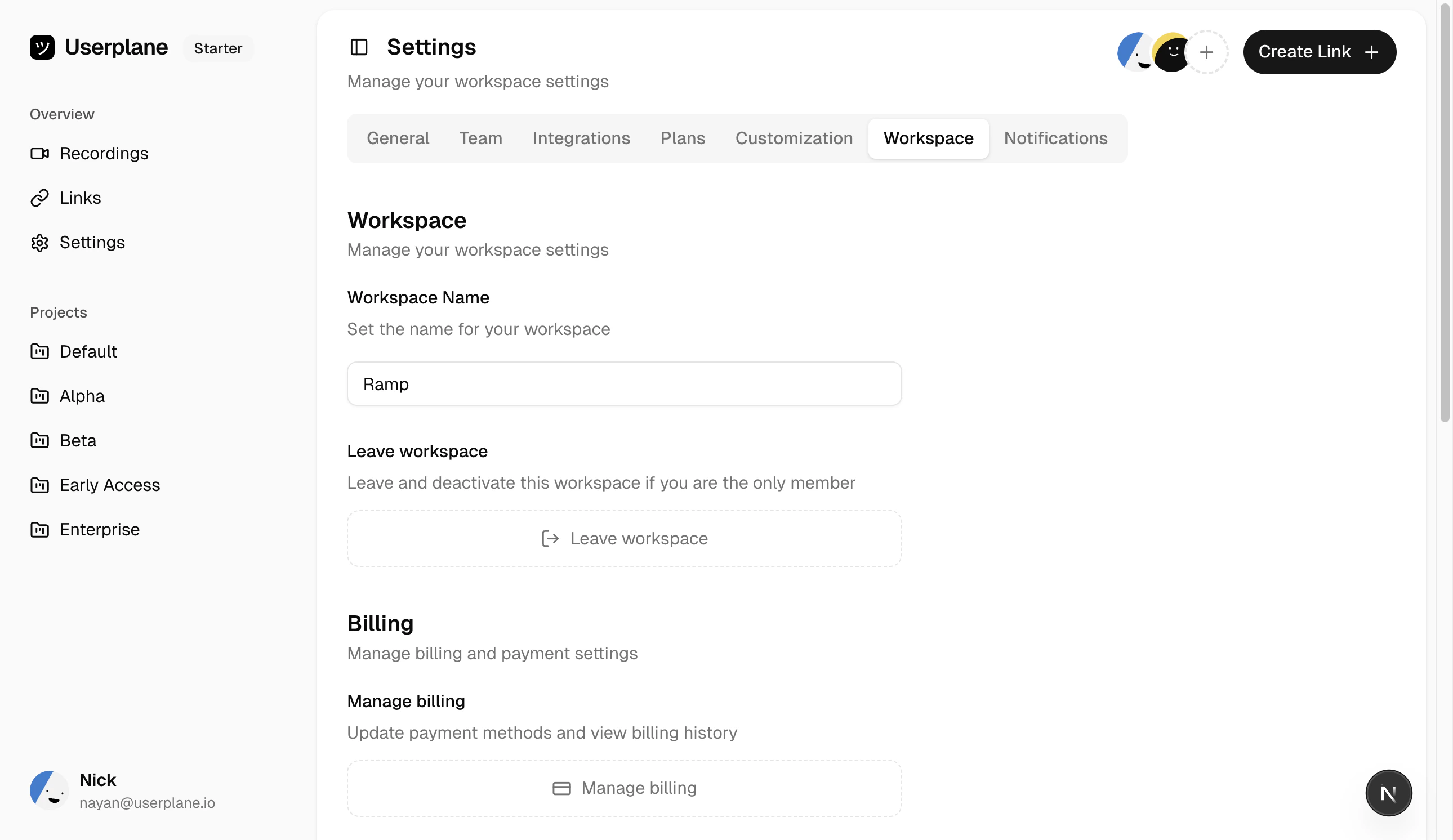
When your workspace uses the **Protected** [invite policy](/workspace/invite-policies), people with matching email domains can request access. Owners review and approve or decline these requests.
## How access requests work
1. A user finds your workspace (it is discoverable under the protected policy).
2. Their email domain matches one of your whitelisted domains.
3. They click **Request Access**.
4. Workspace owners receive a notification about the pending request.
5. The owner approves or declines the request from [Workspace Settings > Team](https://dash.userplane.io/_/settings?tab=team).
 ## Request expiry
Access requests expire after **7 days**. If an owner does not act on a request within 7 days, it expires automatically. The user can submit a new request if they still want to join.
## Approving a request
Workspace owners receive an email with the access request. Click the **Approve** link in the email to accept the user as a workspace member.
## Declining a request
Click the **Decline** link in the email notification. The user is notified that their request was declined.
## Domain whitelisting
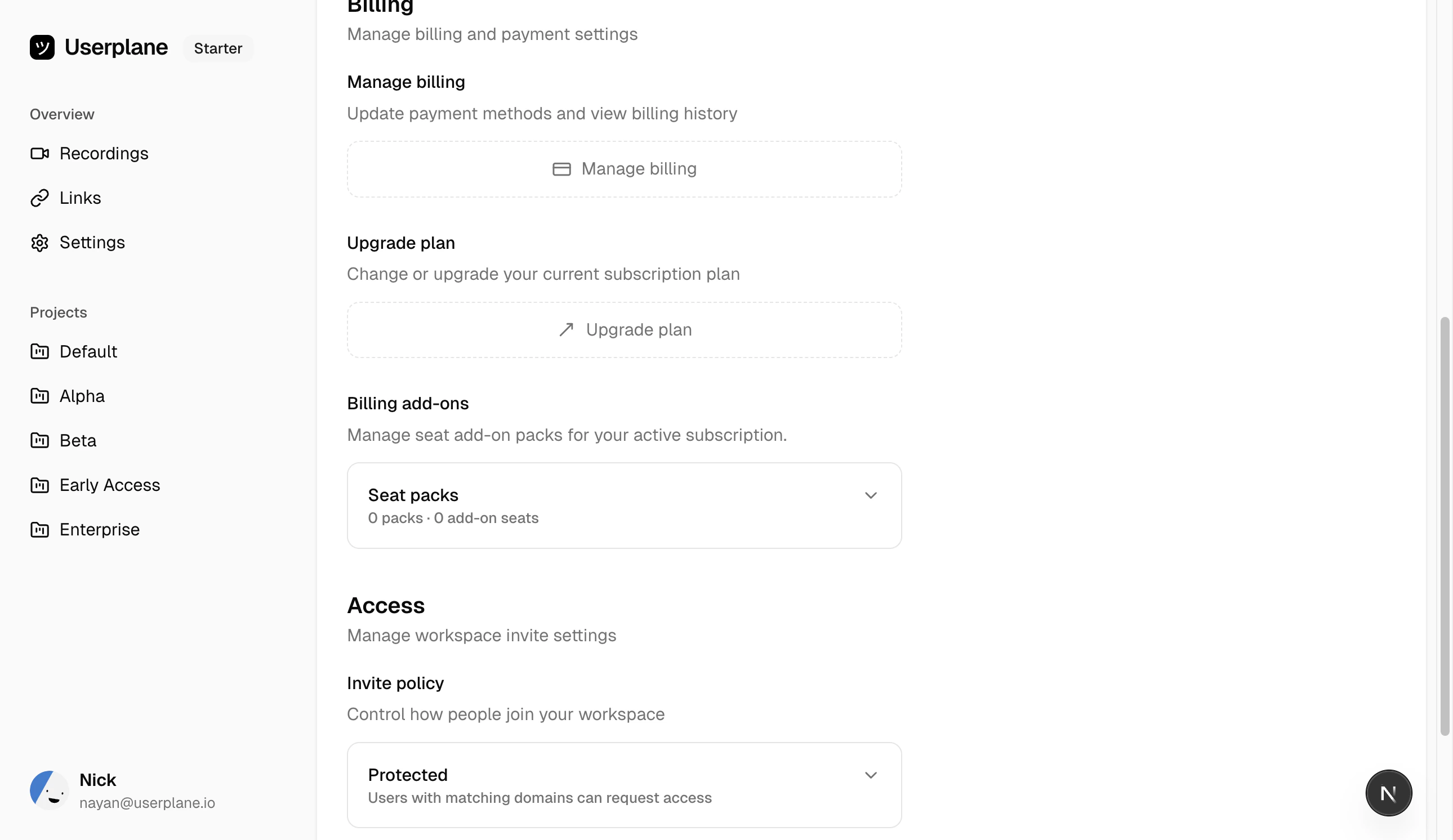
Only users whose email domain matches one of your whitelisted domains can request access. You can manage whitelisted domains (up to **5**) from [Workspace Settings > General](https://dash.userplane.io/_/settings?tab=workspace).
## Request expiry
Access requests expire after **7 days**. If an owner does not act on a request within 7 days, it expires automatically. The user can submit a new request if they still want to join.
## Approving a request
Workspace owners receive an email with the access request. Click the **Approve** link in the email to accept the user as a workspace member.
## Declining a request
Click the **Decline** link in the email notification. The user is notified that their request was declined.
## Domain whitelisting
Only users whose email domain matches one of your whitelisted domains can request access. You can manage whitelisted domains (up to **5**) from [Workspace Settings > General](https://dash.userplane.io/_/settings?tab=workspace).
 Only workspace **owners** can approve or decline access requests.
## Related articles
* [Invite Policies](/workspace/invite-policies) — configure your workspace access policy.
* [Team Management](/workspace/team-management) — invite and manage members.
Only workspace **owners** can approve or decline access requests.
## Related articles
* [Invite Policies](/workspace/invite-policies) — configure your workspace access policy.
* [Team Management](/workspace/team-management) — invite and manage members.