> ## Documentation Index
> Fetch the complete documentation index at: https://docs.userplane.io/llms.txt
> Use this file to discover all available pages before exploring further.
# Domain Verification
> Verify domain ownership using a token-based flow with CORS validation
Domain verification confirms that you own or control a domain before Userplane enables branded recording links and per-domain preferences for it.
## How verification works
Userplane uses a **token-based verification** process:
1. Userplane generates a unique verification token (JWT) for your domain.
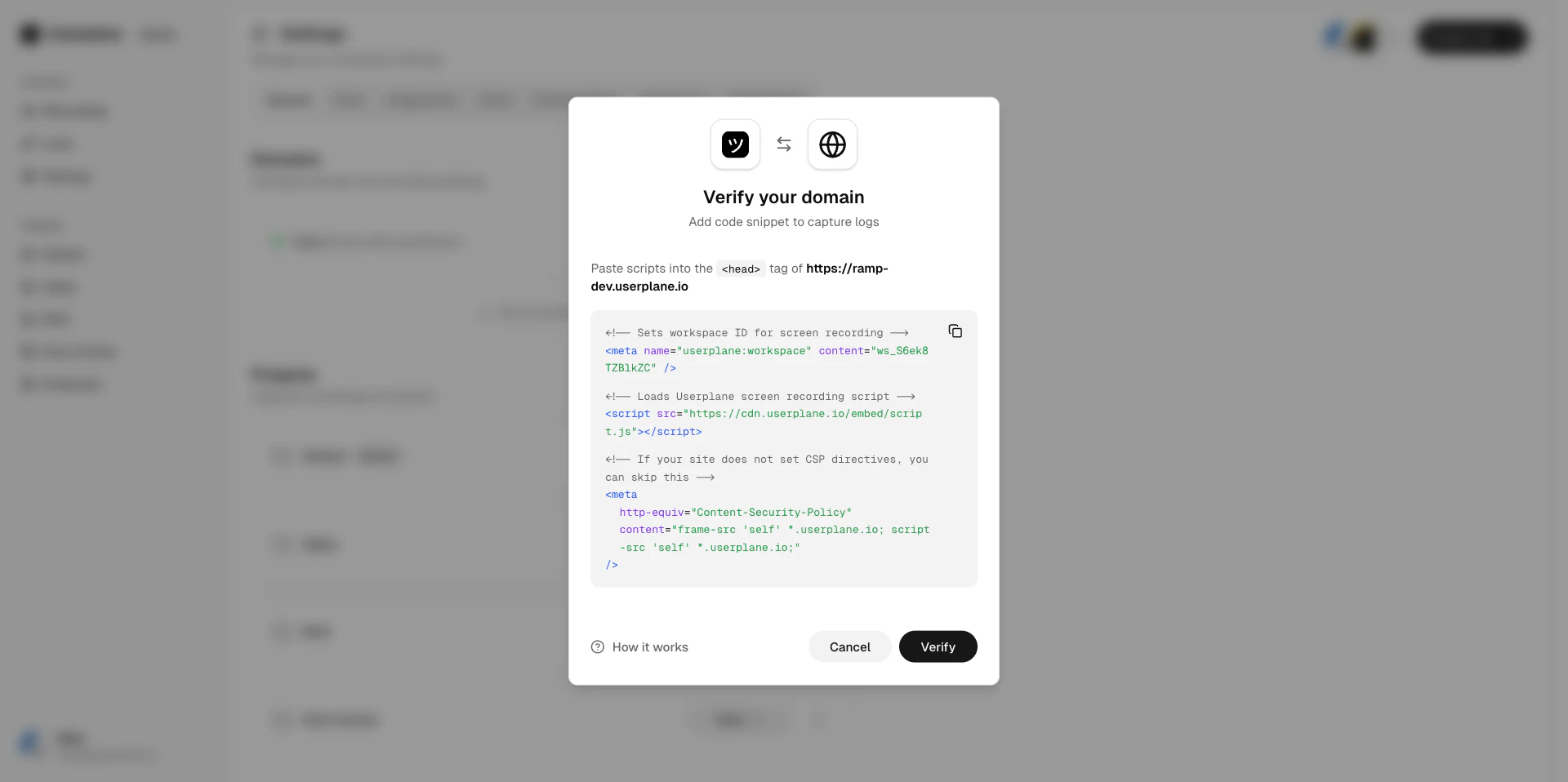
2. You add a script tag with the token to your website.
3. Userplane makes a CORS-validated request to your domain to check for the token.
4. If the token is found and valid, the domain status changes to **verified**.
## Verification steps
Go to [Workspace Settings > Domains](https://dash.userplane.io/_/settings?tab=general) and select the domain you want to verify. It will show a **Pending** status.
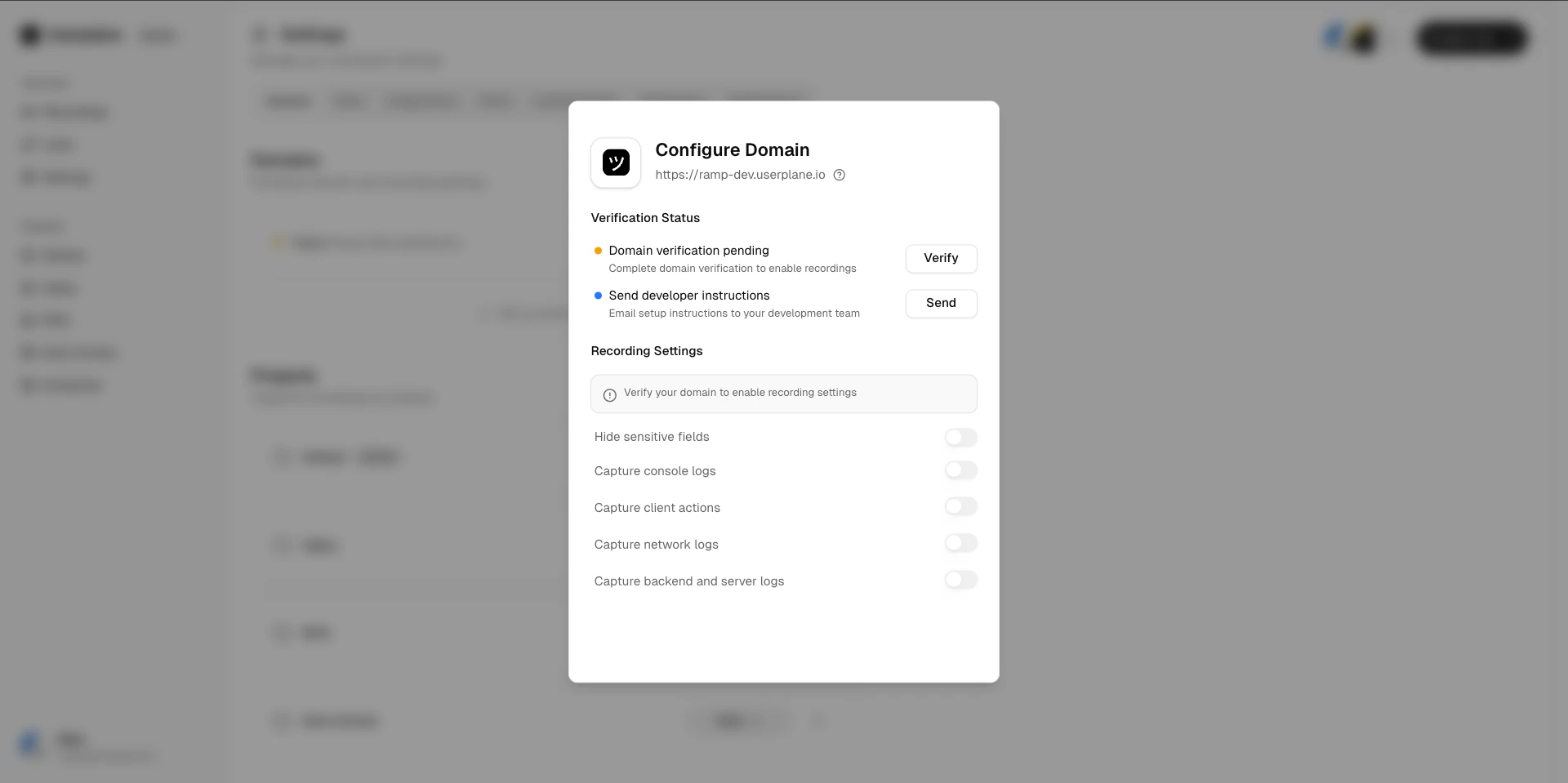 Click **Verify** to start the verification process. Userplane generates a unique verification token (JWT) for your domain.
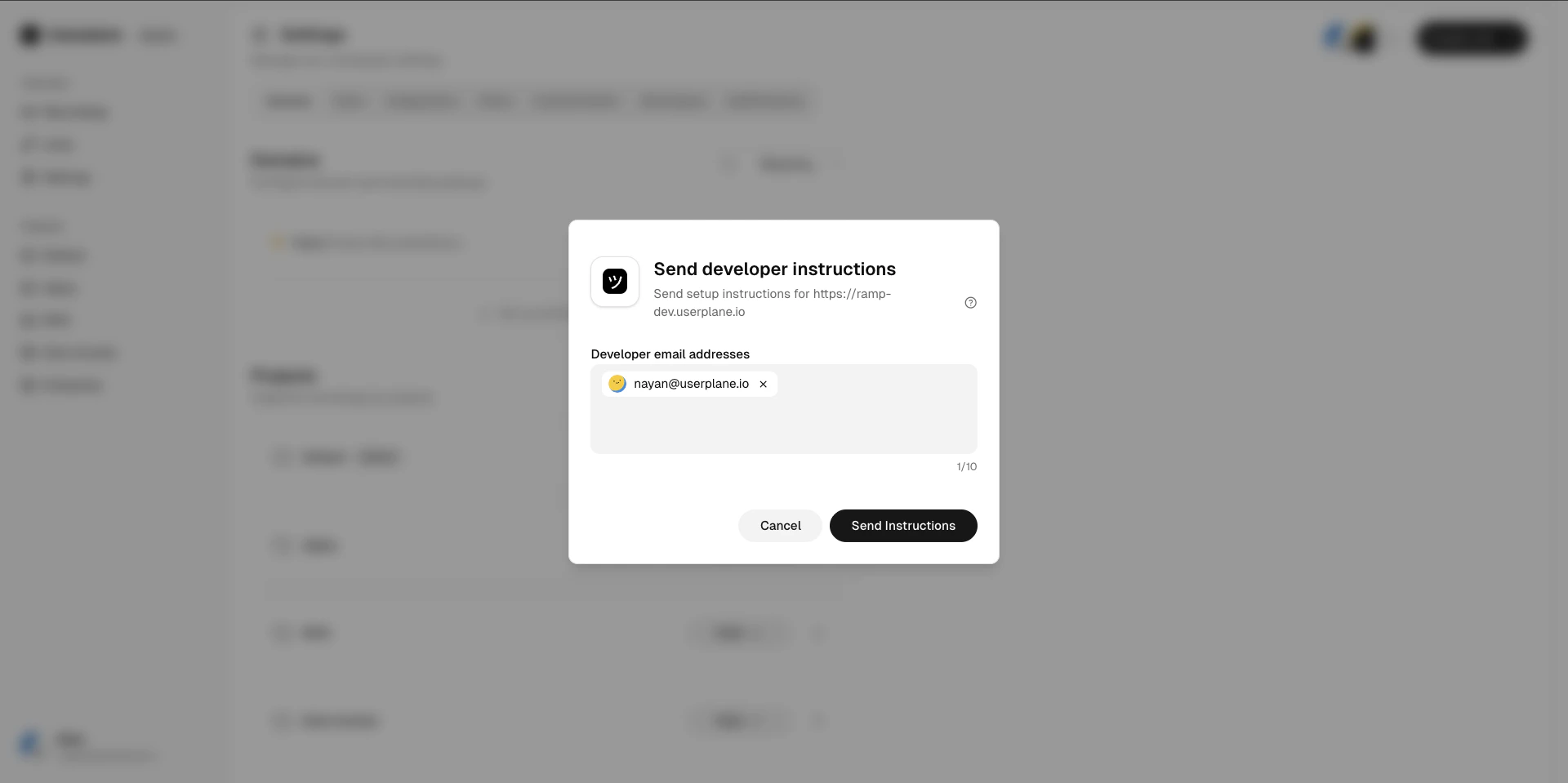
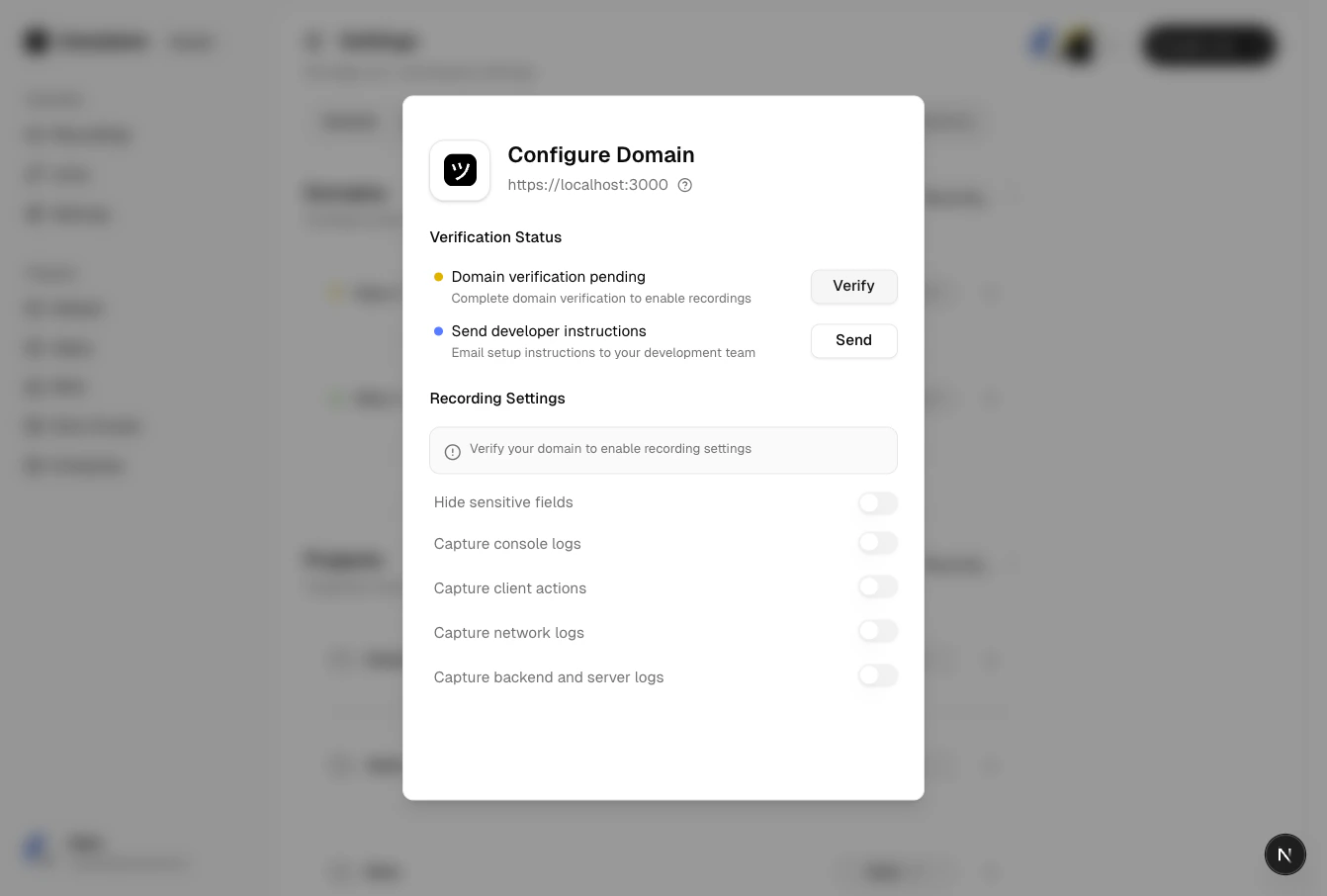 If someone else manages your website, click **Send to Developer** to email them the verification instructions directly.
 Copy the provided script tag and add it to your website's HTML. Your domain must allow CORS requests from Userplane for the check to succeed. See the [Domain Verification Guide](/developer/domain-verification) for technical details.
Once the script is deployed, click **Verify** in Userplane to trigger the check.
Copy the provided script tag and add it to your website's HTML. Your domain must allow CORS requests from Userplane for the check to succeed. See the [Domain Verification Guide](/developer/domain-verification) for technical details.
Once the script is deployed, click **Verify** in Userplane to trigger the check.
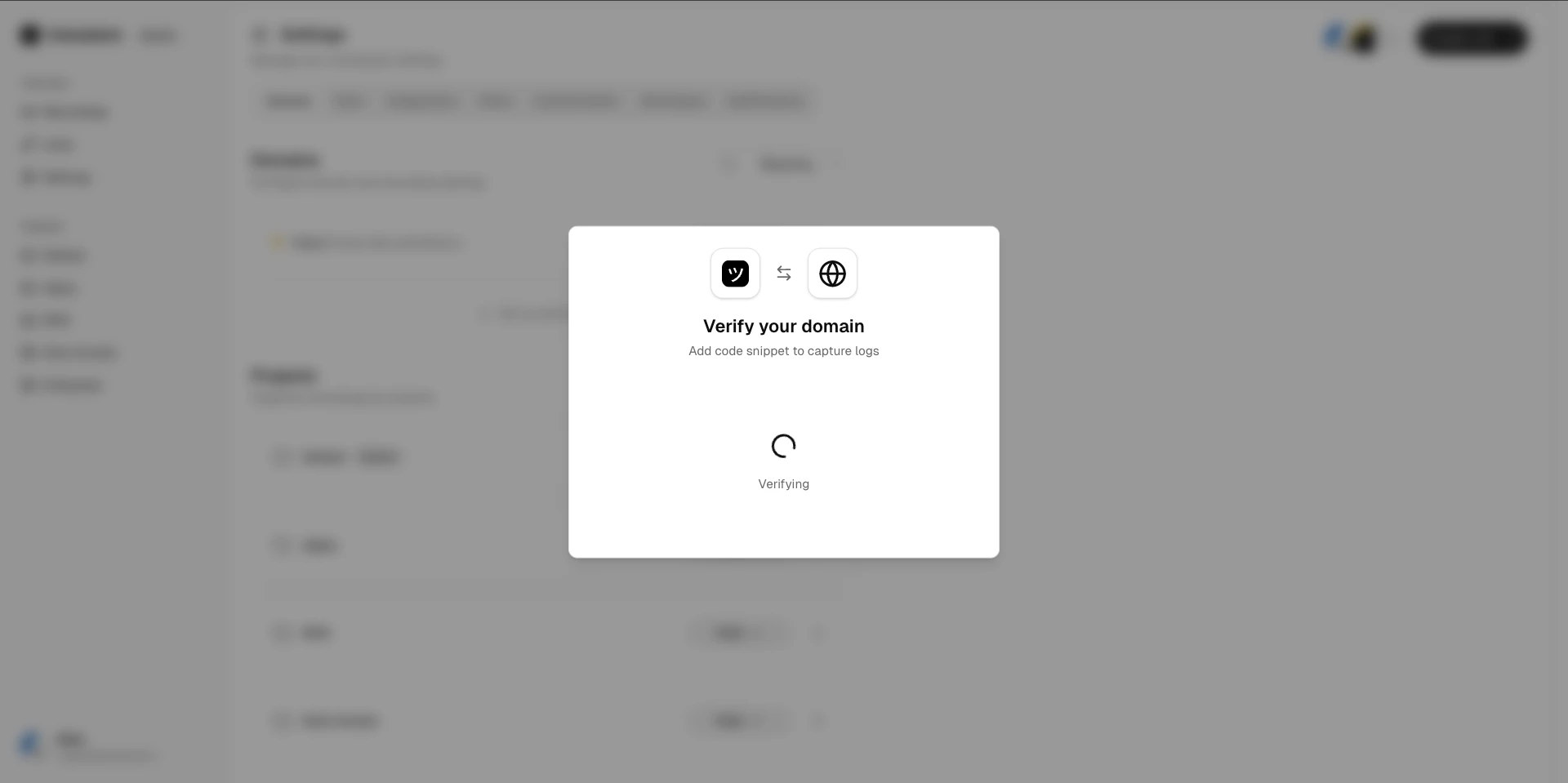 The verification token expires after **5 minutes**. If it expires before verification
completes, generate a new one and try again.
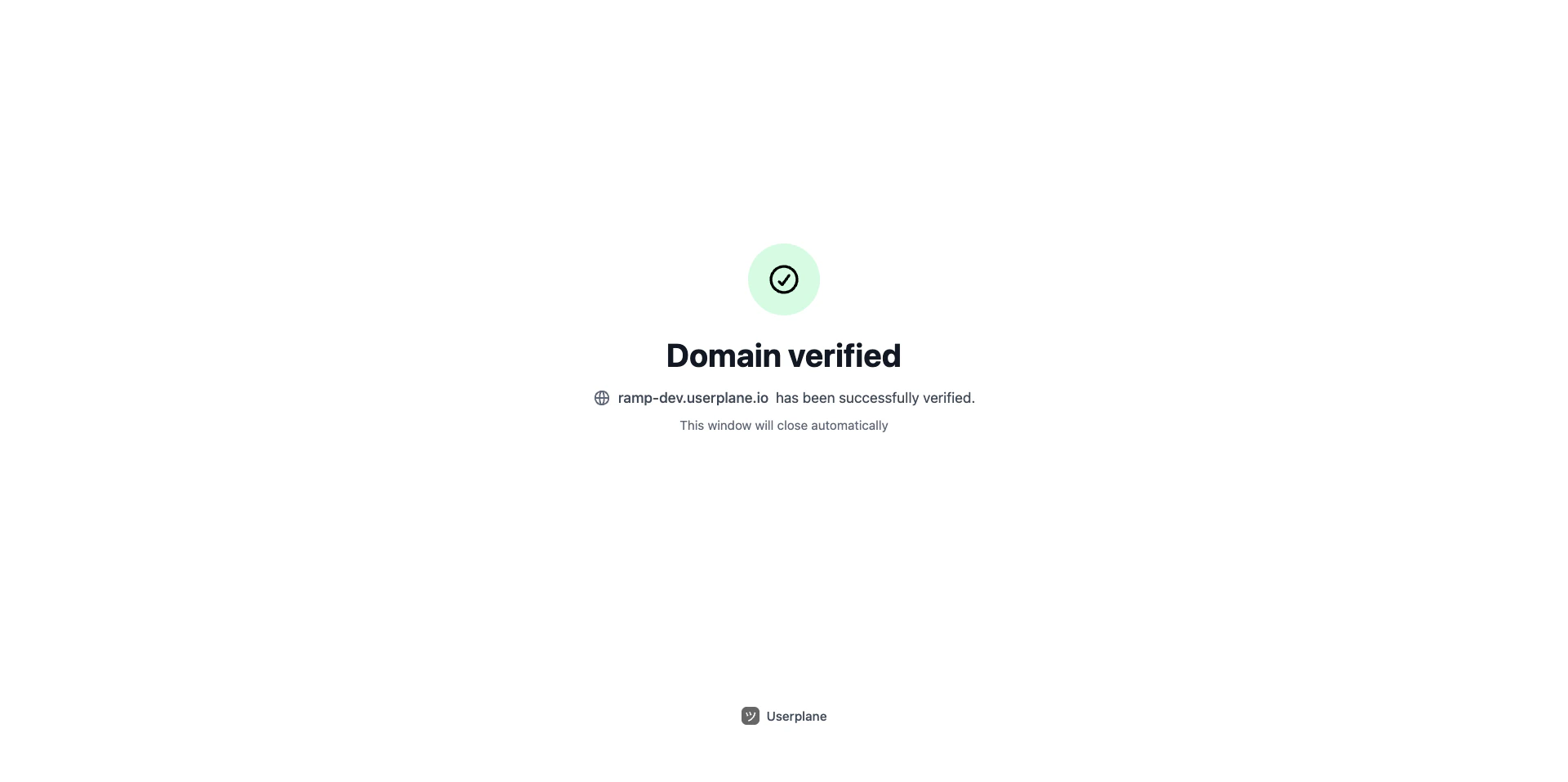
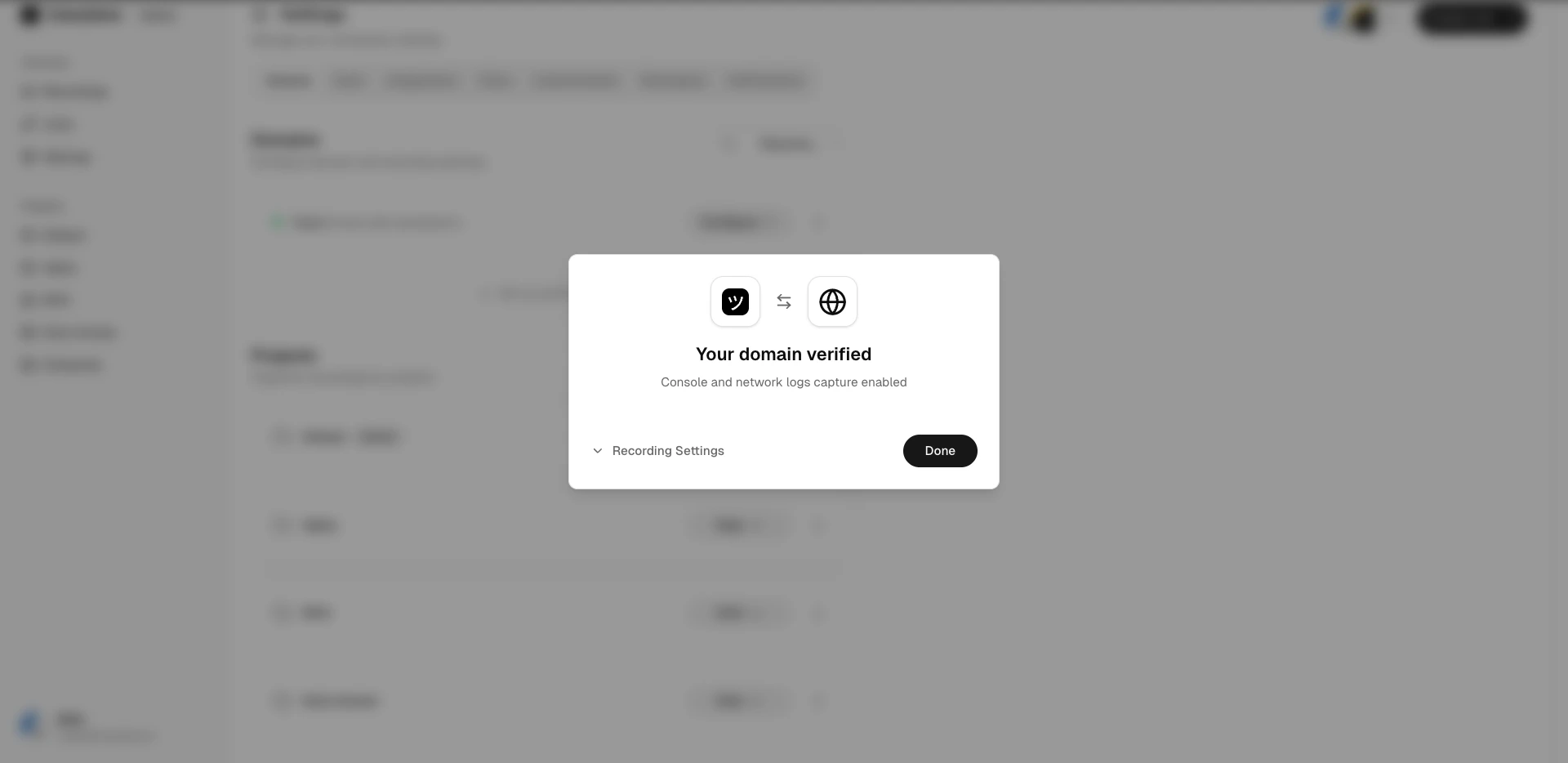
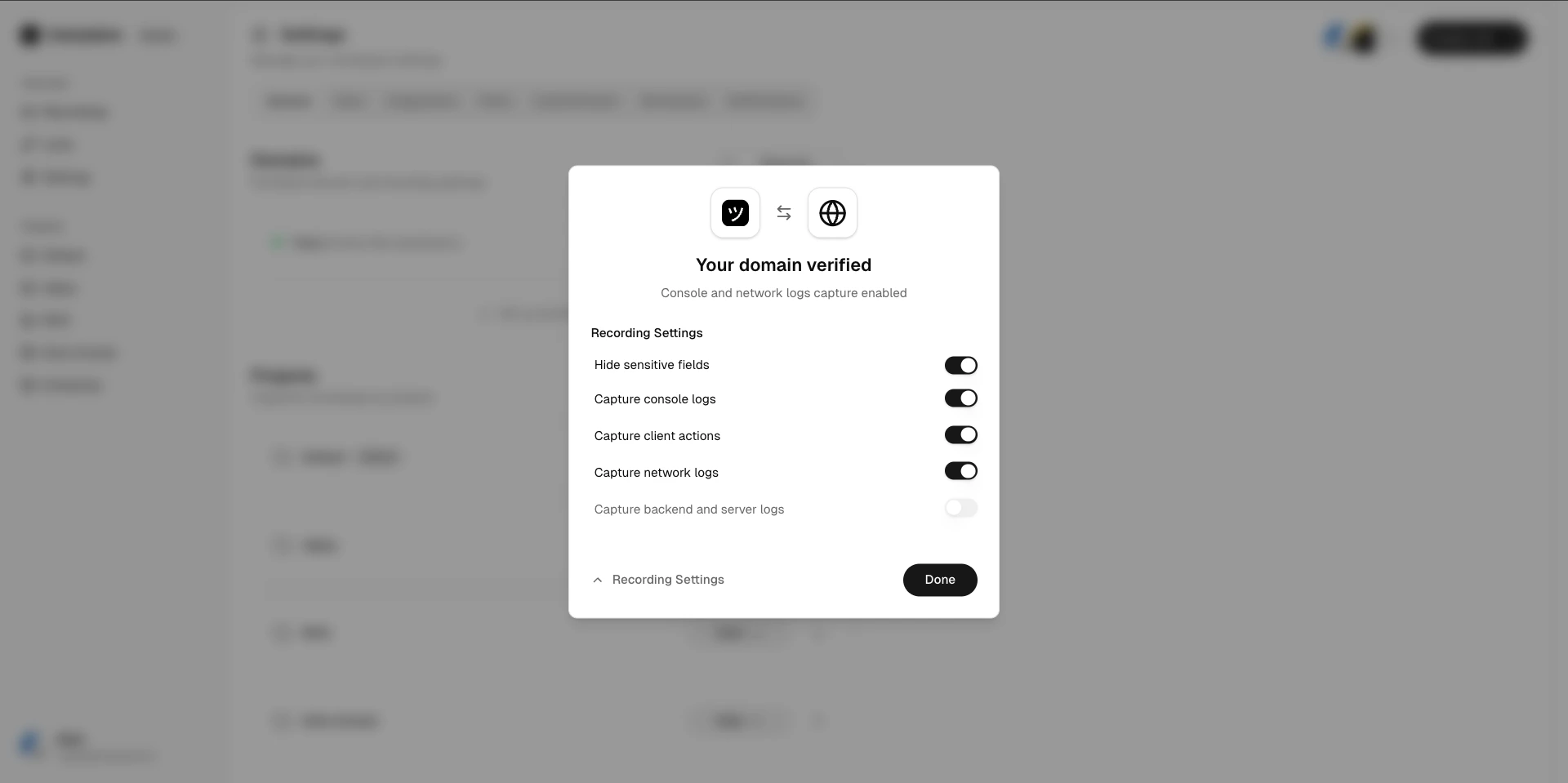
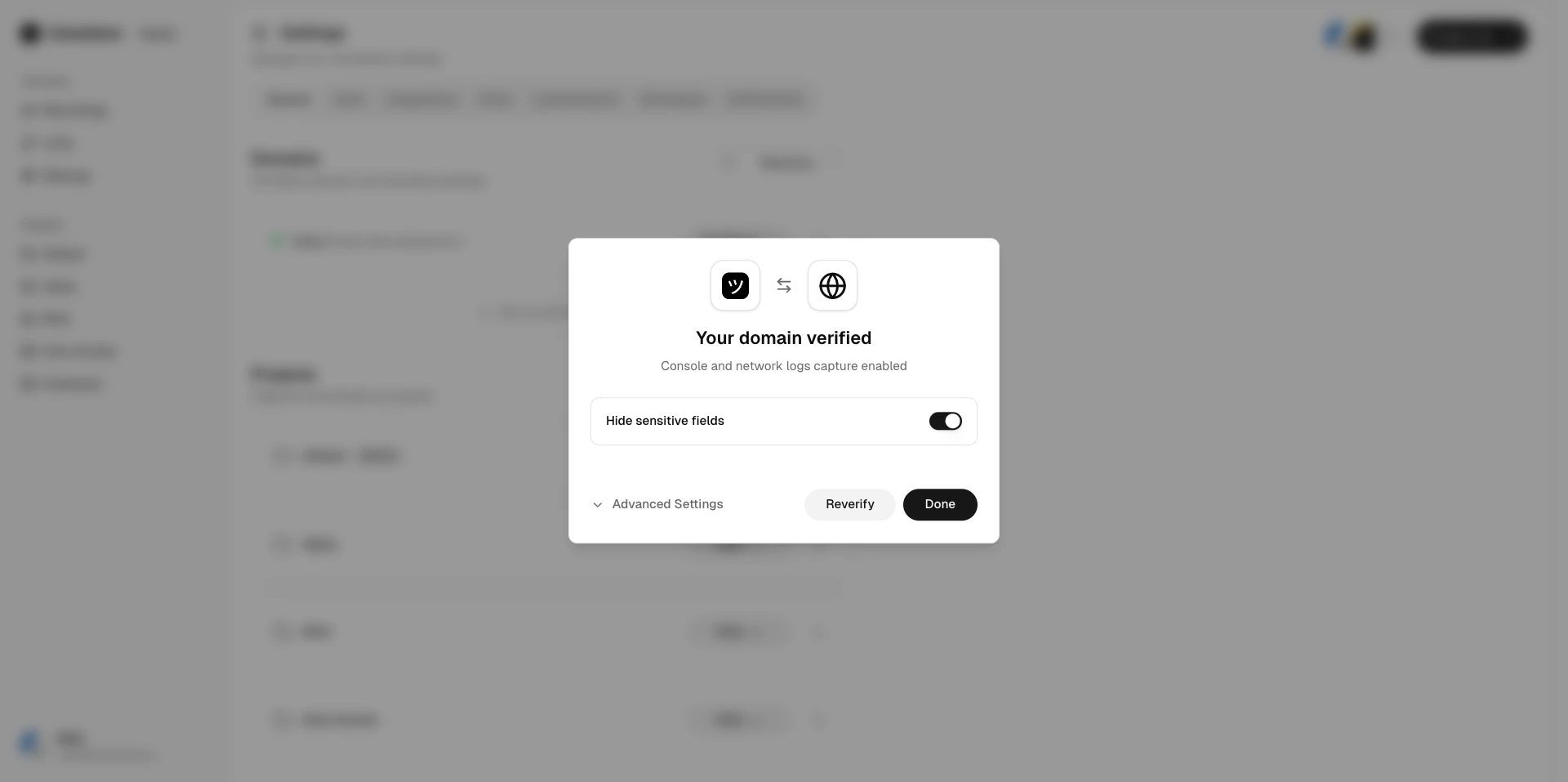
Once the token is found and valid, the domain status changes to **Verified**.
The verification token expires after **5 minutes**. If it expires before verification
completes, generate a new one and try again.
Once the token is found and valid, the domain status changes to **Verified**.
 ## After verification
Once a domain is verified:
* The domain status changes to **Verified**.
* You can create branded recording links using this domain.
* [Domain recording preferences](/recording-links/domain-preferences) become active.
* You can remove the verification script tag from your website.
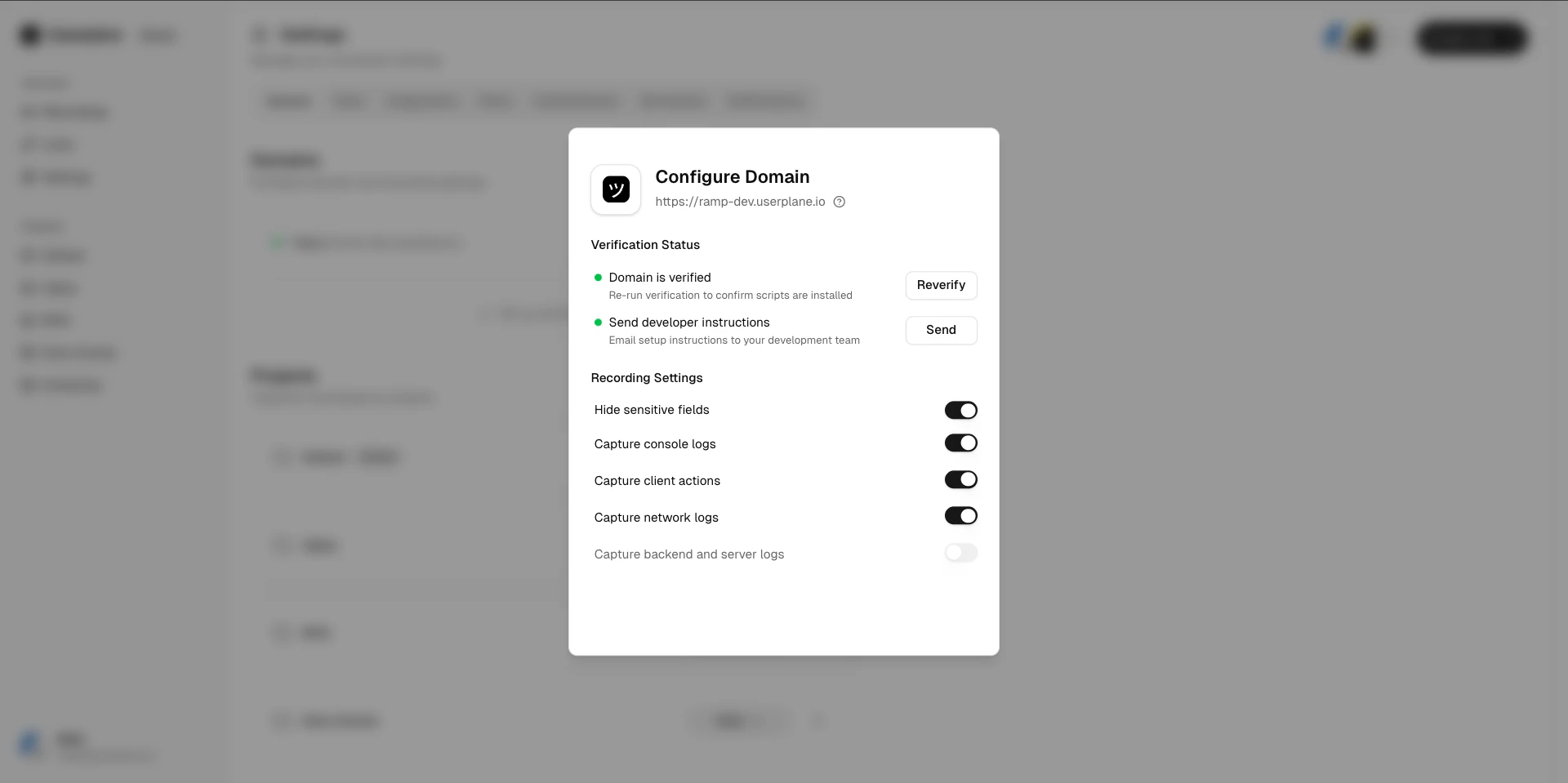
## After verification
Once a domain is verified:
* The domain status changes to **Verified**.
* You can create branded recording links using this domain.
* [Domain recording preferences](/recording-links/domain-preferences) become active.
* You can remove the verification script tag from your website.
 ## Related articles
* [Domains](/workspace/domains) — why domains matter.
* [Domain Verification Guide](/developer/domain-verification) — detailed technical guide for developers.
## Related articles
* [Domains](/workspace/domains) — why domains matter.
* [Domain Verification Guide](/developer/domain-verification) — detailed technical guide for developers.