> ## Documentation Index
> Fetch the complete documentation index at: https://docs.userplane.io/llms.txt
> Use this file to discover all available pages before exploring further.
# Project Lifecycle
> Delete and restore projects, and understand what happens to associated data
Projects can be deleted when they are no longer needed. Userplane uses a soft-delete system with a restoration window so you can recover from accidental deletions.
## Deleting a project
Go to [Workspace Settings > Projects](https://dash.userplane.io/_/settings?tab=general).
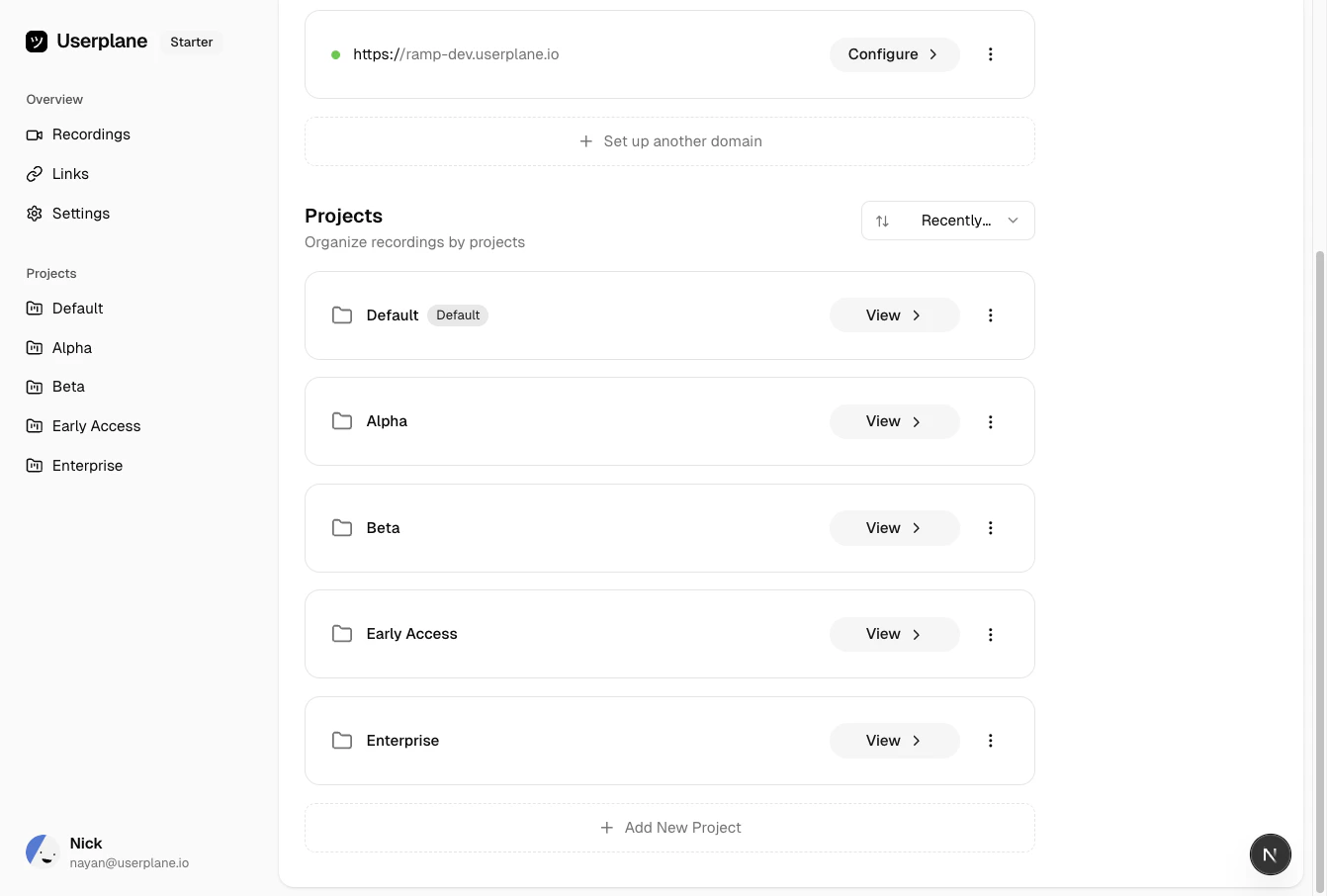 Click the menu icon on the project you want to delete.
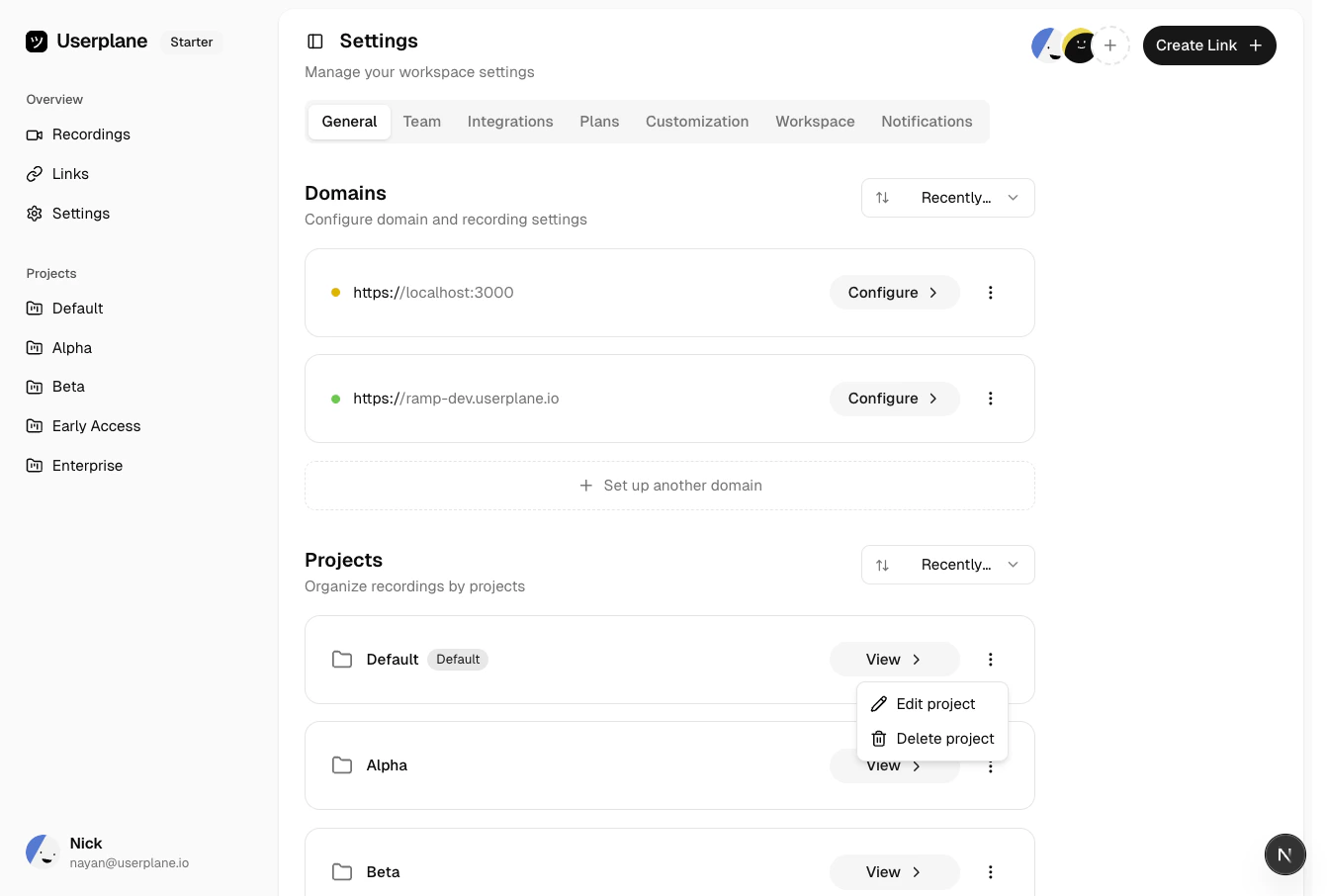 Select **Delete** and confirm.
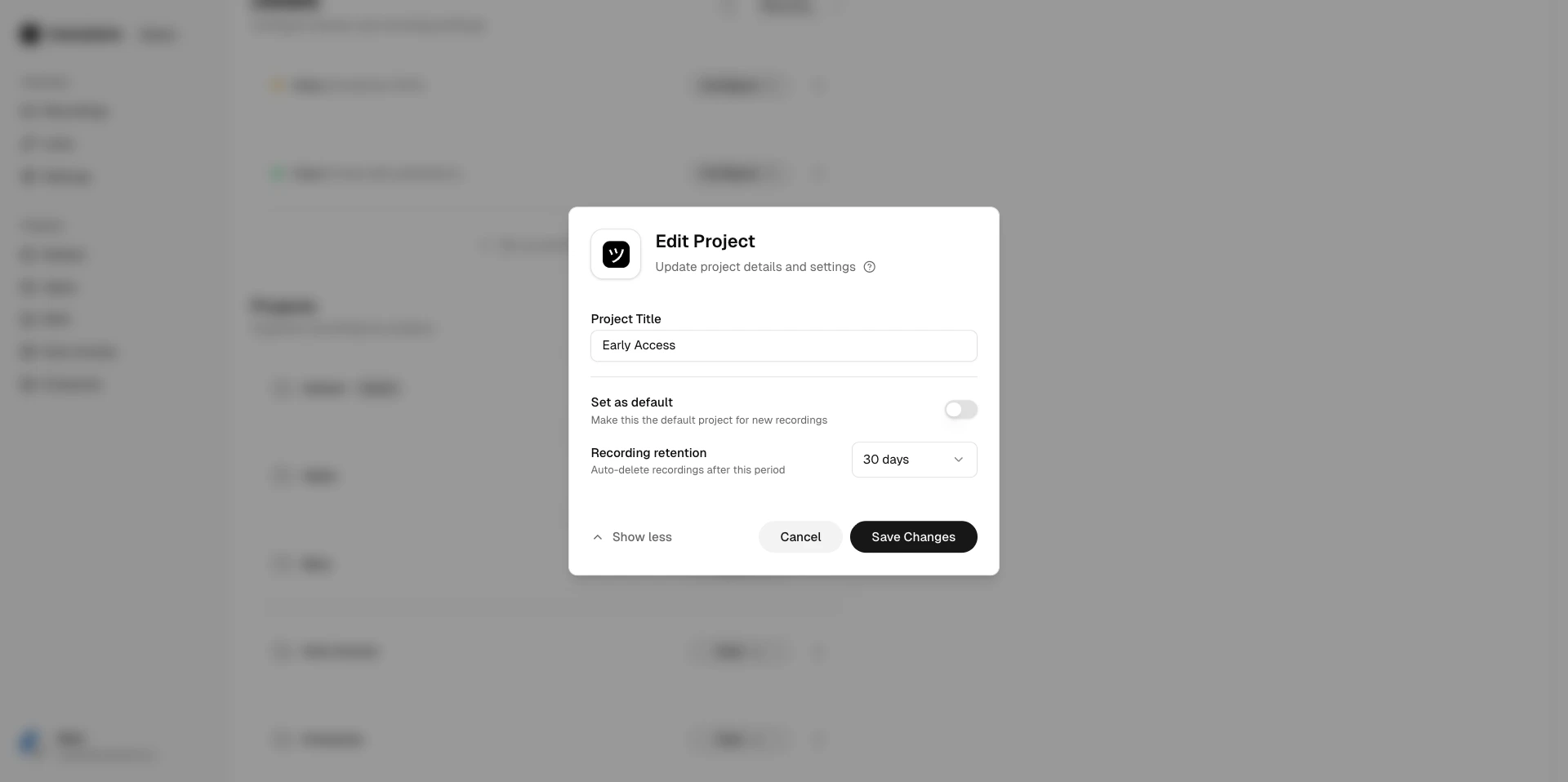 When a project is deleted:
* The project and all associated **recordings** and **links** are soft-deleted.
* Deleted data is not visible in the workspace but is retained temporarily for restoration.
The **default project** cannot be deleted.
## Restoration windows
After deleting a project, you have a limited time to restore it:
| Time since deletion | Restoration type |
| ------------------- | -------------------------------------------------------------------------------------------------------- |
| **0–3 days** | **Full restoration** — the project, all recordings, and all links are fully restored. |
| **3–30 days** | **Partial restoration** — the project is restored but some associated data may no longer be recoverable. |
| **30+ days** | **No restoration** — the project and its data are permanently removed. |
## Restoring a project
When a project is deleted, the workspace owner receives a confirmation email with a restoration link. This is the only way to restore a deleted project.
After deleting a project, the workspace owner receives an email confirming the deletion. This
email contains a time-limited **Restore** link.
Click the **Restore** link in the email. The project and its associated data are recovered based
on the [restoration window](#restoration-windows) above.
The restoration link is time-bound. Once the restoration window expires, the link stops working
and the project cannot be recovered. Act promptly if you need to undo a deletion.
## Retention settings
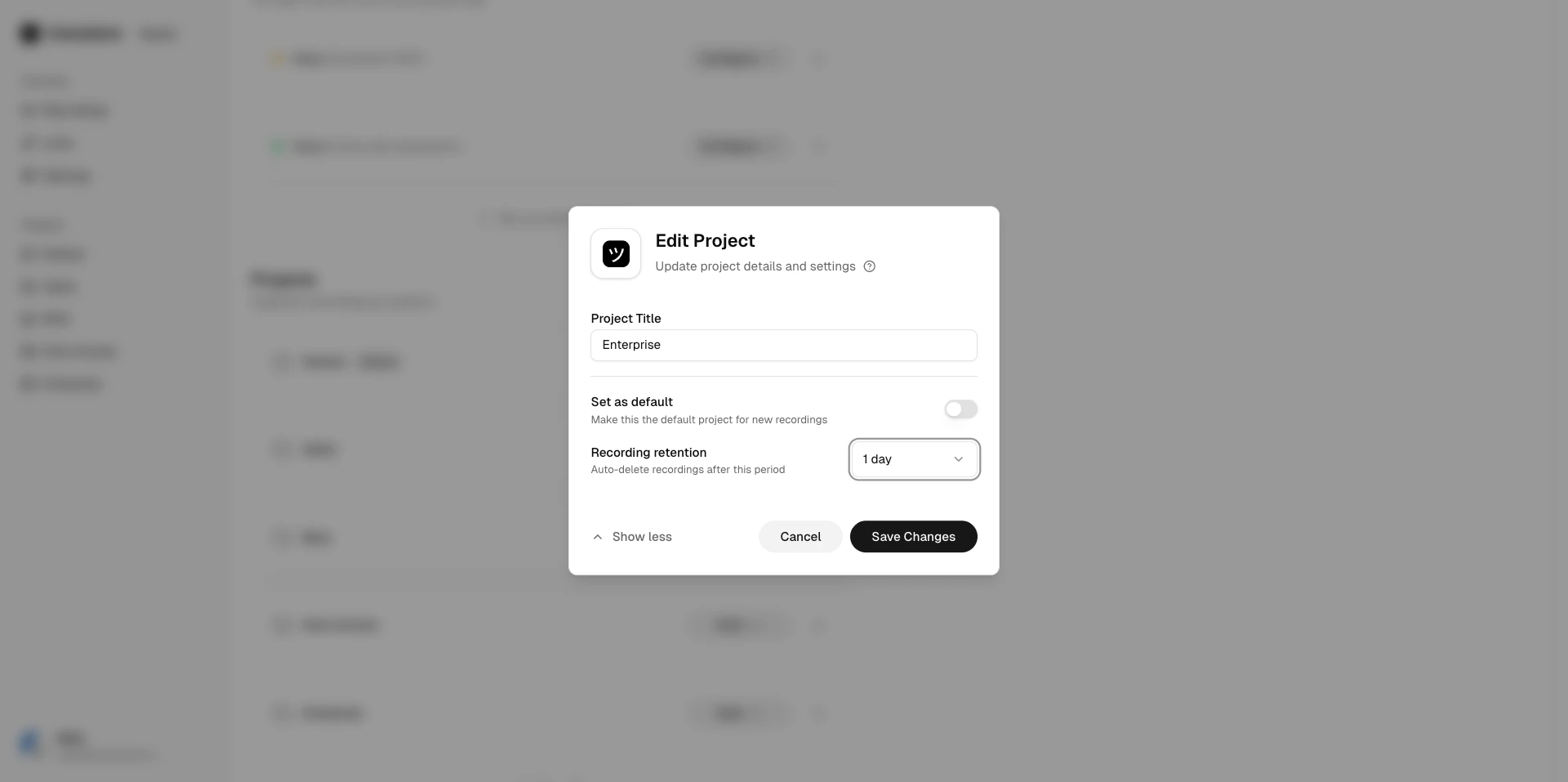
Projects support automatic retention policies that expire recordings after a specified period. Configure retention when [editing a project](/workspace/projects#editing-a-project).
When a project is deleted:
* The project and all associated **recordings** and **links** are soft-deleted.
* Deleted data is not visible in the workspace but is retained temporarily for restoration.
The **default project** cannot be deleted.
## Restoration windows
After deleting a project, you have a limited time to restore it:
| Time since deletion | Restoration type |
| ------------------- | -------------------------------------------------------------------------------------------------------- |
| **0–3 days** | **Full restoration** — the project, all recordings, and all links are fully restored. |
| **3–30 days** | **Partial restoration** — the project is restored but some associated data may no longer be recoverable. |
| **30+ days** | **No restoration** — the project and its data are permanently removed. |
## Restoring a project
When a project is deleted, the workspace owner receives a confirmation email with a restoration link. This is the only way to restore a deleted project.
After deleting a project, the workspace owner receives an email confirming the deletion. This
email contains a time-limited **Restore** link.
Click the **Restore** link in the email. The project and its associated data are recovered based
on the [restoration window](#restoration-windows) above.
The restoration link is time-bound. Once the restoration window expires, the link stops working
and the project cannot be recovered. Act promptly if you need to undo a deletion.
## Retention settings
Projects support automatic retention policies that expire recordings after a specified period. Configure retention when [editing a project](/workspace/projects#editing-a-project).
 ## Related articles
* [Projects](/workspace/projects) — creating and using projects.
* [Workspace Lifecycle](/workspace/workspace-lifecycle) — deletion and restoration for the workspace itself.
## Related articles
* [Projects](/workspace/projects) — creating and using projects.
* [Workspace Lifecycle](/workspace/workspace-lifecycle) — deletion and restoration for the workspace itself.