

Viewing your keys
Navigate to Account Settings and select the Developers tab. Your keys are listed in a table showing: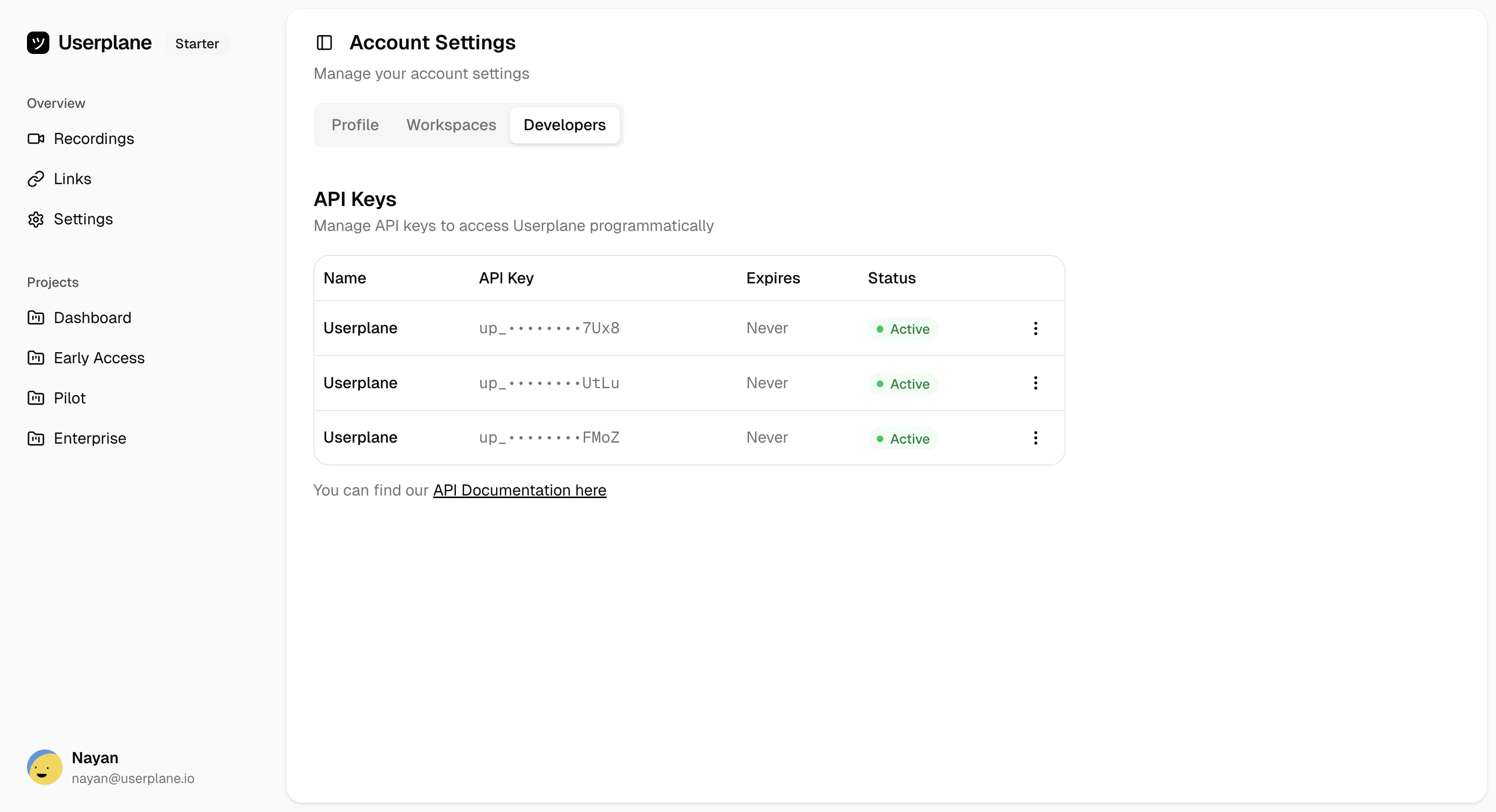
Key actions
Click the three-dot menu next to any key to access management actions: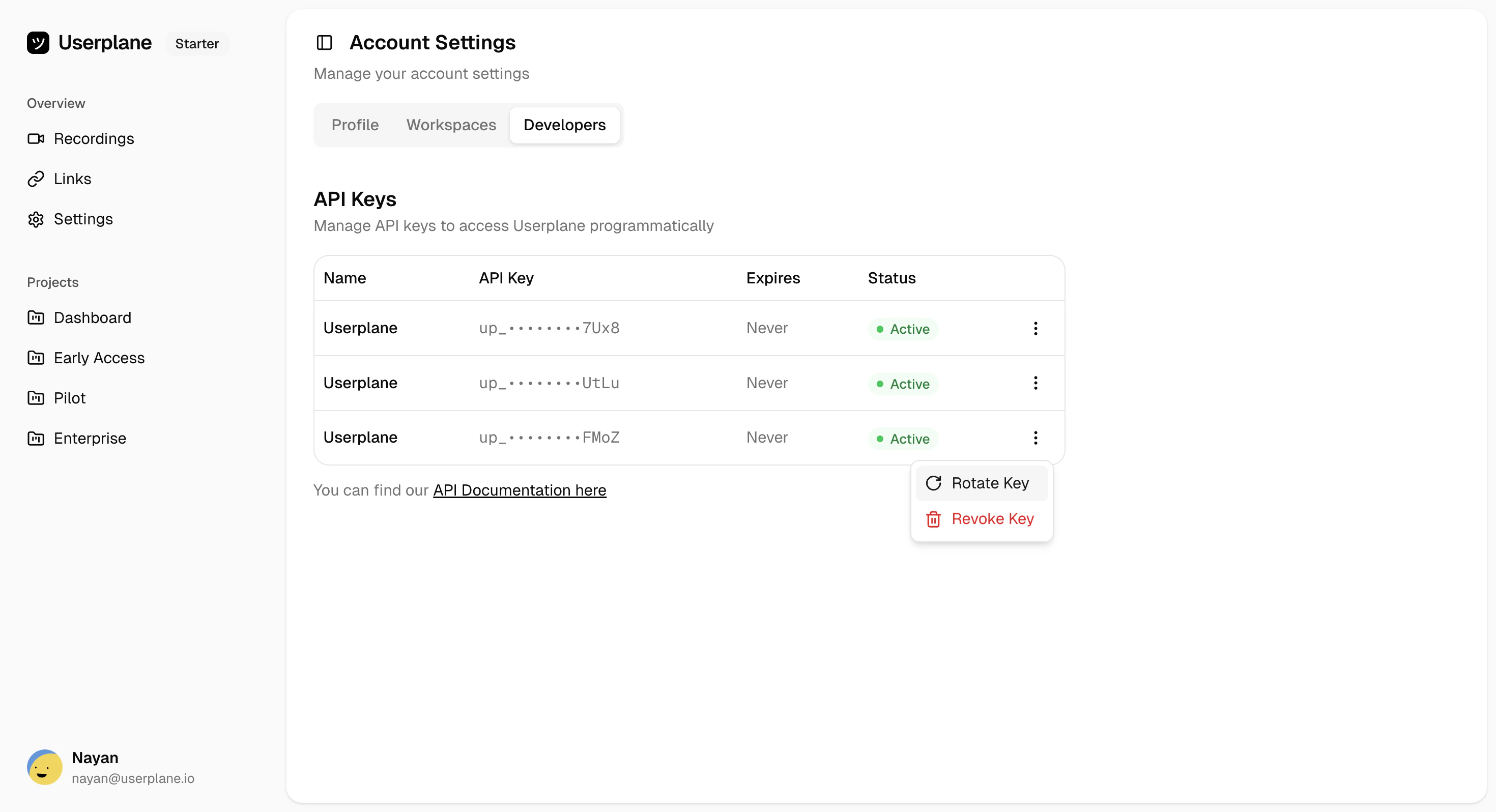
API keys are masked for security. You cannot view the full key after creation. If you’ve lost a
key, rotate it to generate a new one.
Related
Create API Key
Generate a new API key
Rotate API Key
Invalidate a key and generate a replacement
Revoke API Key
Permanently delete a key
Rate Limits
Rate limits shared across all your keys