

Available apps
- Claude
- ChatGPT
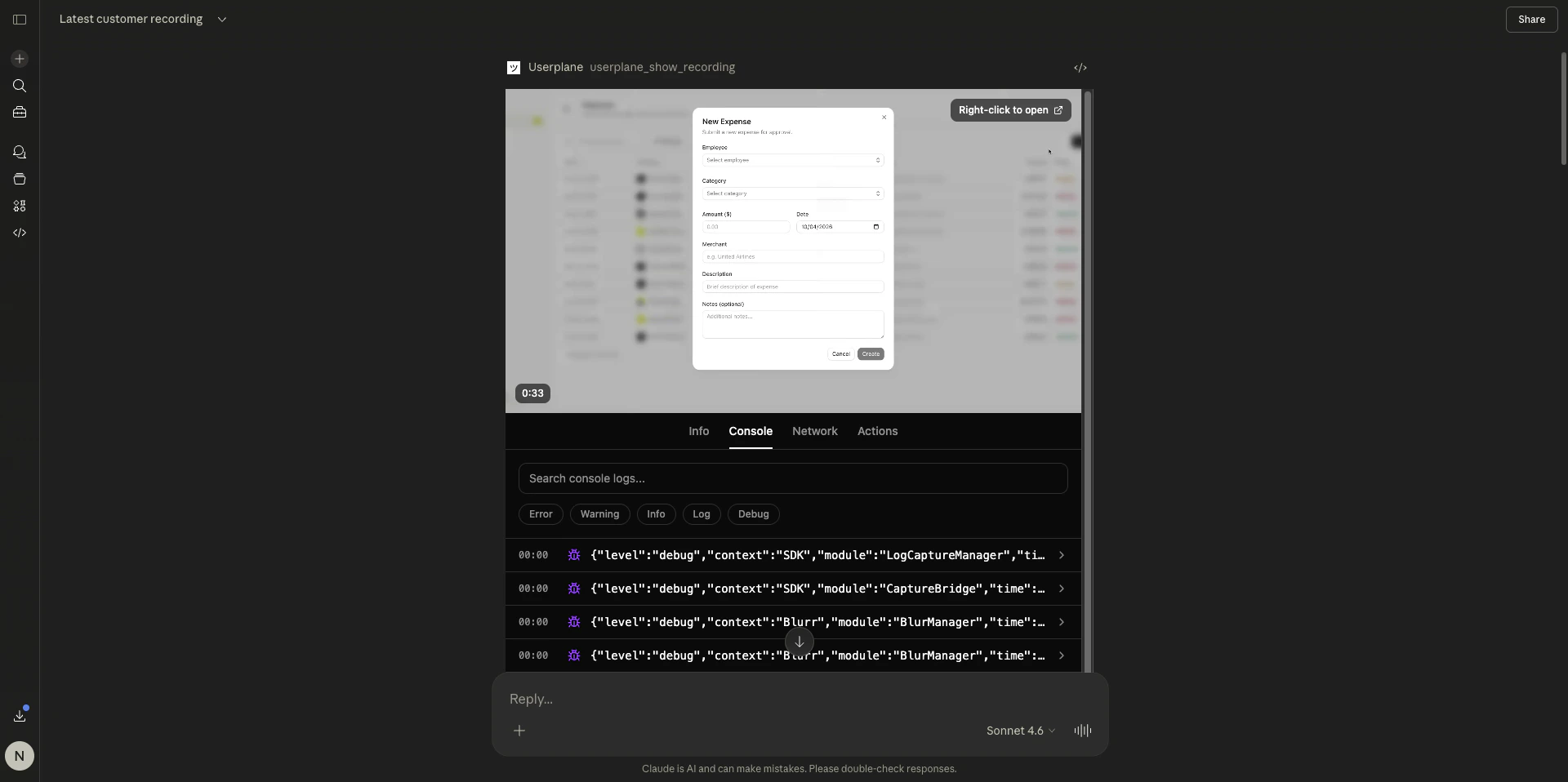
Recording viewer in Claude — console tab
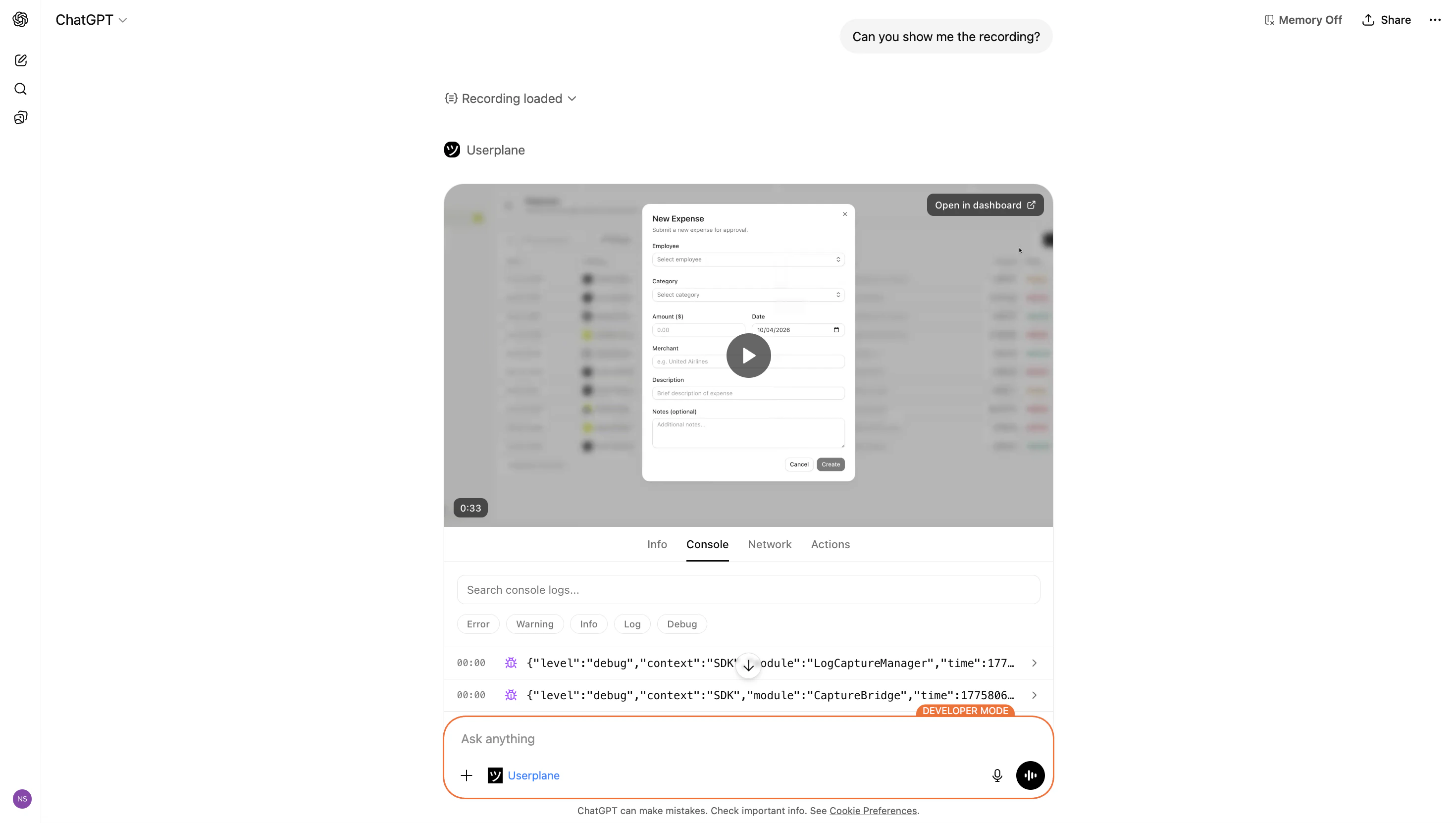
Interactive viewers render in Claude (desktop and web) and ChatGPT. Other clients display the same
data as structured text.
Client support
In clients without MCP Apps support, the same tools return structured text with identical data.
Your agent can still analyze console errors, network failures, and user actions — only the visual
presentation differs.
How it works
MCP Apps are self-contained HTML bundles served as resources by the MCP server. When your AI client supports MCP Apps, the tool response includes a reference to the app resource. The client renders the app in a sandboxed environment and passes the tool result data to it. The apps are built with React and Tailwind CSS, matching the look and feel of the Userplane dashboard.Recording viewer
Full recording experience with video, metadata, and session data tabs
Resource viewers
Focused viewers for console logs, network requests, and user actions
Related articles
- Recording Viewer — full recording viewer with video, metadata, and session data tabs.
- Resource Viewers — focused viewers for console, network, and action data.
- Recording Tools — all recording-related MCP tools and parameters.
- Getting Started — first steps after connecting your AI client.