

userplane_show_recording
What it displays
The viewer opens with a video thumbnail and session metadata, with tabs for drilling into specific data:- Claude
- ChatGPT
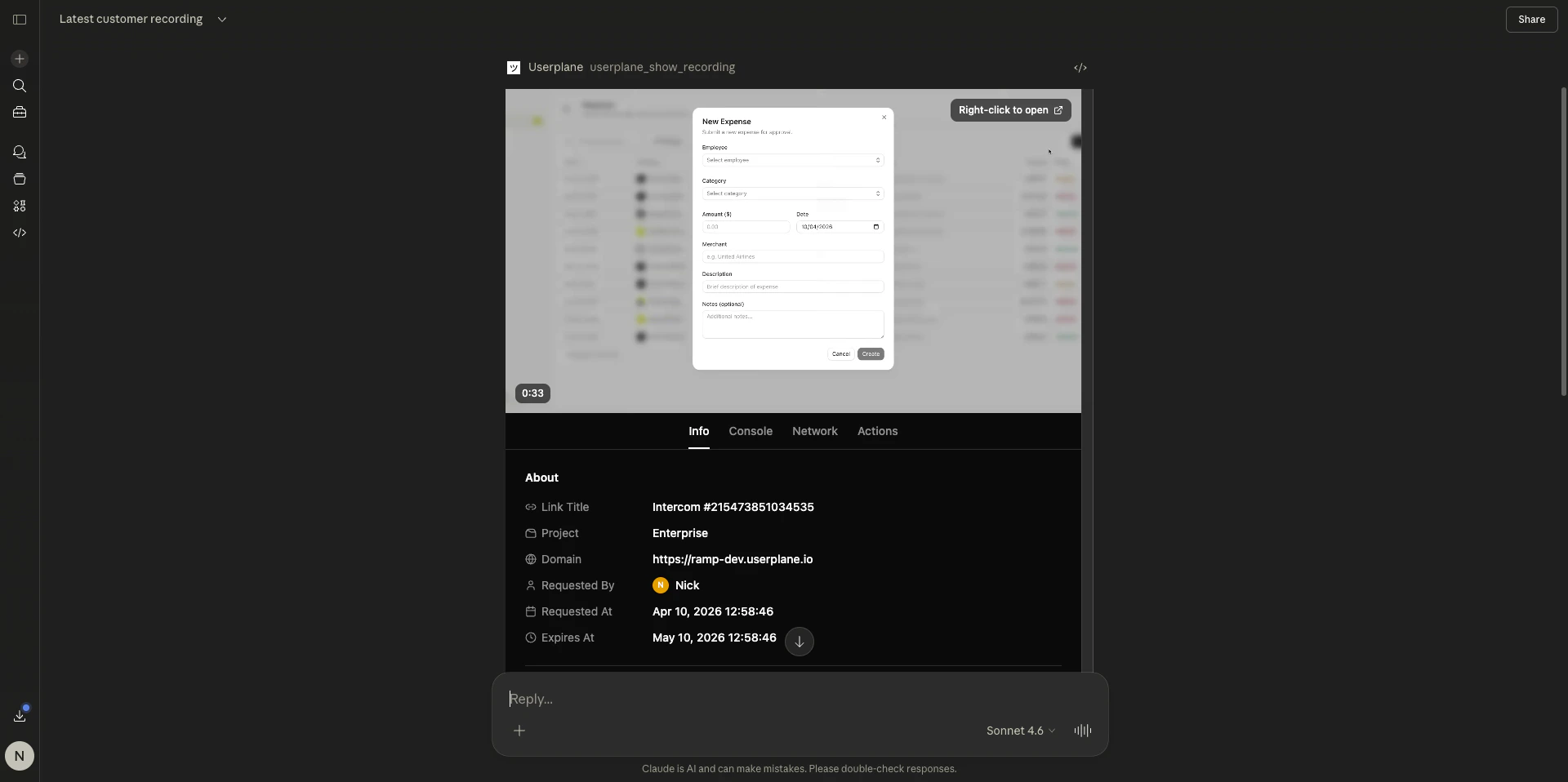
Recording viewer in Claude
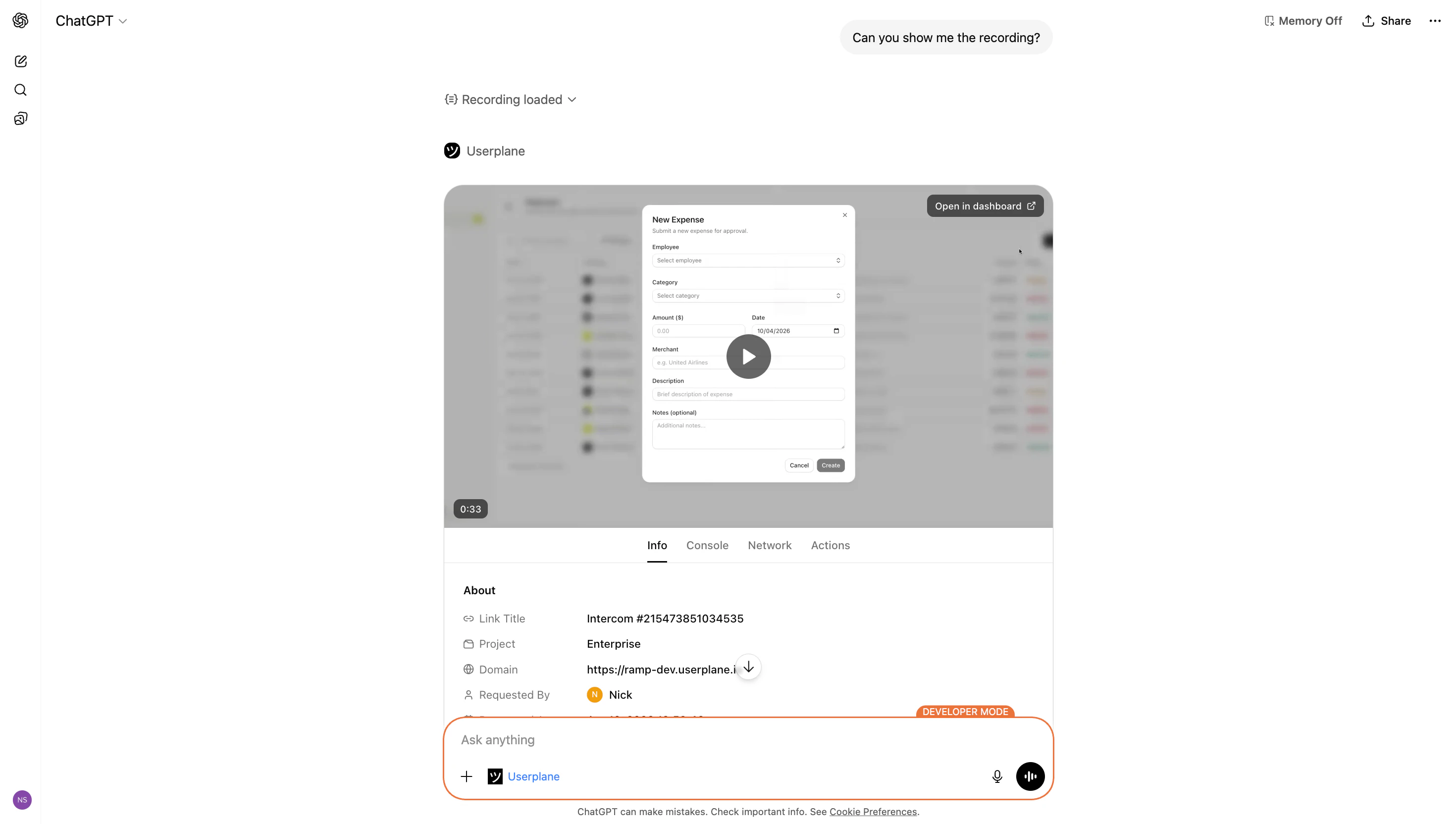
- Recording duration and creation date
- Creator name
- Project and domain
- Link title and reference (if the recording was captured through a link)
- Customer notes
- Integration details (provider type, reference, data)
- System information (OS, browser, capture date/time, timezone, language, screen size, window size)
- Custom metadata
- Browser console log entries ordered by timestamp
- Color-coded log levels (error, warning, info, log, debug)
- Expandable entries for stack traces and detailed output
- Full-text search across all log messages
- HTTP requests and responses ordered by timestamp
- Status codes, durations, and MIME types
- Expandable entries showing request/response headers and bodies
- JSON payloads formatted for readability
- Search and type filtering
- User interactions in chronological order
- Click events with element selectors
- Page navigation and URL changes
- Tab switches and page lifecycle events
- Expandable event details
Example prompts
Dashboard link
The recording viewer includes a direct link to the same recording in the Userplane dashboard. Use this to access the full playback experience with synchronized video and timeline scrubbing.Related articles
- Resource Viewers — focused viewers for console logs, network requests, and user actions.
- Interactive Apps Overview — client support matrix and how MCP Apps work.
- Recording Tools — all recording-related MCP tools and parameters.