

Embed script (zero-code)
The embed script is a single<script> tag you add to your site. It handles everything automatically — loading the recorder, parsing recording links, and managing cross-tab state.
npm SDK (programmatic)
The@userplane/sdk package gives you a JavaScript API for full control over the recording lifecycle. Use it when you need to:
- Trigger recordings from your UI — open the recorder from a button, menu, or support widget instead of relying on link clicks.
- Attach metadata — send user IDs, account info, feature flags, or session context alongside recordings so your support team has full context.
- Query recording state — check whether a recording is active, get the session ID, or read connection status to build custom UI.
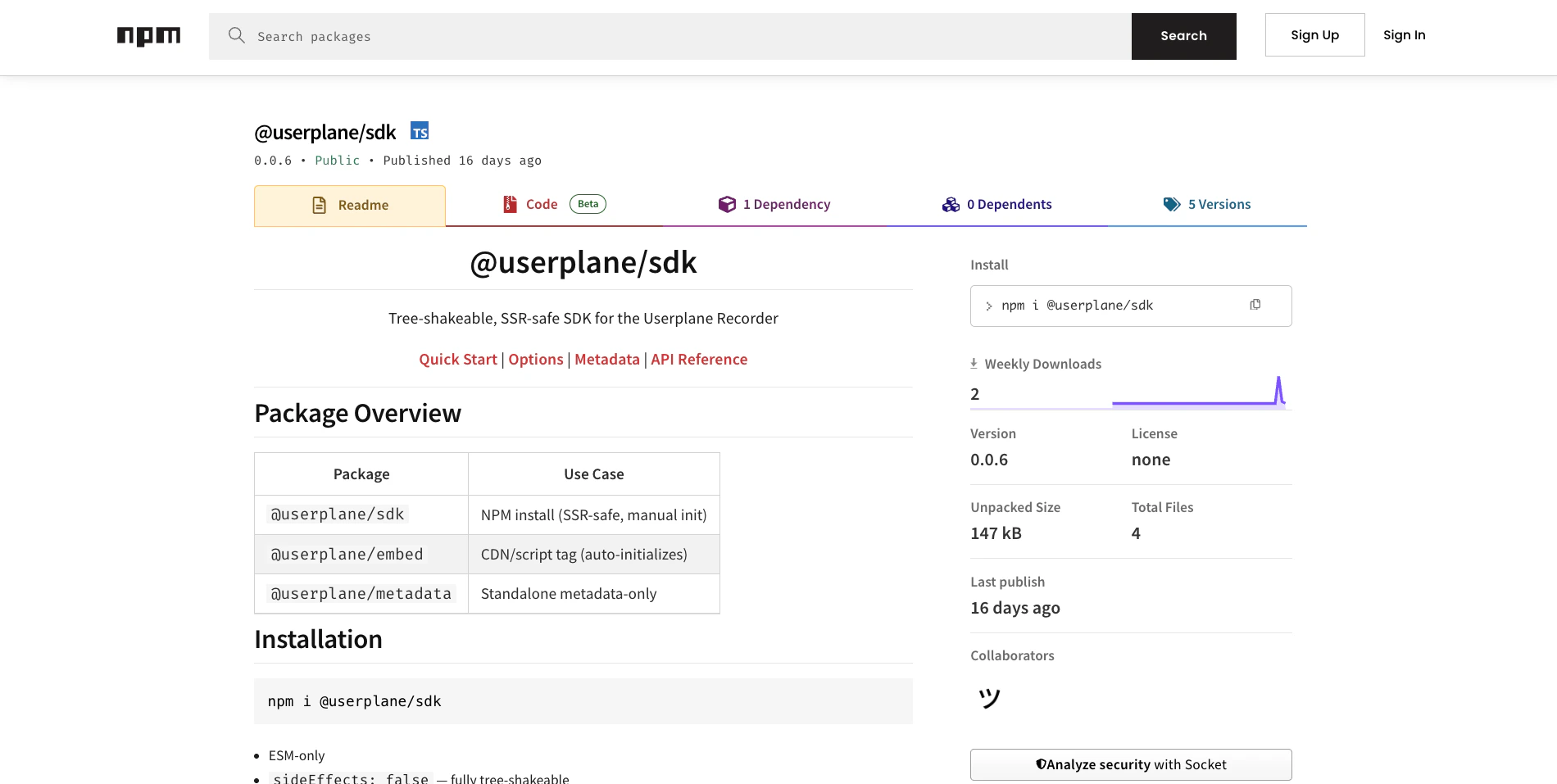
Userplane SDK on npm
Choosing the right path
You can use both together. The embed script handles the baseline, and the SDK adds programmatic capabilities on top.
Framework guides
For framework-specific installation instructions, see the guide for your stack:React
Next.js
Vue
Nuxt
Angular
SvelteKit
Astro
TanStack Start
Static HTML
Next steps
- Web SDK Reference — full API for initialization, recorder control, and state inspection.
- Metadata SDK Reference — attach custom key-value data to recordings.
- Installation — set up the embed script.