This guide covers how to install Userplane in a Next.js (App Router) application.

Adding the script

The fastest way to add Userplane is the CDN embed. Add these two tags to the <head> of your root layout:
<meta name="userplane:workspace" content="YOUR_WORKSPACE_ID" />
<script type="module" src="https://cdn.userplane.io/embed/script.js"></script>
You can copy the snippet with your workspace ID pre-filled from Workspace Settings > Domains in the Userplane dashboard.

npm SDK

Use the npm SDK when you need programmatic control — triggering recordings from a button, attaching user metadata, or reading recording state.

Installation

npm install @userplane/sdk

Initialization

Create a client component that initializes the SDK and mount it in your root layout.
// app/providers/userplane-provider.tsx
'use client';

import { useEffect } from 'react';

export function UserplaneProvider({ children }: { children: React.ReactNode }) {
  useEffect(() => {
    import('@userplane/sdk').then(({ initialize }) => {
      initialize({
        workspaceId: process.env.NEXT_PUBLIC_USERPLANE_WORKSPACE_ID!,
      });
    });
  }, []);

  return <>{children}</>;
}
// app/layout.tsx
import { UserplaneProvider } from './providers/userplane-provider';

export default function RootLayout({ children }: { children: React.ReactNode }) {
  return (
    <html lang="en">
      <body>
        <UserplaneProvider>{children}</UserplaneProvider>
      </body>
    </html>
  );
}
The 'use client' boundary is required because useEffect only runs in the browser. The dynamic import() is a bundle-size optimization — a static import {initialize} from '@userplane/sdk' at the top of the file also works since the SDK is SSR-safe.

URL parameters

Next.js middleware and route guards may redirect users before the SDK reads the userplane-token and userplane-action query parameters. If your app redirects unauthenticated users to a login page, preserve userplane- prefixed parameters through the redirect. Add USERPLANE_URL_PARAMS to your middleware allowlist so those params survive the redirect:
// middleware.ts
import { NextRequest, NextResponse } from 'next/server';

export function middleware(request: NextRequest) {
  const { searchParams } = request.nextUrl;
  const isAuthenticated = checkAuth(request);

  if (!isAuthenticated) {
    const loginUrl = new URL('/login', request.url);

    // Preserve userplane params through the redirect
    for (const [key, value] of searchParams) {
      if (key.startsWith('userplane-')) {
        loginUrl.searchParams.set(key, value);
      }
    }

    return NextResponse.redirect(loginUrl);
  }

  return NextResponse.next();
}
See Installation for the full list of parameters to preserve.

Sensitive data

Add data-userplane-blur to any element you want blurred in recordings. See Sensitive Data Redaction for the full reference.

Metadata

Call set() after initialize() to attach user context to recordings:
'use client';

import { useEffect } from 'react';

export function UserplaneProvider({ children }: { children: React.ReactNode }) {
  useEffect(() => {
    import('@userplane/sdk').then(({ initialize, set }) => {
      initialize({ workspaceId: process.env.NEXT_PUBLIC_USERPLANE_WORKSPACE_ID! });
      set('environment', 'production');
    });
  }, []);

  return <>{children}</>;
}
See Metadata SDK for the full API.

SSR

@userplane/sdk is SSR-safe to import — it does not reference window or document at module evaluation time. A static import at the top of a 'use client' file will not cause a server-side error. The initialize() call must run client-side. Calling it inside useEffect (or a dynamic import()) guarantees it runs only in the browser.
ConcernSafe?Notes
Static import at top of 'use client' fileYesModule is SSR-safe
Calling initialize() in useEffectYesRuns browser-only
Calling initialize() in a Server ComponentNowindow is not available
Dynamic import('@userplane/sdk')YesBundle-size optimization only

Example app

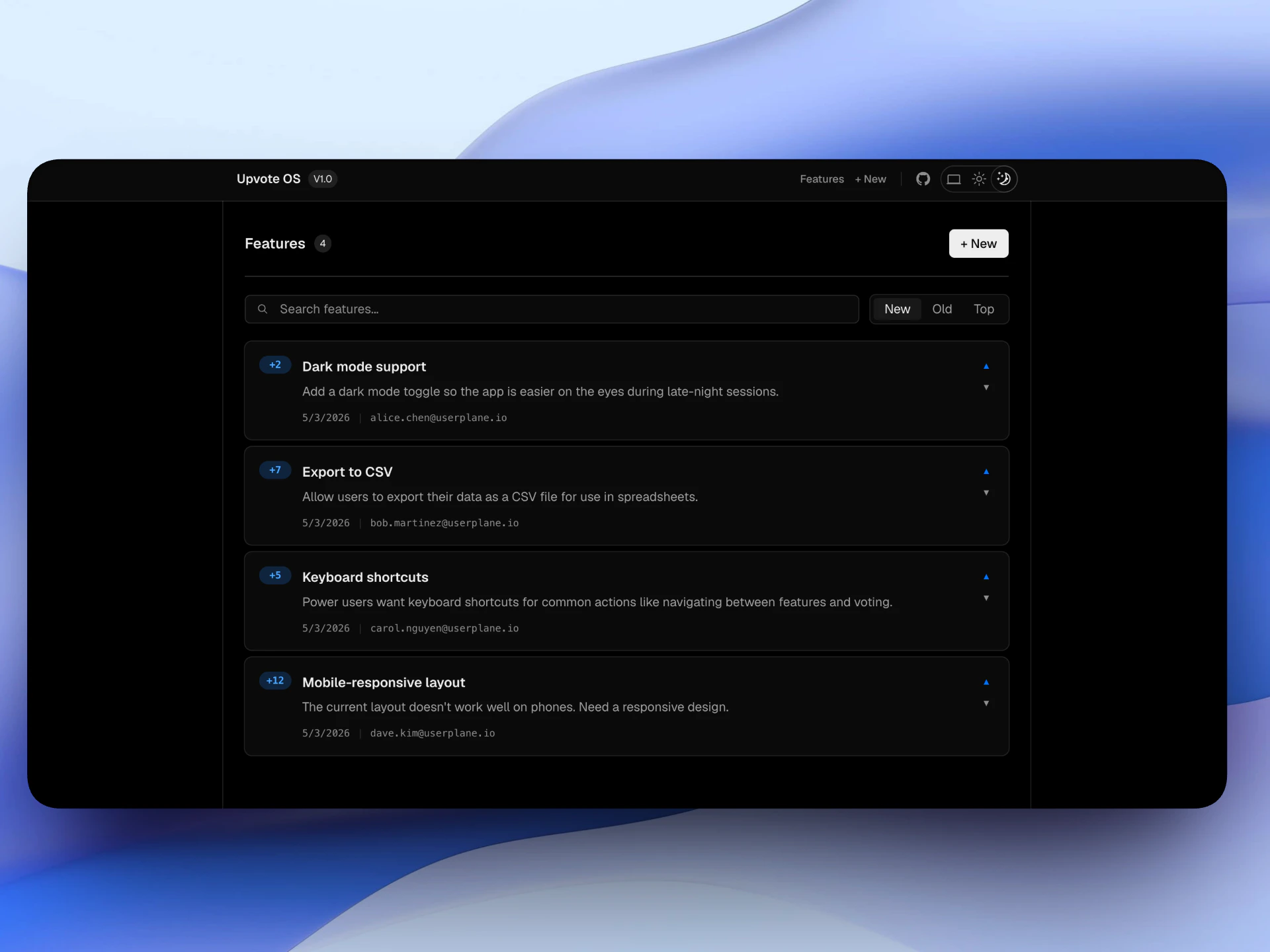
A complete Next.js example is available at github.com/wizenheimer/userplane-sdk-examples/tree/main/examples/nextjs.
VariableDescription
NEXT_PUBLIC_USERPLANE_WORKSPACE_IDYour Userplane workspace ID
cd examples/nextjs && npm install && npm run dev