This guide covers how to install Userplane in a Vue 3 application built with Vite.

Adding the script

The fastest way to add Userplane is the CDN embed. Add these two tags to the <head> of your index.html:
<meta name="userplane:workspace" content="YOUR_WORKSPACE_ID" />
<script type="module" src="https://cdn.userplane.io/embed/script.js"></script>
You can copy the snippet with your workspace ID pre-filled from Workspace Settings > Domains in the Userplane dashboard.

npm SDK

Use the npm SDK when you need programmatic control — triggering recordings from a button, attaching user metadata, or reading recording state.

Installation

npm install @userplane/sdk

Initialization

Create a Vue plugin in src/plugins/userplane.ts and register it in main.ts via app.use().
// src/plugins/userplane.ts
import type { App } from 'vue';
import { initialize } from '@userplane/sdk';

interface UserplanePluginOptions {
  workspaceId: string;
}

export const userplanePlugin = {
  install(_app: App, options: UserplanePluginOptions) {
    initialize({ workspaceId: options.workspaceId });
  },
};
// src/main.ts
import { createApp } from 'vue';
import App from './App.vue';
import { userplanePlugin } from './plugins/userplane';

const app = createApp(App);

app.use(userplanePlugin, {
  workspaceId: import.meta.env.VITE_USERPLANE_WORKSPACE_ID,
});

app.mount('#app');
The install function runs after the app is created and before mounting, which is a browser-only context in a Vite Vue app. No SSR guards are needed here.

URL parameters

When a customer opens a recording link, Userplane appends userplane-token and userplane-action to the URL. If Vue Router redirects users to a login page before they reach the target route, preserve the userplane- prefixed parameters through the redirect:
// router/index.ts — example navigation guard
router.beforeEach((to, _from, next) => {
  if (requiresAuth(to) && !isAuthenticated()) {
    const loginQuery: Record<string, string> = { redirect: to.fullPath };

    // Carry userplane params through
    for (const [key, value] of Object.entries(to.query)) {
      if (key.startsWith('userplane-') && typeof value === 'string') {
        loginQuery[key] = value;
      }
    }

    next({ path: '/login', query: loginQuery });
  } else {
    next();
  }
});
See Installation for the full list of parameters.

Sensitive data

Add data-userplane-blur to any element you want blurred in recordings. See Sensitive Data Redaction for the full reference.

Metadata

Call set() inside the plugin’s install function, or anywhere in your app after initialization:
// src/plugins/userplane.ts
import type { App } from 'vue';
import { initialize, set } from '@userplane/sdk';

export const userplanePlugin = {
  install(_app: App, options: { workspaceId: string }) {
    initialize({ workspaceId: options.workspaceId });
    set('environment', 'production');
  },
};
See Metadata SDK for the full API.

Example app

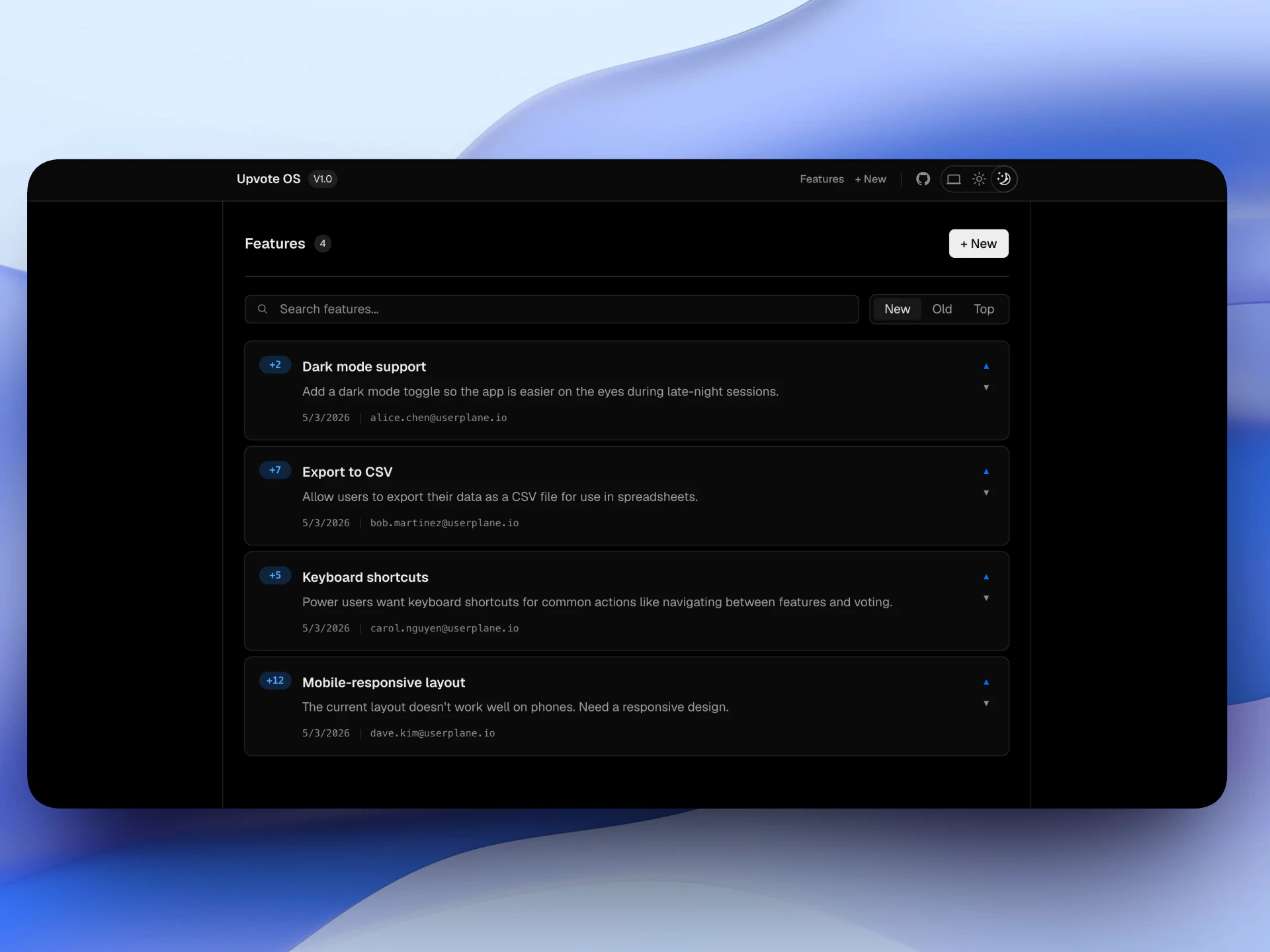
A complete Vue 3 example is available at github.com/wizenheimer/userplane-sdk-examples/tree/main/examples/vue.
VariableDescription
VITE_USERPLANE_WORKSPACE_IDYour Userplane workspace ID
cd examples/vue && npm install && npm run dev