

Changing your display name
Your display name is shown to:- Other workspace members in the team list and activity feeds.
- Customers in recording links (the “requested by” field).
1
Open Account Settings
Go to Account Settings > Profile.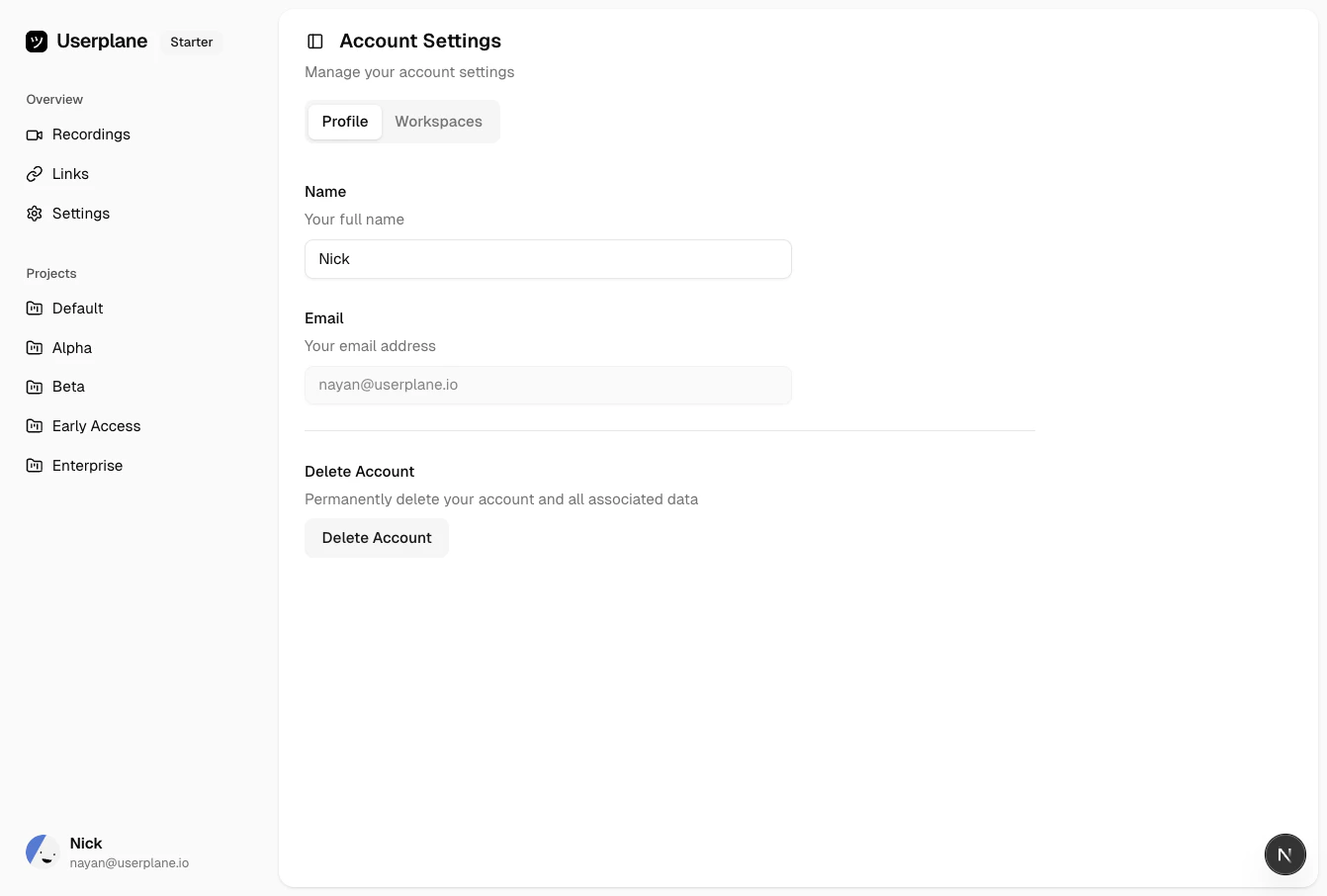
Account settings
2
Update your name
Edit the Display name field and save your changes.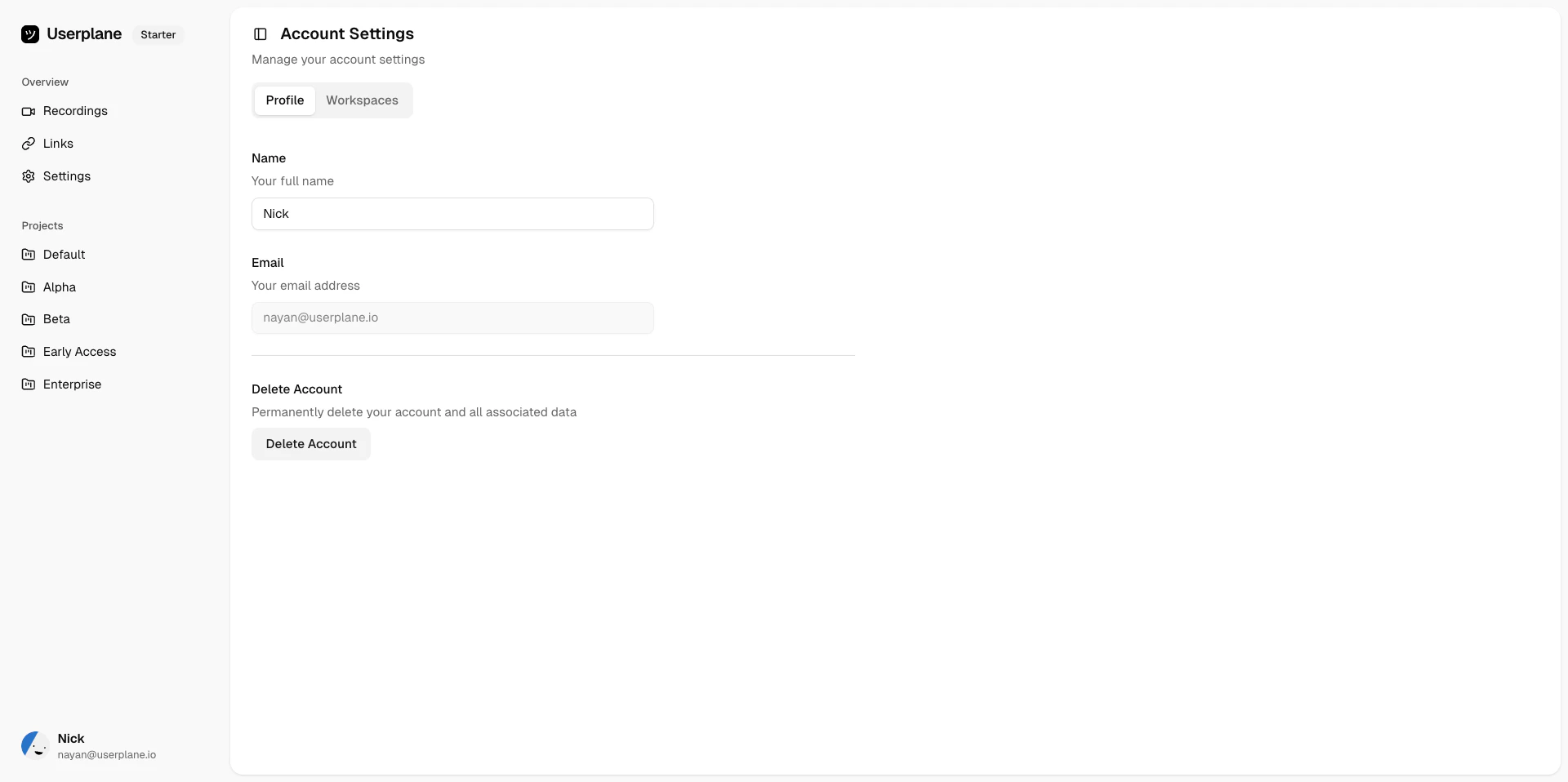
Account profile settings
Profile settings
From Account Settings you can also manage:- Email address — the email associated with your Userplane account.
Account email address
- Workspace memberships — view and manage the workspaces you belong to. See Leaving a Workspace.
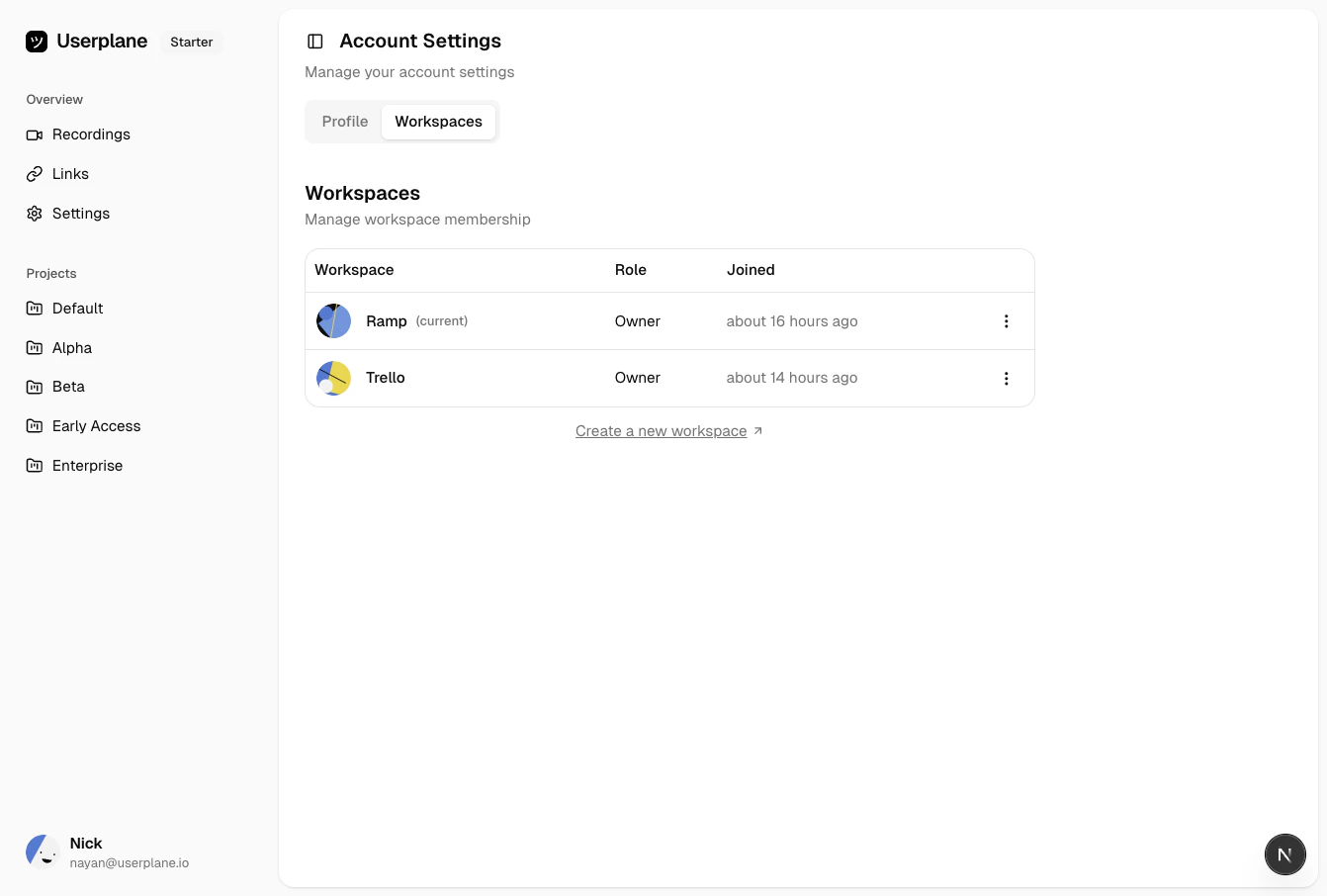
Workspace memberships
- Notification preferences — control which notifications you receive and which channels deliver them. See Notification Channels & Preferences.
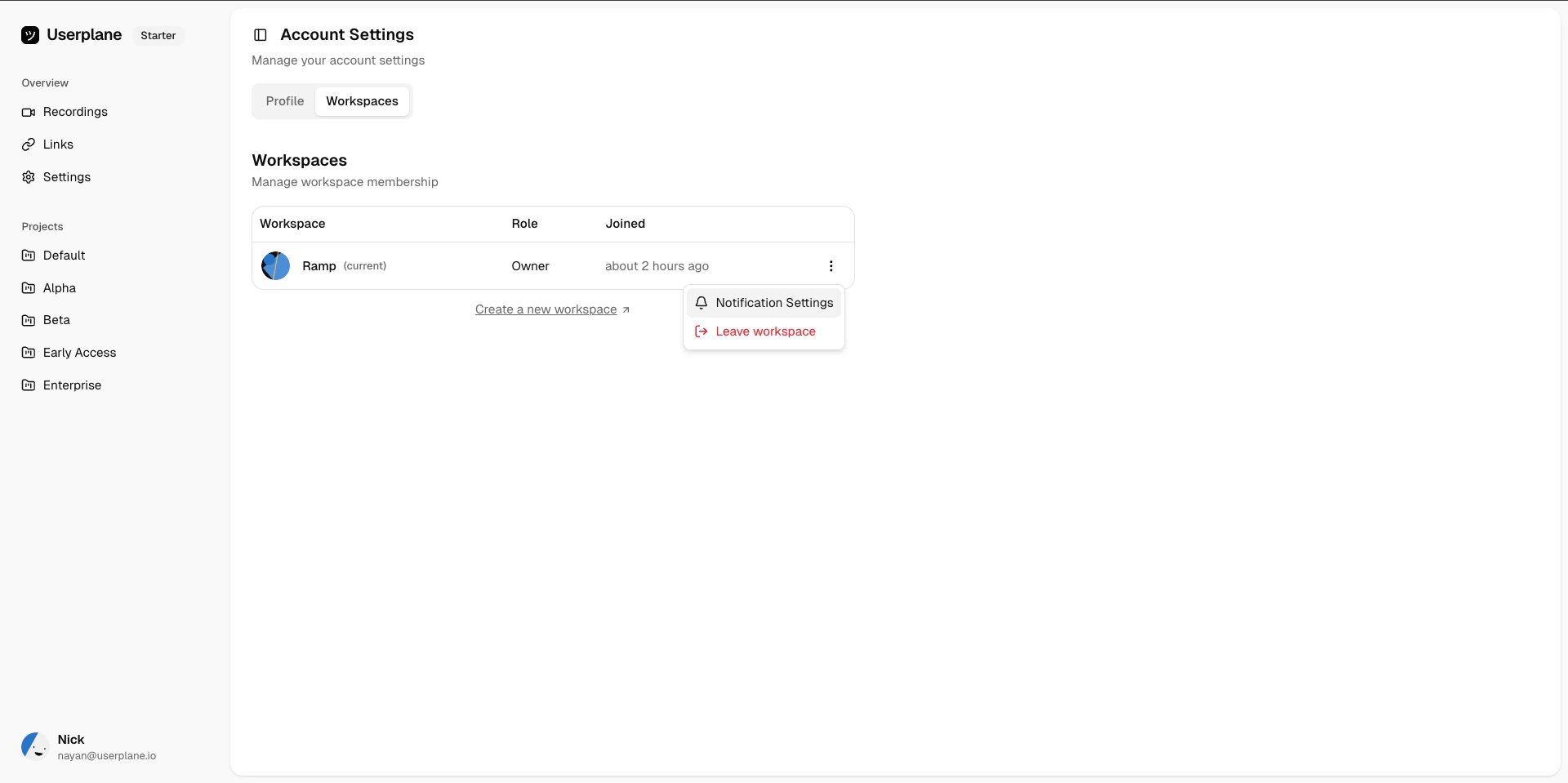
Notification preferences