

How access requests work
- A user finds your workspace (it is discoverable under the protected policy).
- Their email domain matches one of your whitelisted domains.
- They click Request Access.
- Workspace owners receive a notification about the pending request.
- The owner approves or declines the request from Workspace Settings > Team.
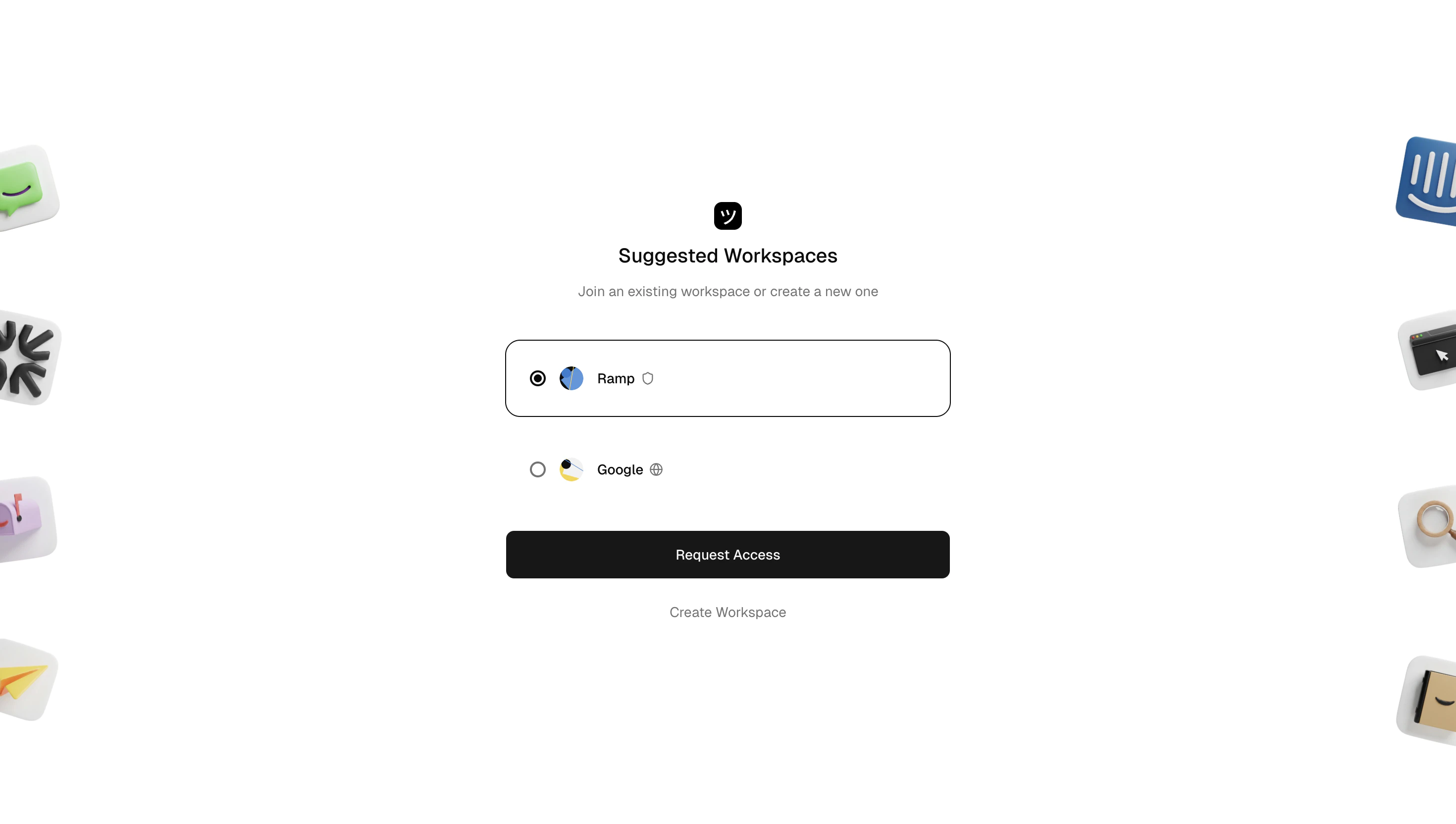
Request workspace access
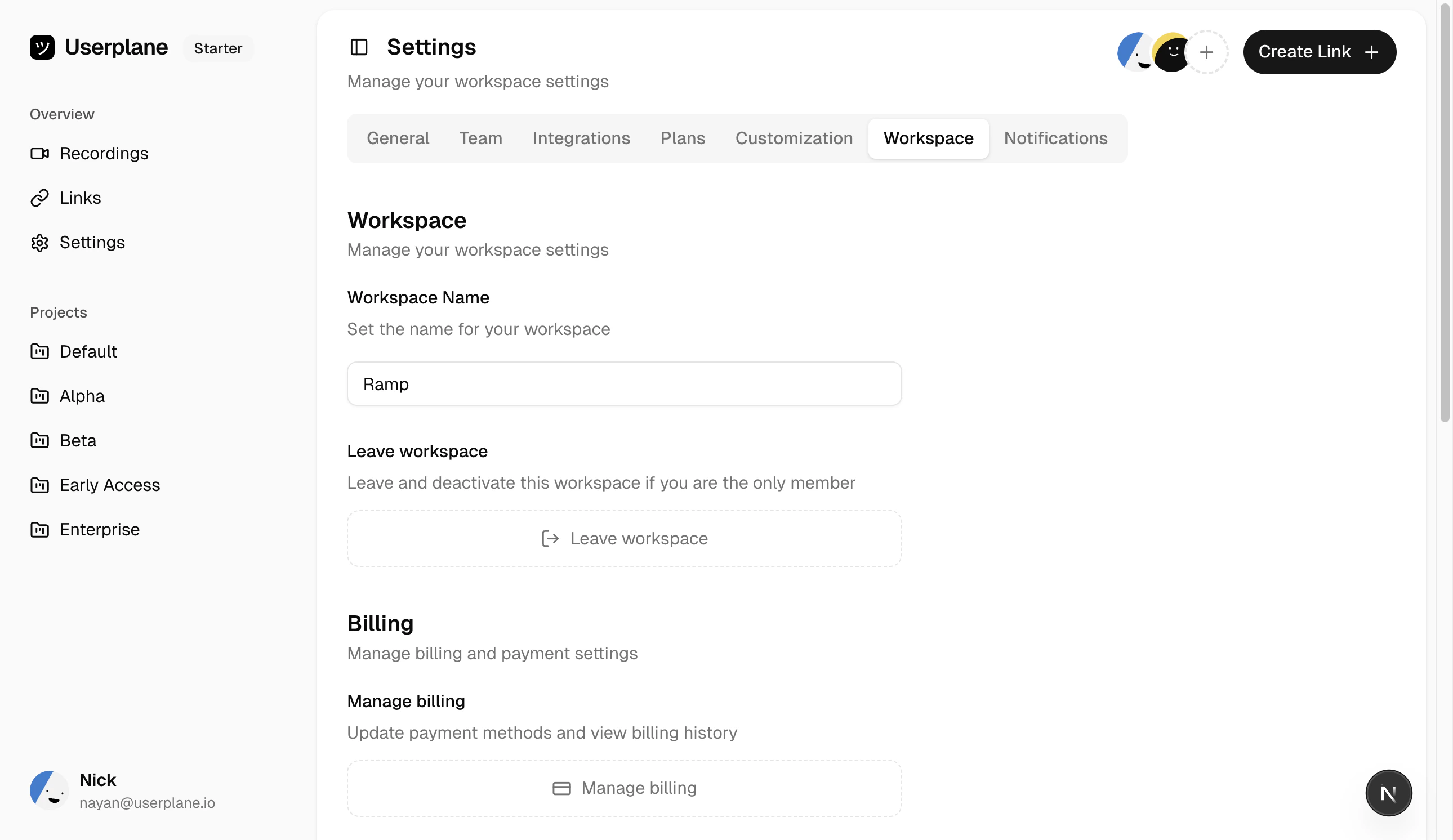
Protected invite policy
Request expiry
Access requests expire after 7 days. If an owner does not act on a request within 7 days, it expires automatically. The user can submit a new request if they still want to join.Approving a request
Workspace owners receive an email with the access request. Click the Approve link in the email to accept the user as a workspace member.Declining a request
Click the Decline link in the email notification. The user is notified that their request was declined.Domain whitelisting
Only users whose email domain matches one of your whitelisted domains can request access. You can manage whitelisted domains (up to 5) from Workspace Settings > General.
Allowed email domains
Only workspace owners can approve or decline access requests.
Related articles
- Invite Policies — configure your workspace access policy.
- Team Management — invite and manage members.