Add and verify domains for first-party branded recording links
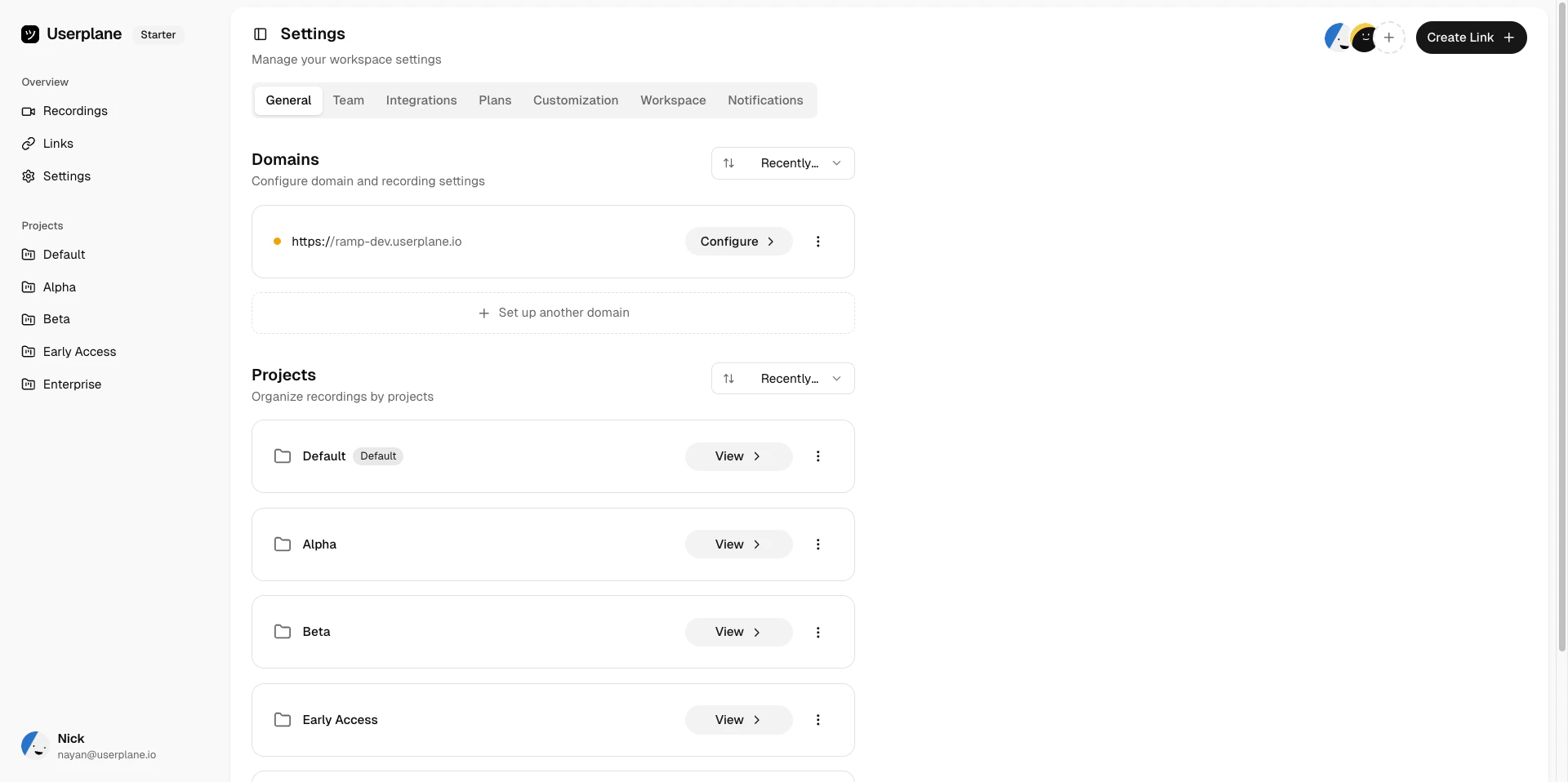
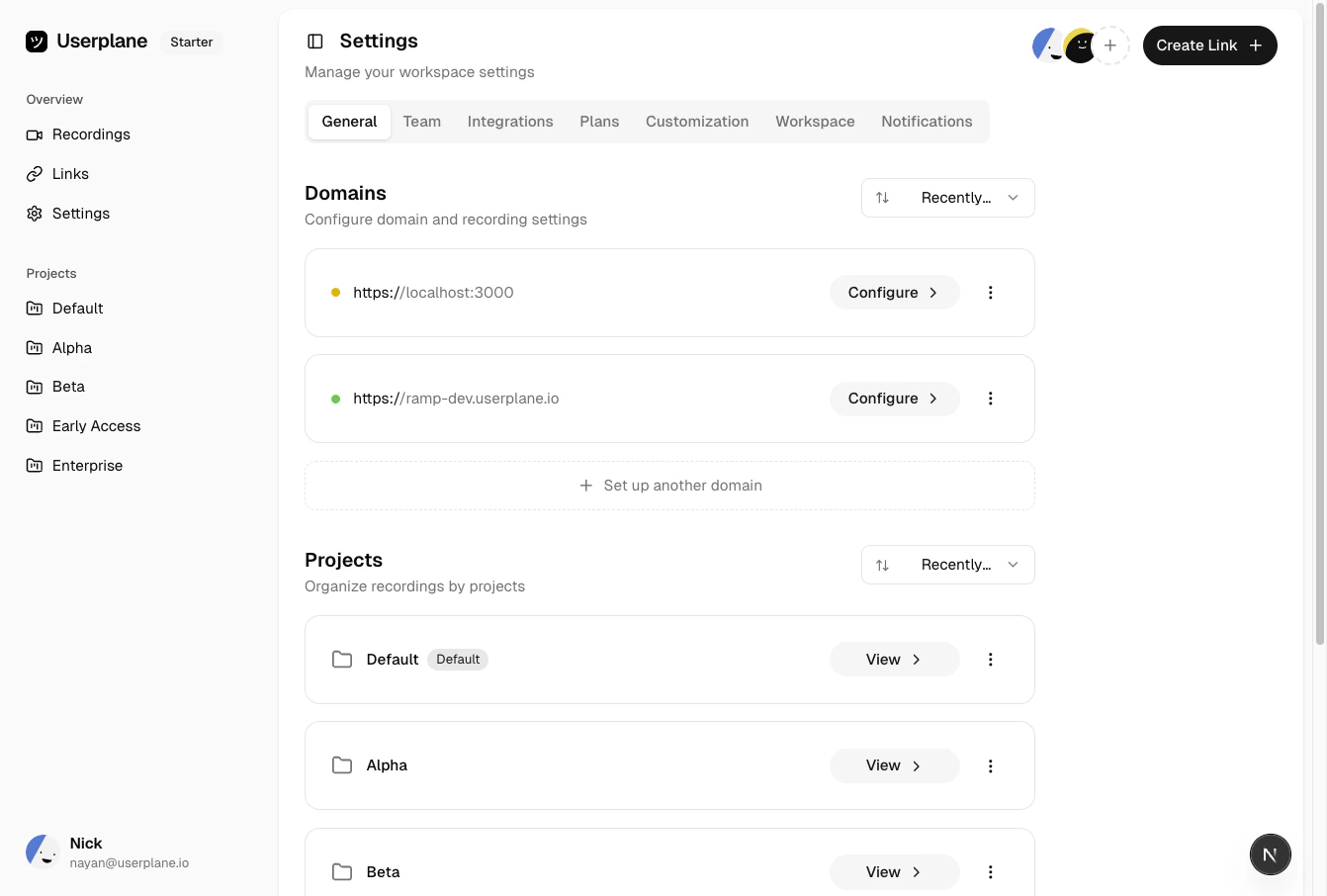
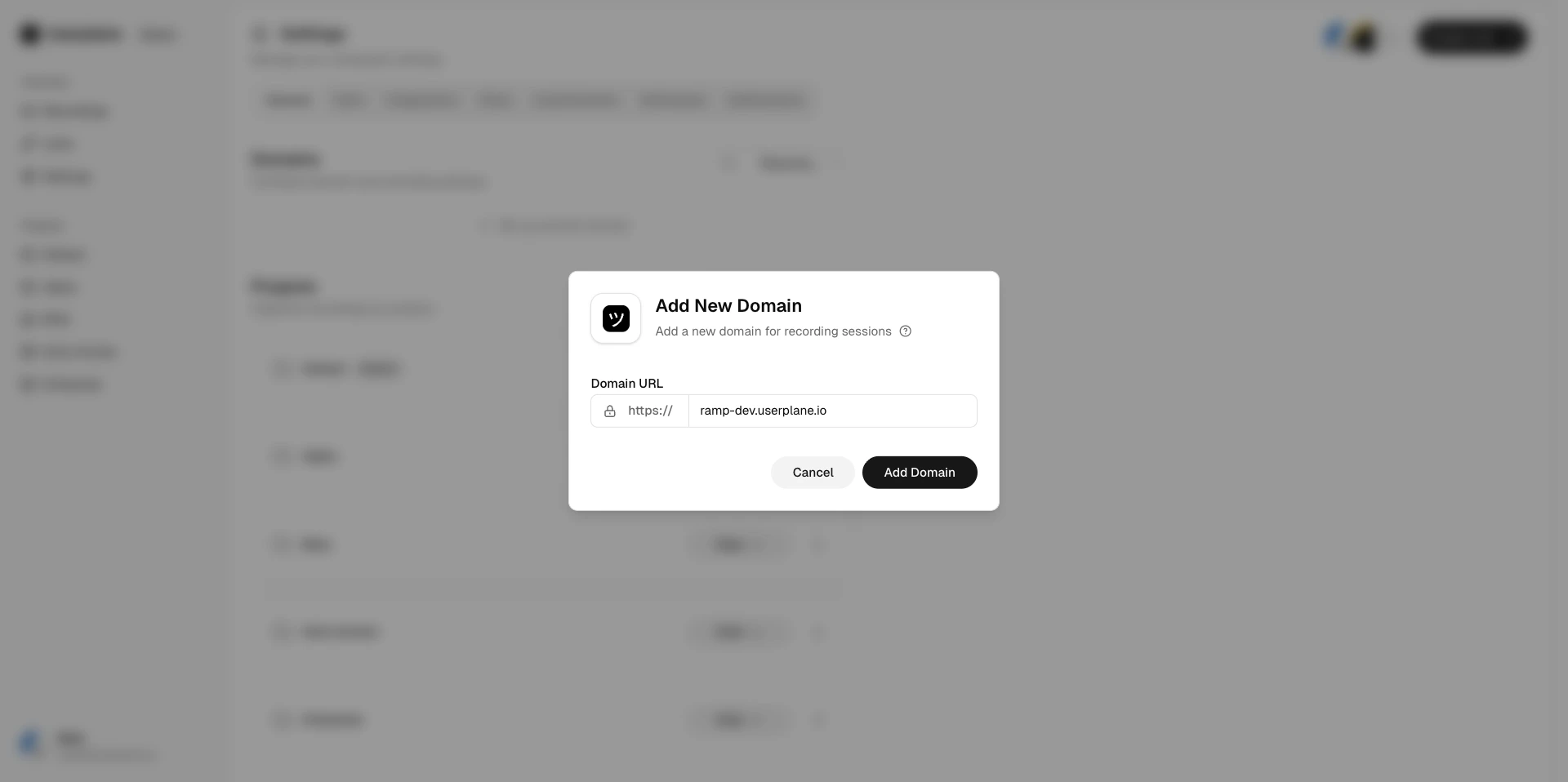
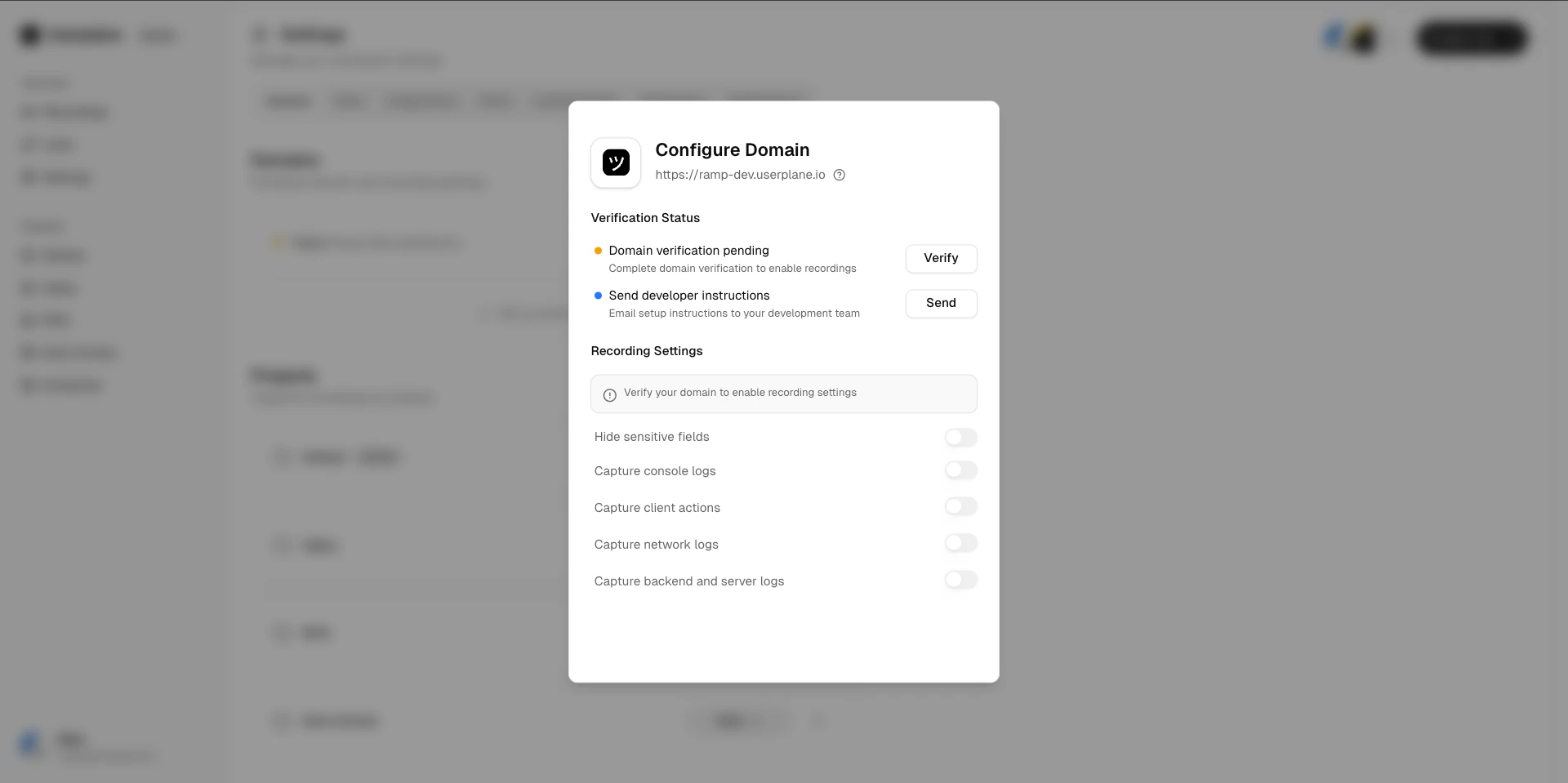
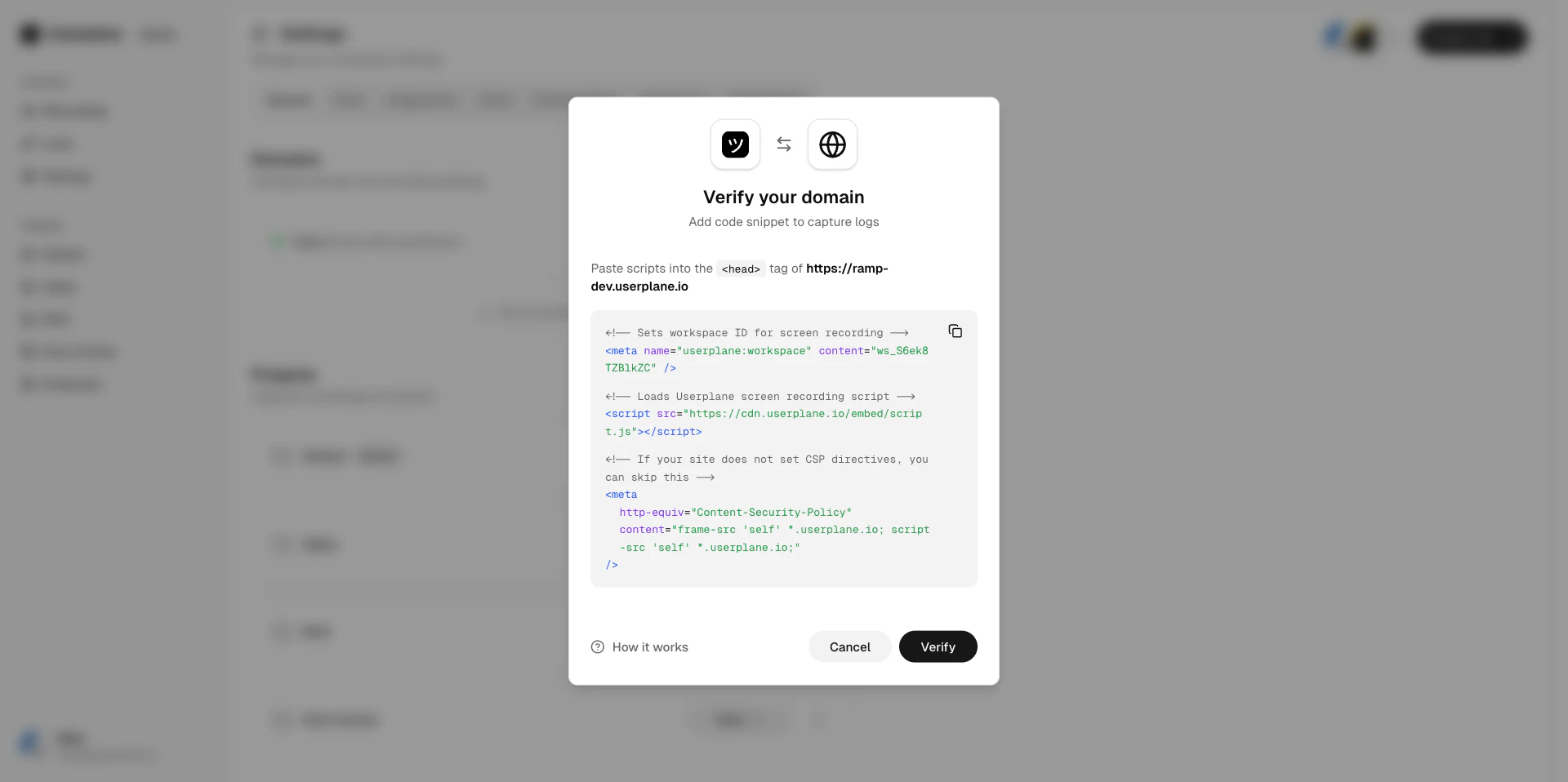
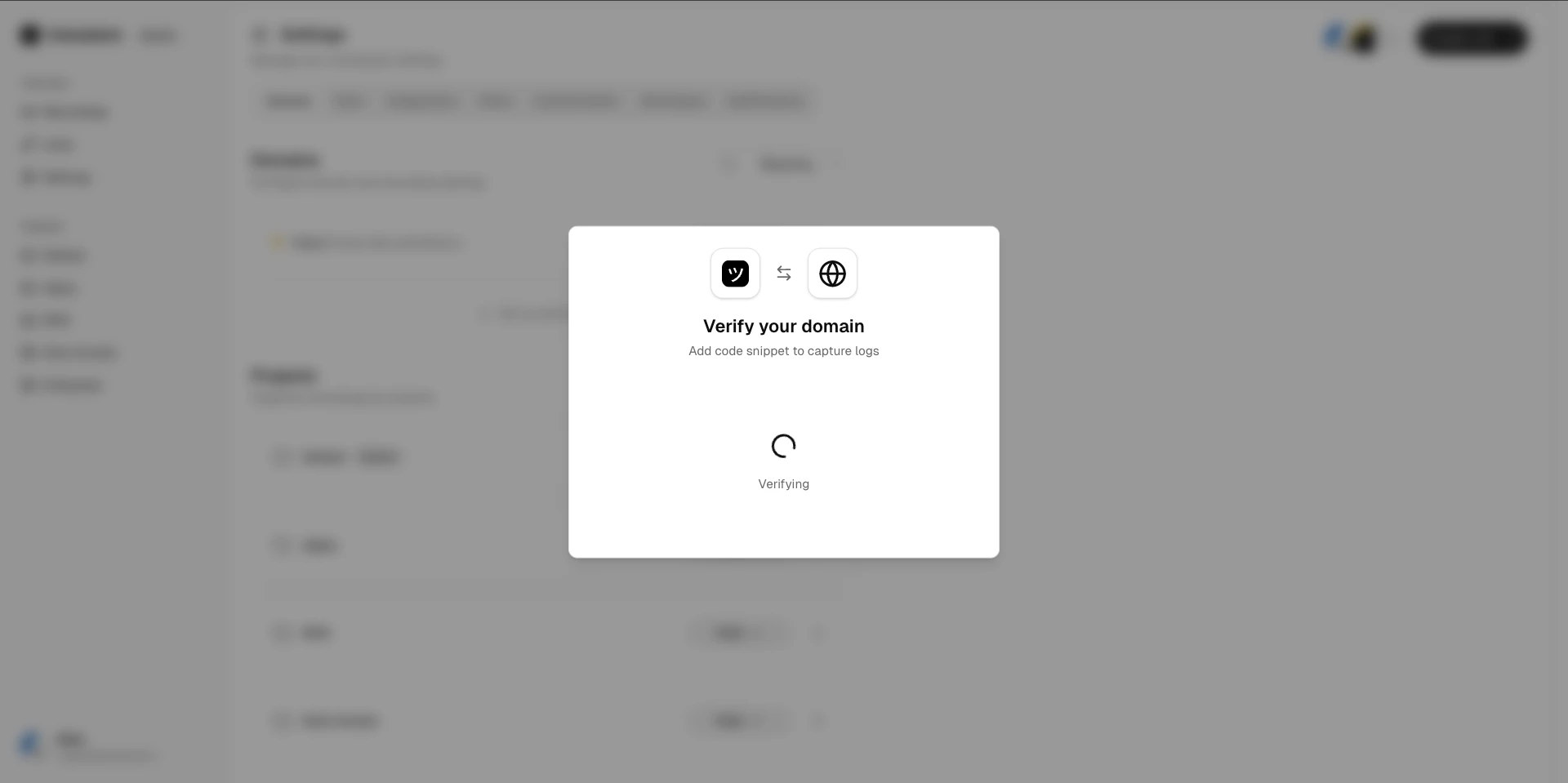
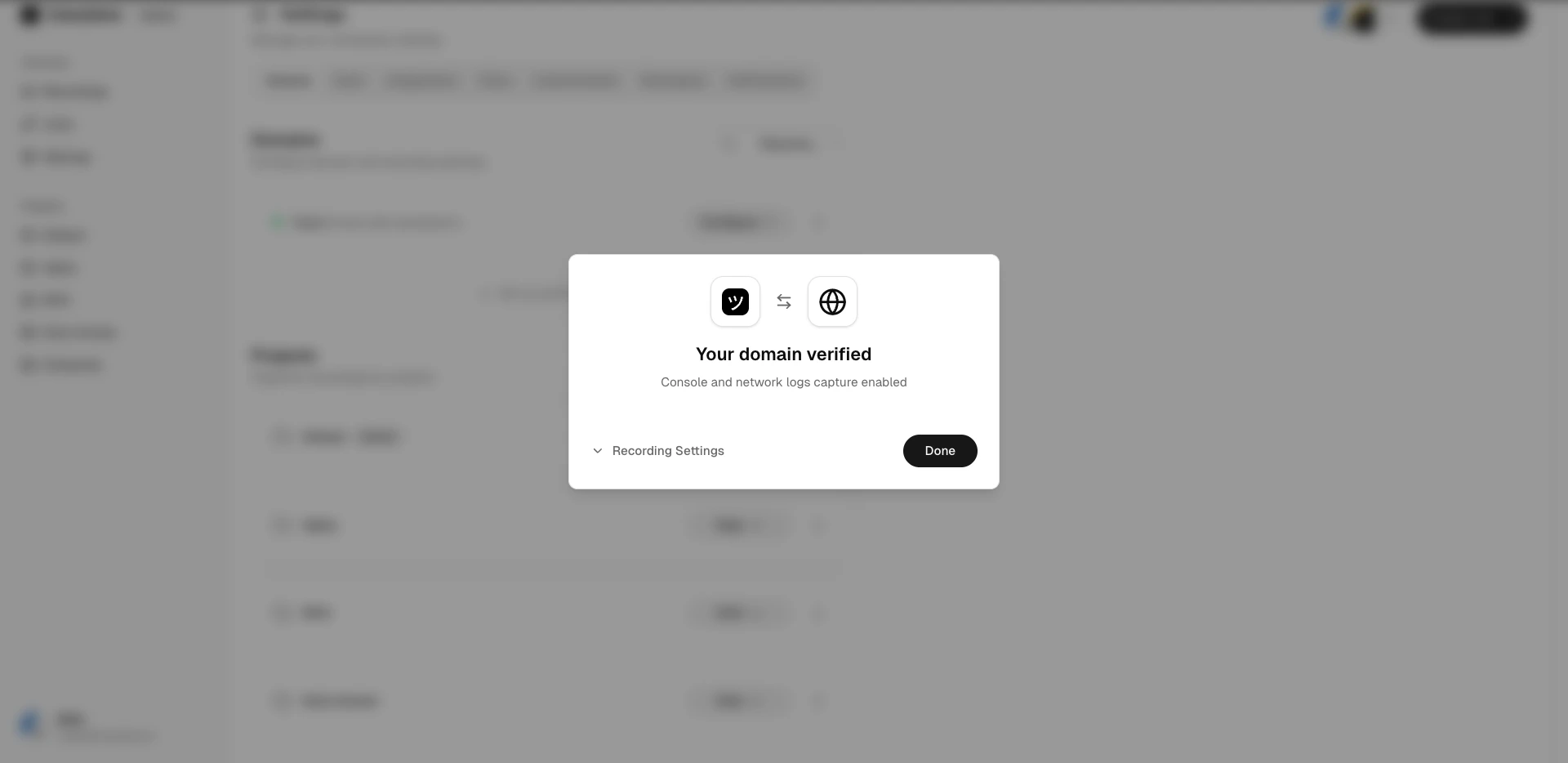
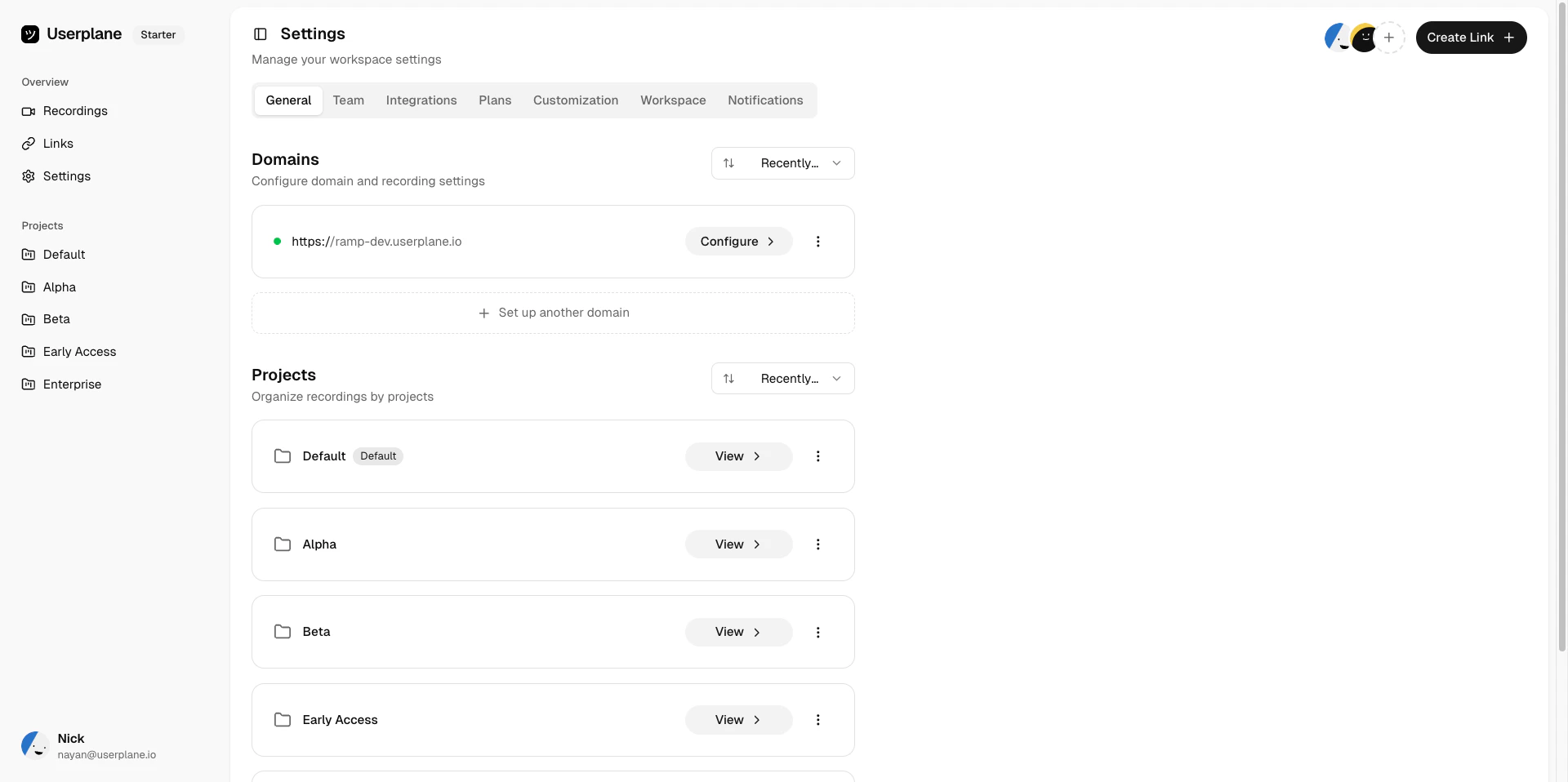
Domains in Userplane represent the websites where your customers will use recording links. Adding and verifying a domain enables first-party branded links and unlocks per-domain recording preferences.
First-party branding — recording links appear to come from your own domain rather than a generic Userplane URL.
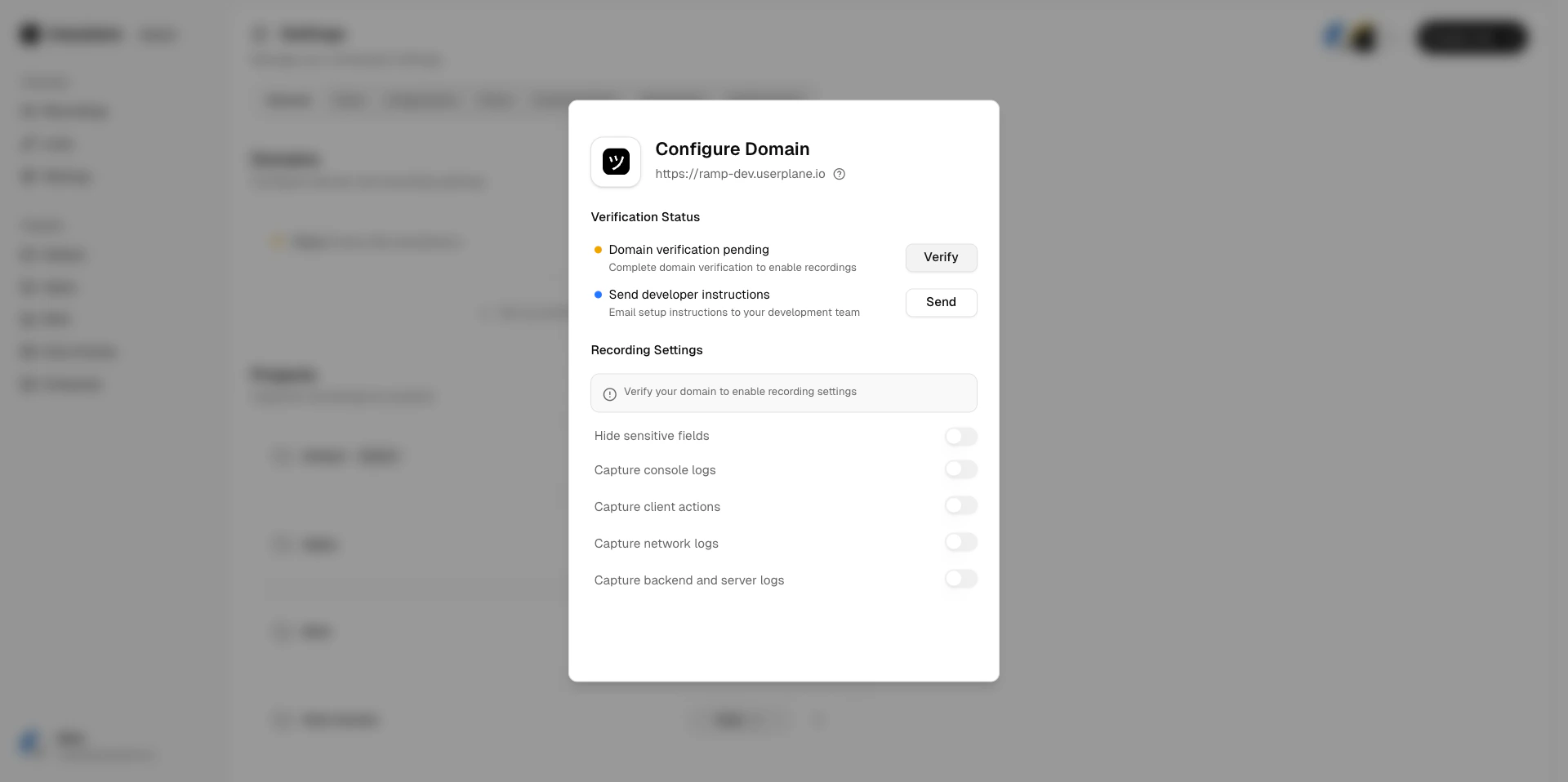
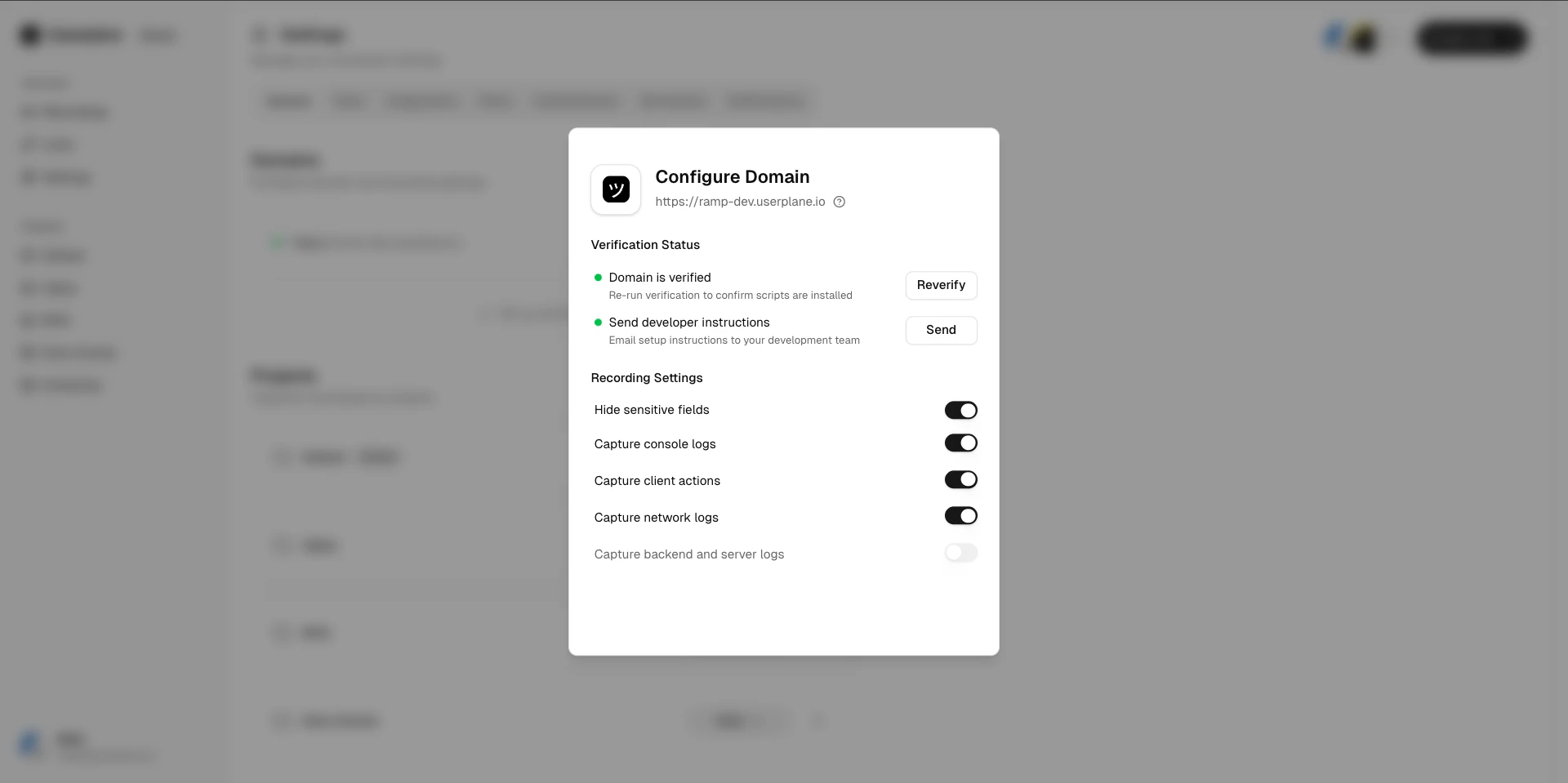
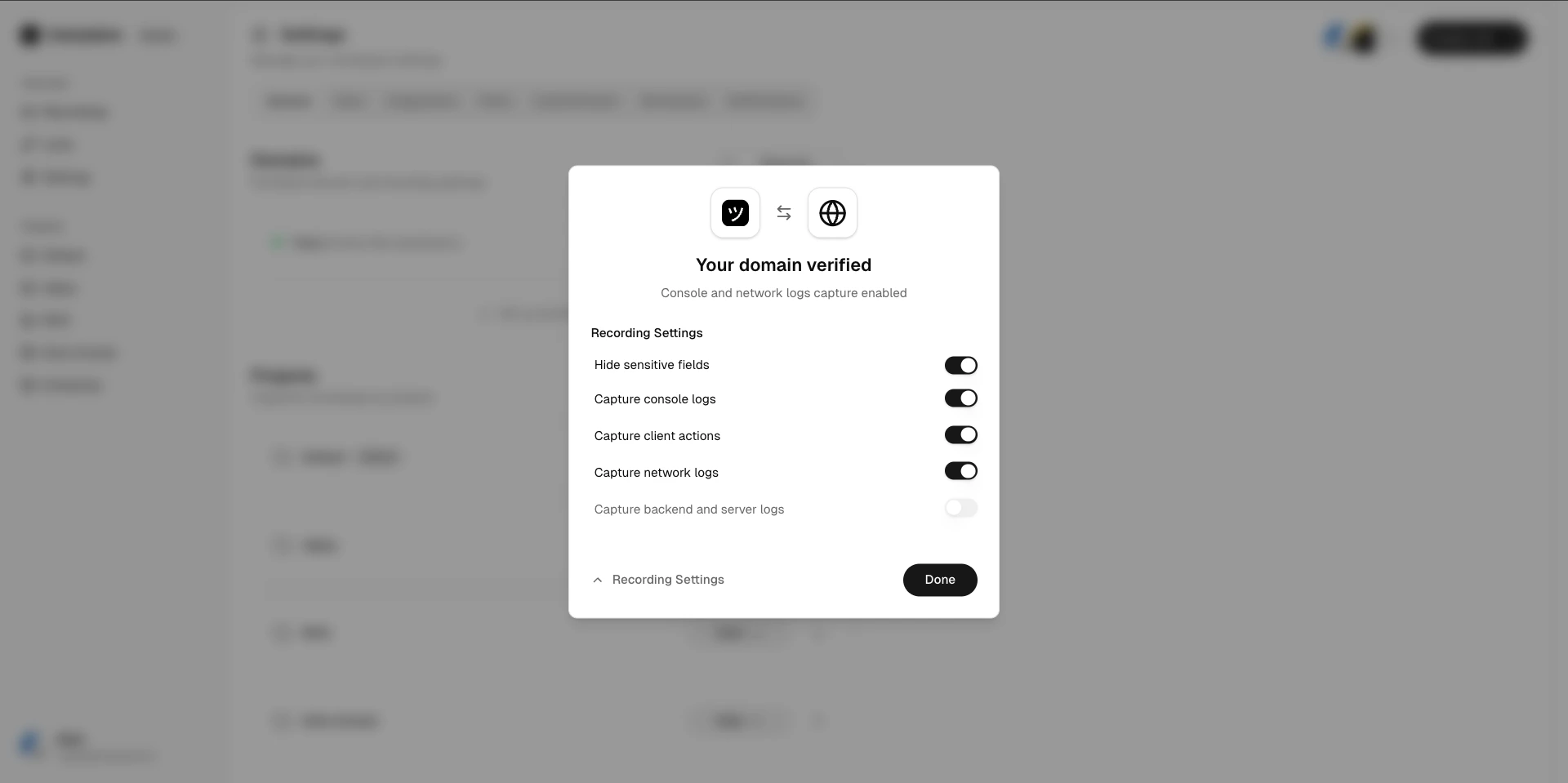
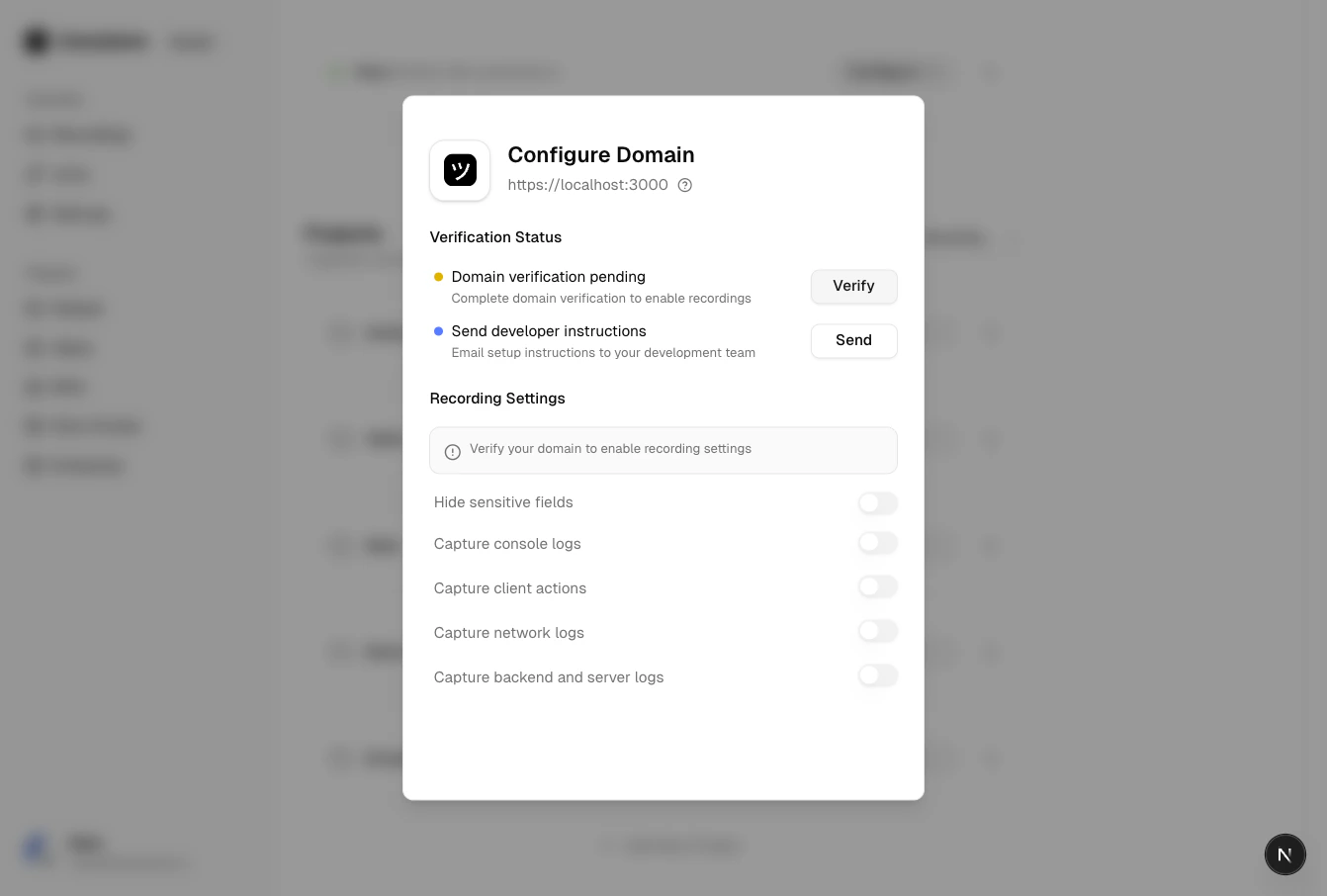
Per-domain preferences — configure what data is captured (console logs, network activity, client actions) for each domain. See Domain Recording Preferences.
Trust — customers are more likely to engage with a recording link that matches your brand.
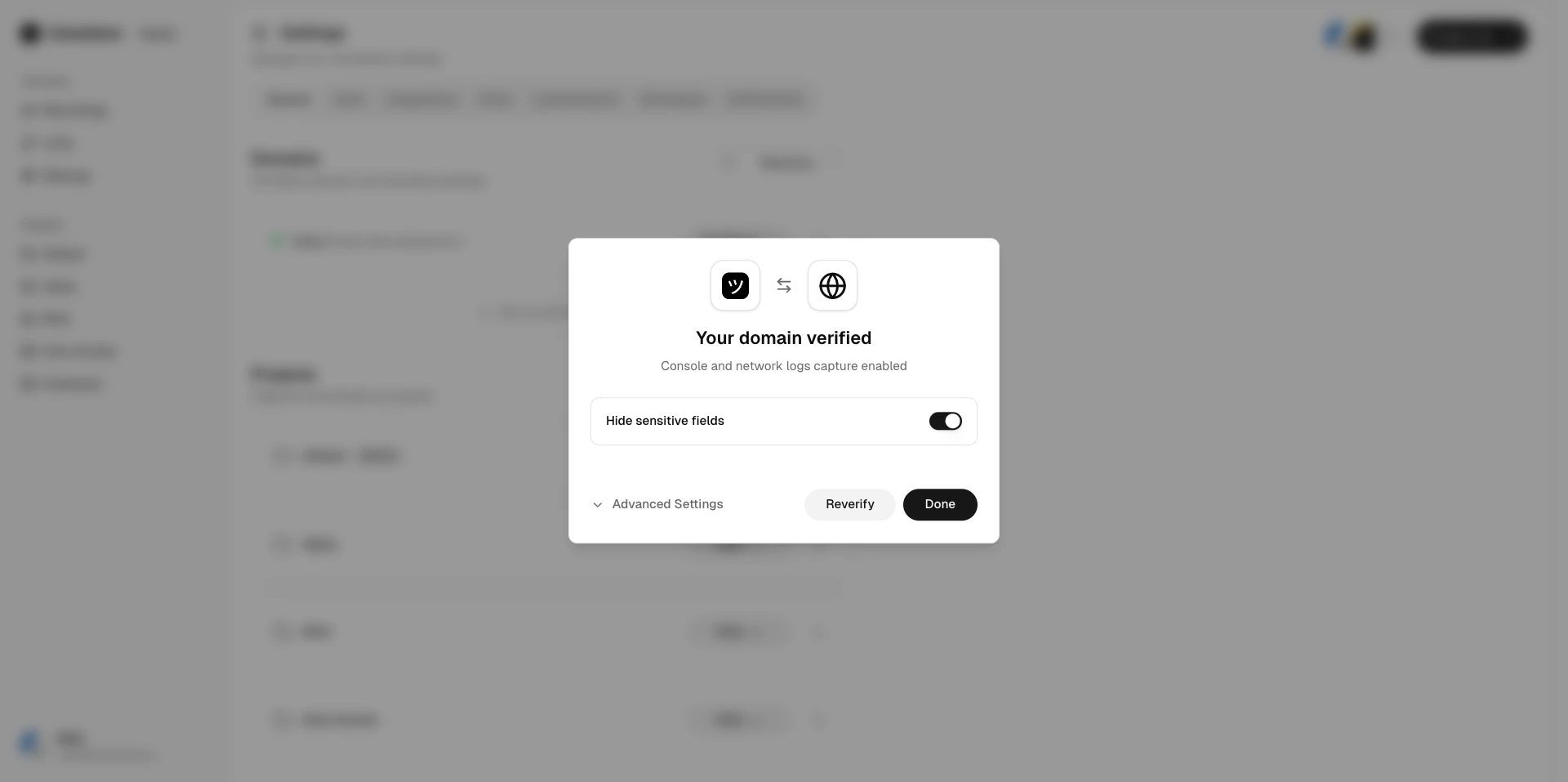
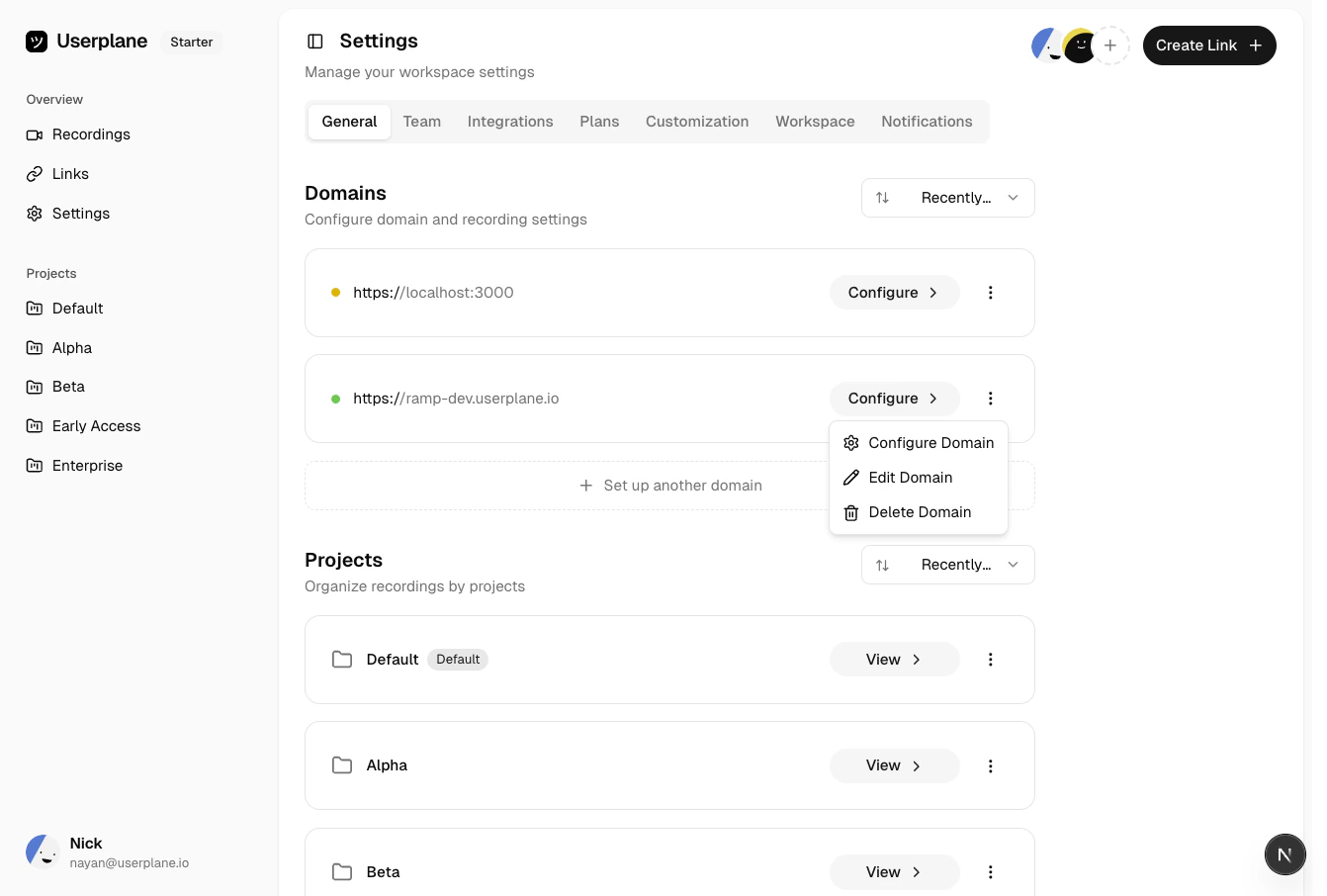
Select a domain to view its details, trigger re-verification, or delete it.
Domain actions menu
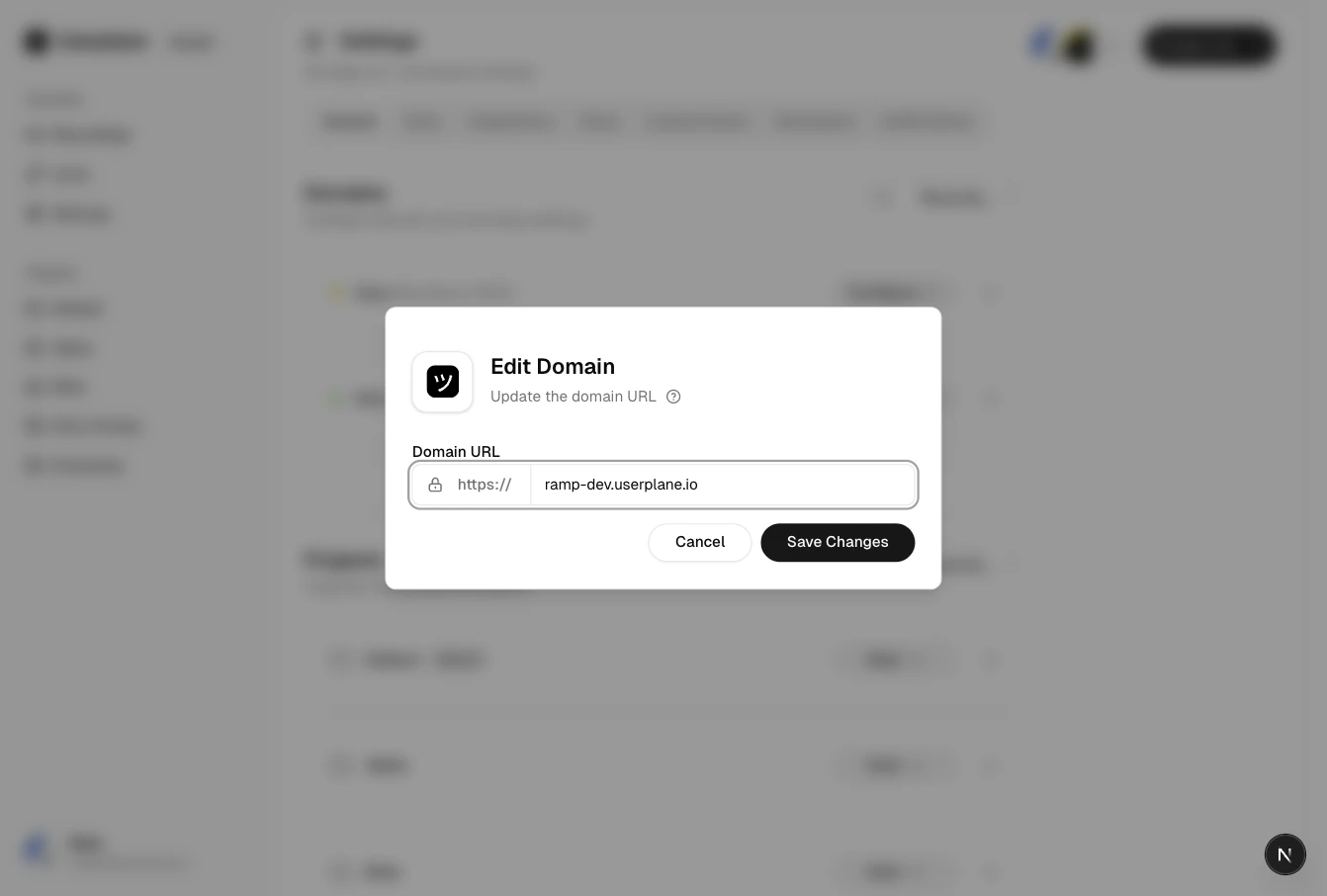
Edit domain
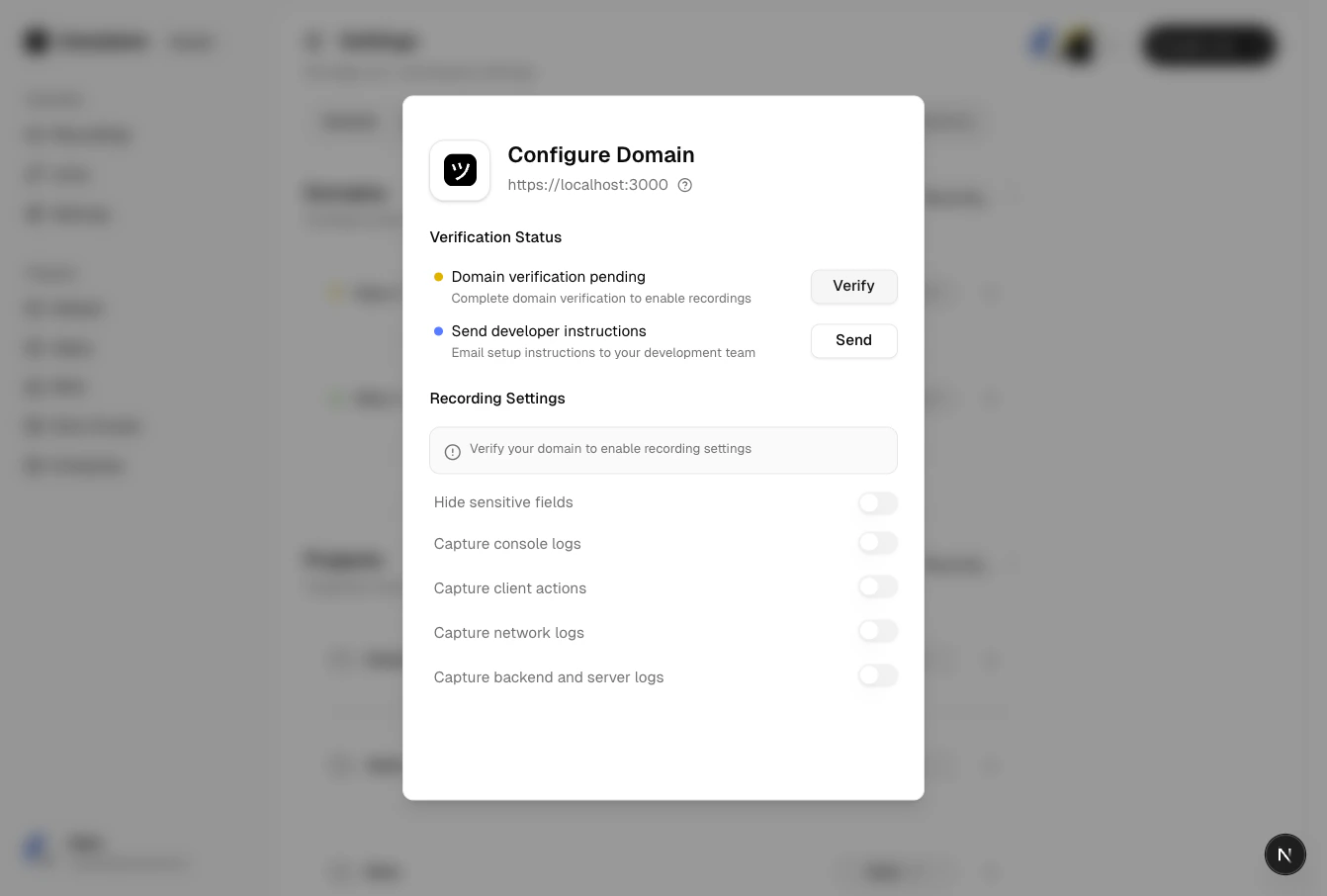
Verified domain configuration
Deleting a domain removes it from your workspace. Existing recording links that use this domain
will no longer be branded, but the links and recordings themselves are preserved.