Each verified domain in your workspace can have its own recording preferences. These settings control what data is captured alongside the video when a customer records on that domain.

Available preferences

PreferenceDescription
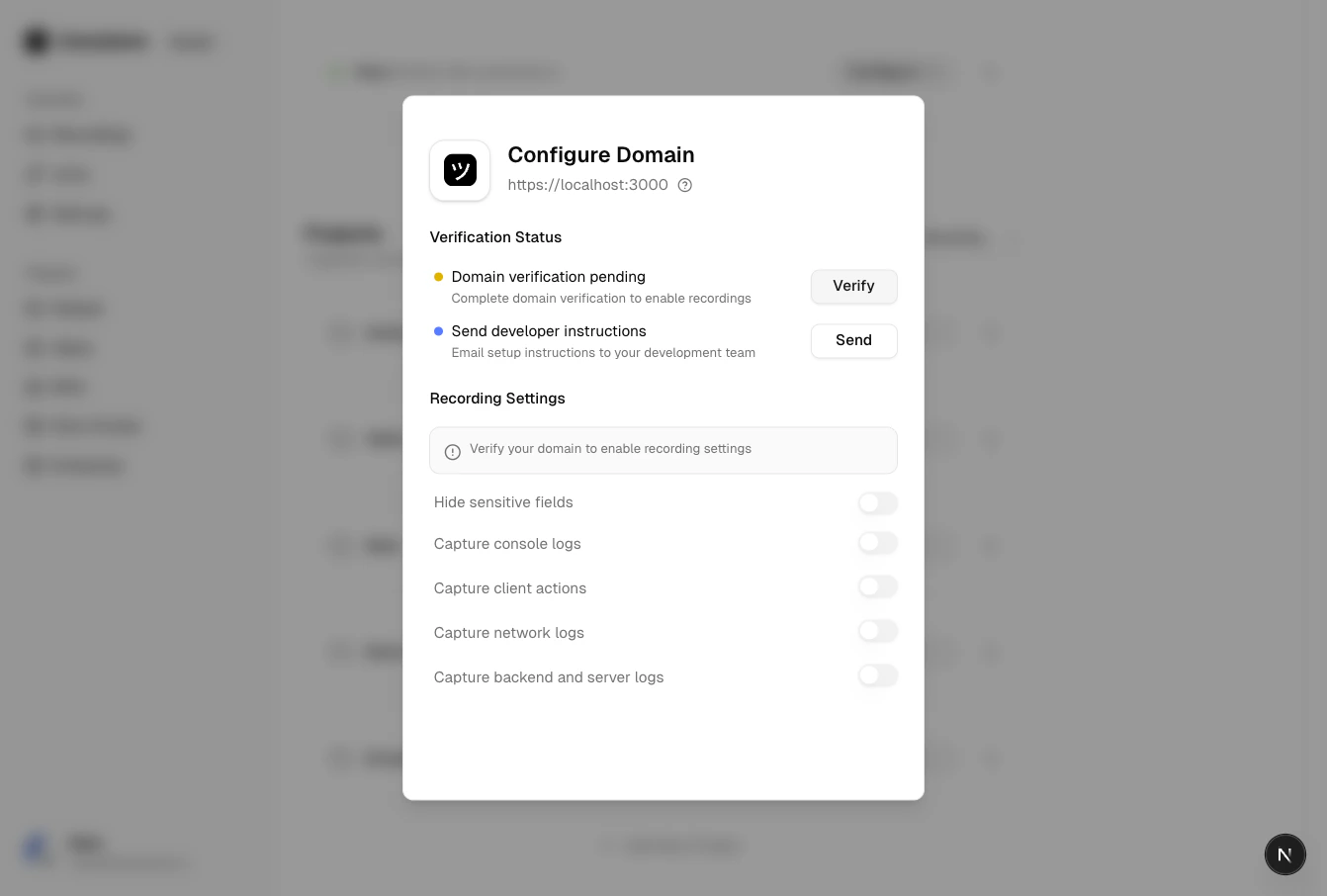
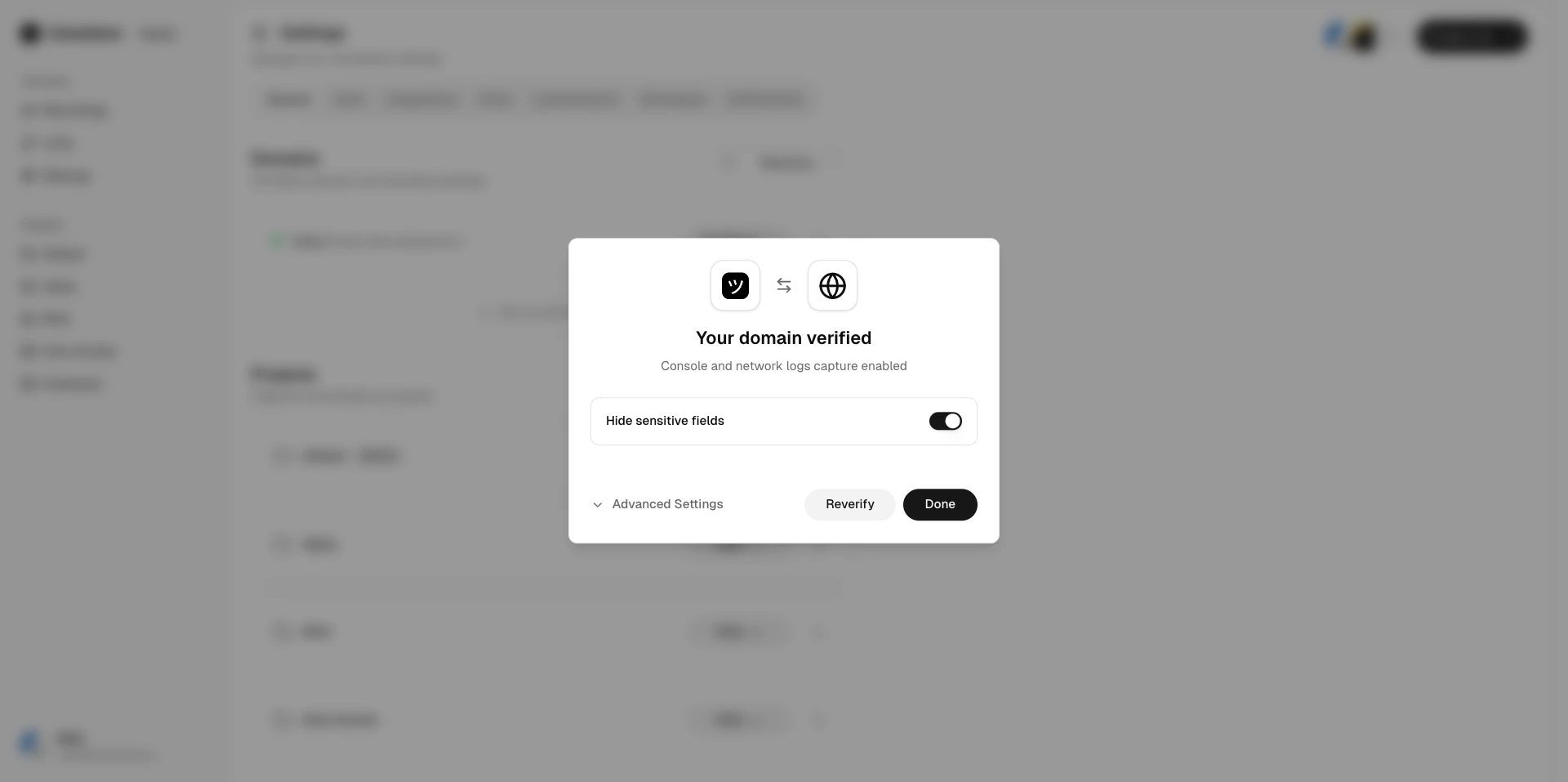
Hide sensitive fieldsAutomatically blur sensitive form fields and inputs during recording. See Sensitive Data Redaction.
Capture console logsRecord browser console output (errors, warnings, messages).
Capture client actionsRecord user interactions (clicks, inputs, navigation).
Capture network logsRecord HTTP requests and responses (URLs, status codes, timing).
Capture backend logsRecord server-side logs forwarded during the session.
Capture voice and device audioRecord the user’s voice and device system audio alongside the video.

Configuring preferences

1

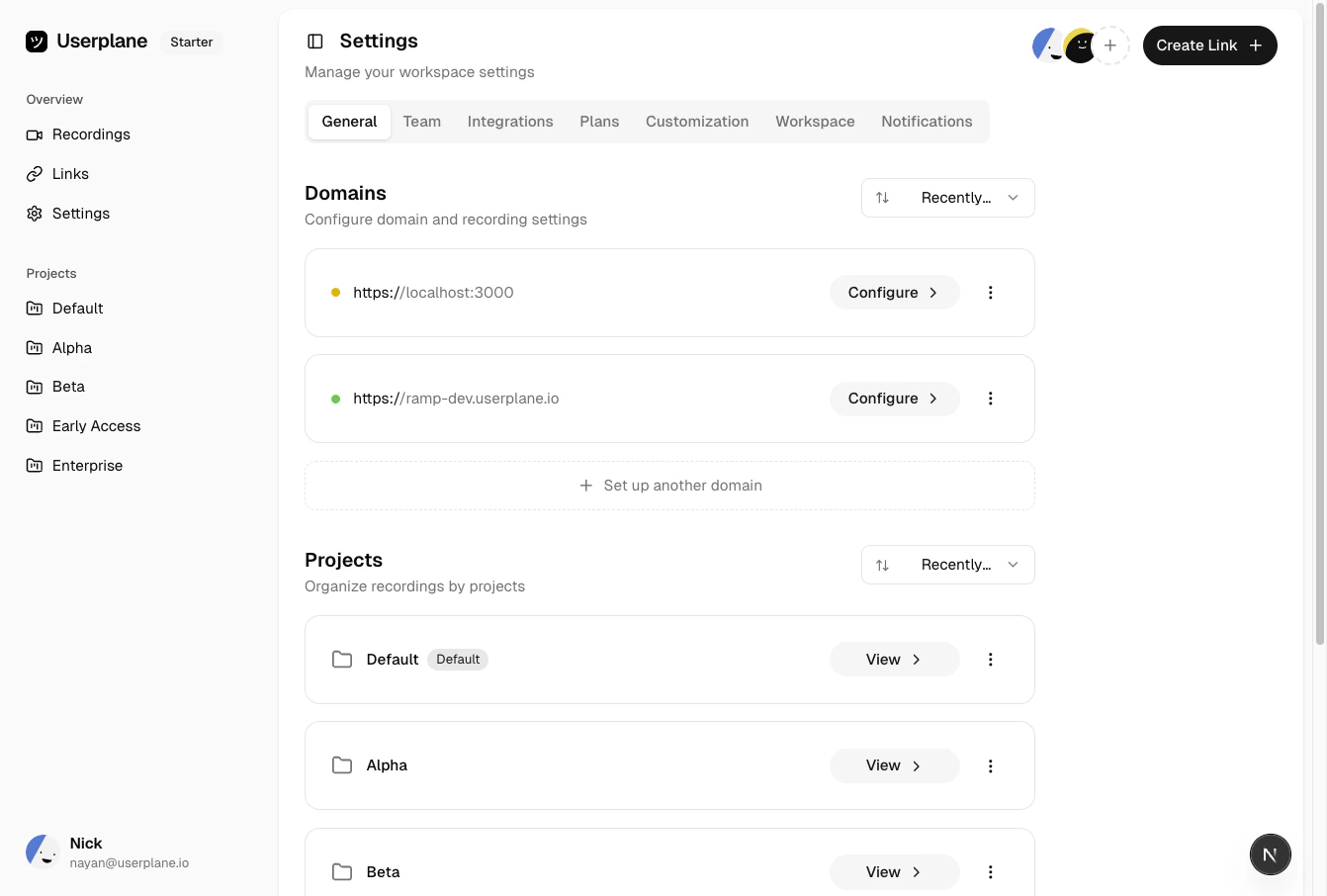
Open Domain settings

2

Select a verified domain

Select a verified domain.
3

Toggle preferences

Toggle the preferences you want to enable or disable. Changes take effect immediately for new recordings.

Requirements

Domain recording preferences are only available for verified domains. If a domain is in pending or revoked status, you must complete domain verification first.

Defaults

All capture preferences are enabled by default when a domain is first verified, except voice and device audio capture, which is disabled by default. You can toggle any preference to match your use case.