

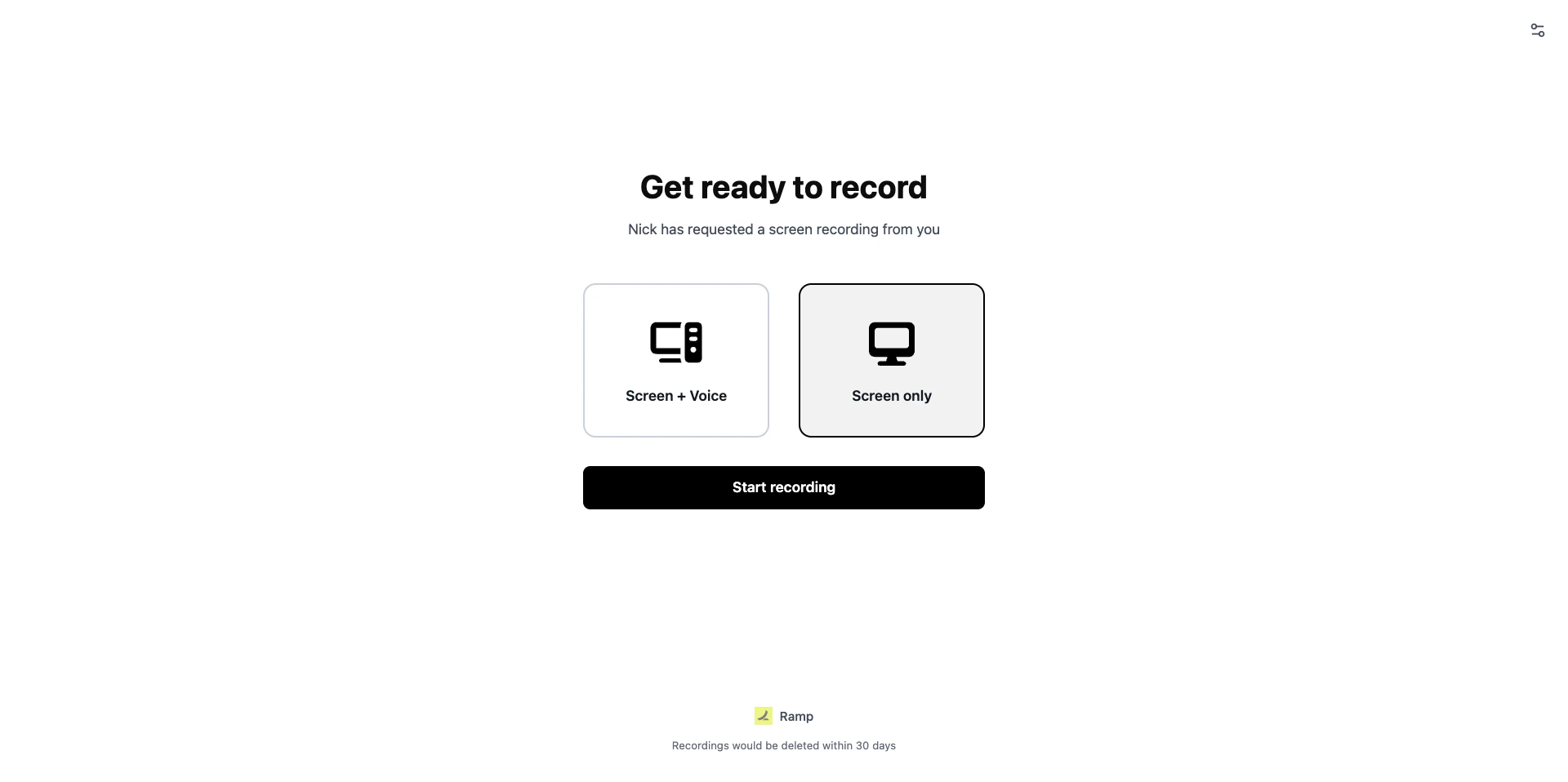
Branded recording page
Branding settings
Go to Workspace Settings > Recording Customization to configure branding. The following fields are available: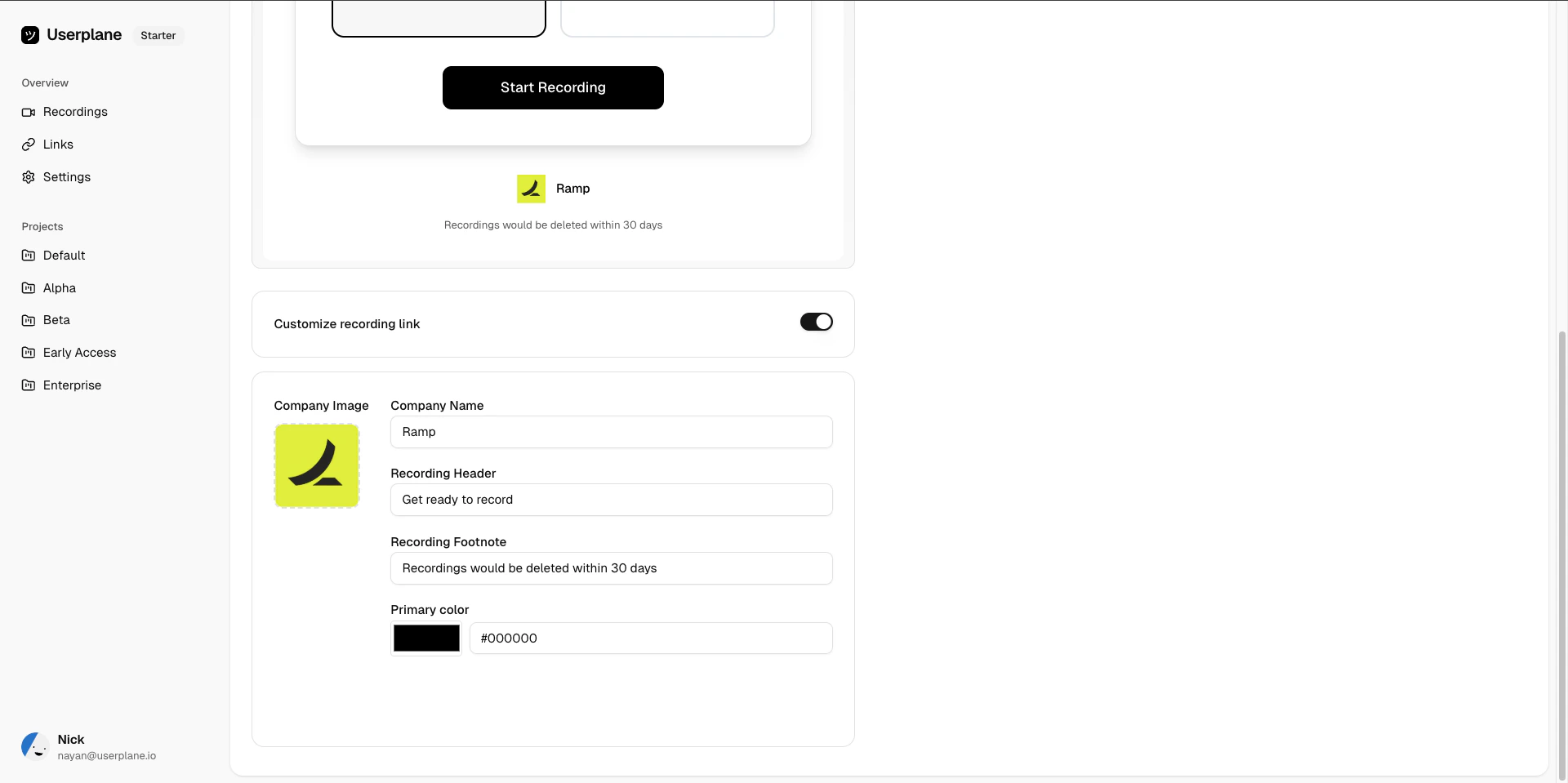
Branding settings
Enable or disable branding
Toggle the Customize recording link switch to enable or disable branding. When disabled, recording pages use default Userplane branding (company name “Userplane”, header “Get ready to record”, black primary color).Preview
After making changes, use the preview to see how the recording page will look to your customers before saving.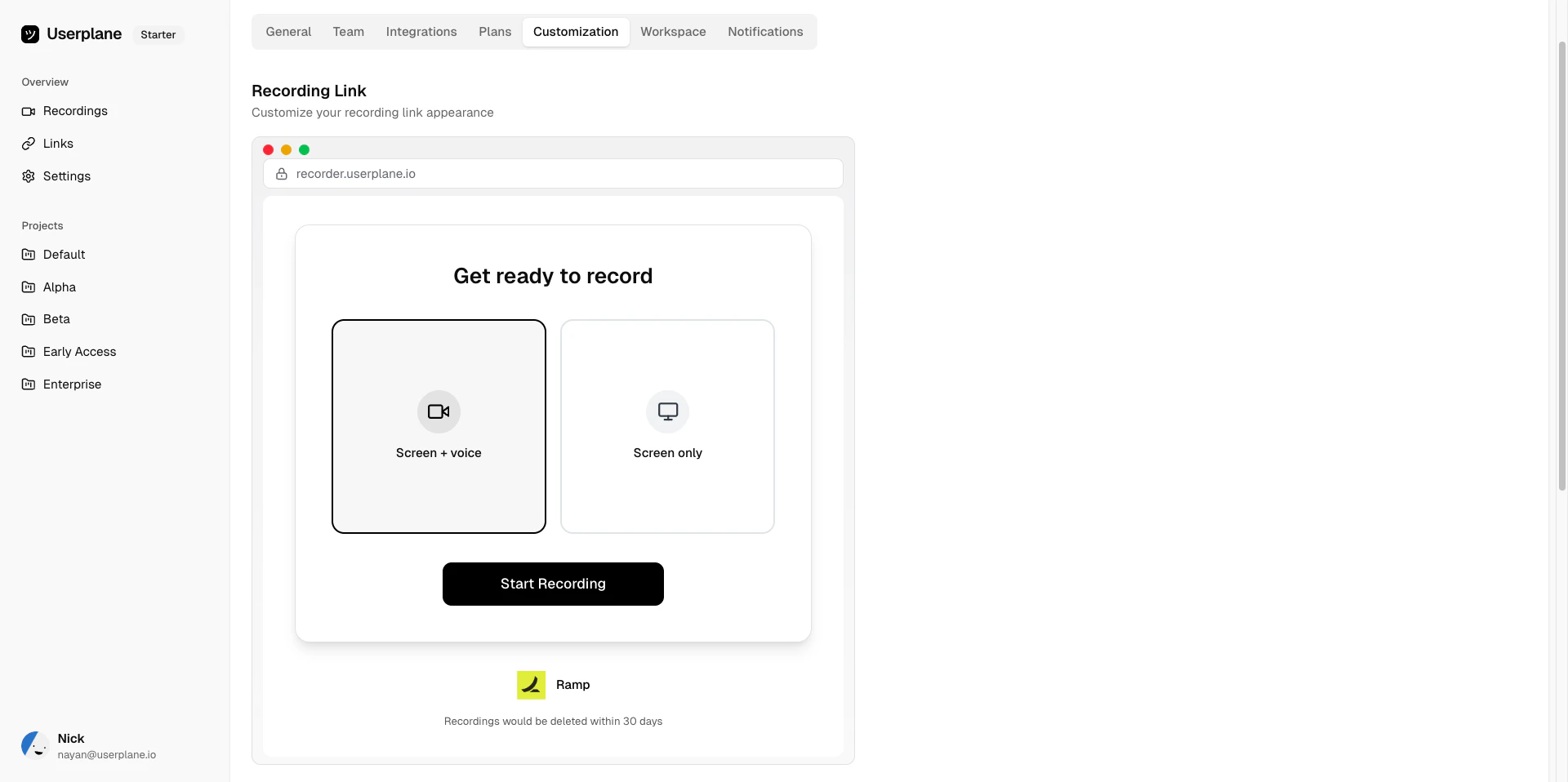
Branding preview
Defaults
Related articles
- Customizing Recording Links — overview of all customization options.
- Domain Recording Preferences — control what data gets captured per domain.