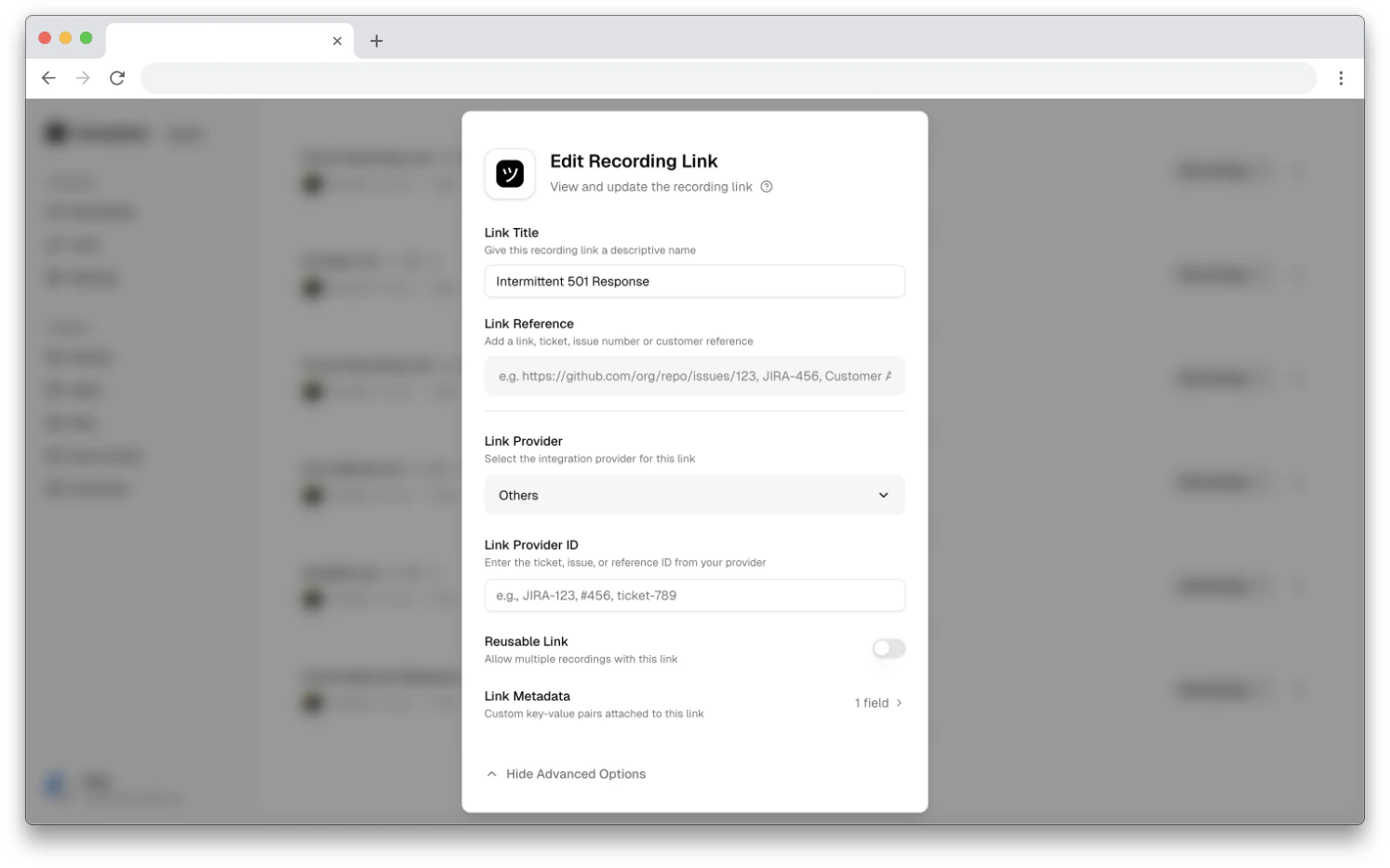
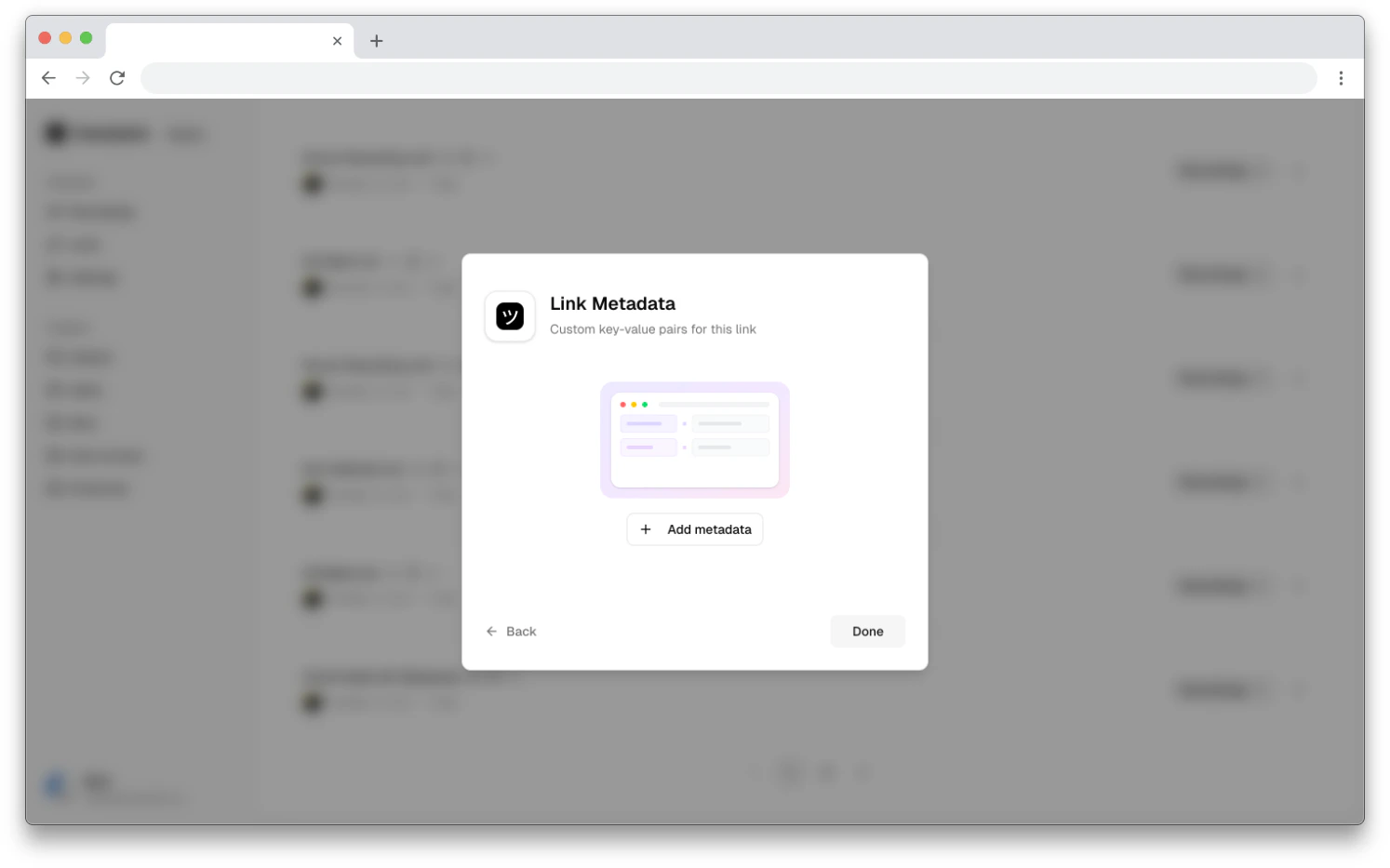
Attach custom key-value pairs to recording links for tracking and organization
Link metadata lets you attach multiple structured key-value properties to a recording link. Unlike the link reference, which is a single free-form field for a URL, ticket number, or note, metadata gives you up to seven custom fields with named keys — useful for tagging links with customer account details, agent info, team names, or tenant identifiers.Link metadata is also a no-config alternative to developer-provided recording metadata. While the Metadata SDK attaches data at recording time and requires developer setup, link metadata is set directly from the dashboard — no code or SDK configuration needed.
Customer and account context — attach customer name, account ID, team, or tenant details so every recording captured through the link carries that context automatically.
Reusable links with consistent metadata — for reusable links shared across help docs, macros, or templates, metadata stays the same across all recordings captured through that link.
No developer access needed — support teams can add structured metadata from the dashboard without waiting for developers to configure the SDK.
Metadata before the recording — link metadata is set when the link is created or edited, before any recording happens. This is useful when you want context attached upfront rather than at runtime.